
Your NAS usually doesn't fail because the box is bad. It fails because the advice around it is fragmented. One forum thread talks about RAID, another talks about Docker, another argues about switch uplinks, and none of them answers the core business question: will this design still work when the office moves, the broadband changes, a camera system gets added, or a ransomware incident hits shared storage?
That's why a good network attached storage forum matters. The best communities don't just solve a disk alert or explain SMB tuning. They expose the trade-offs between appliance NAS, DIY builds, backup design, remote access, surveillance storage, and the network underneath it all. They also help you spot bad advice before it reaches production.
If you're using NAS as part of a wider resilience plan, it also helps to understand different types of data protection. RAID is uptime. Backup is recovery. Forums often blur the two, and that's where expensive mistakes start.
The list below gets straight to the communities worth your time, then shows how to use them properly. For UK teams, that matters even more. NAS has moved well beyond a home-office topic and into mainstream infrastructure discussions around resilience, hardening, patching, MFA, and backup separation, which lines up with the way UK organisations now treat networked storage as a security-sensitive endpoint rather than a simple file share, as noted in this NAS buying guide discussion context.
1. Synology Community
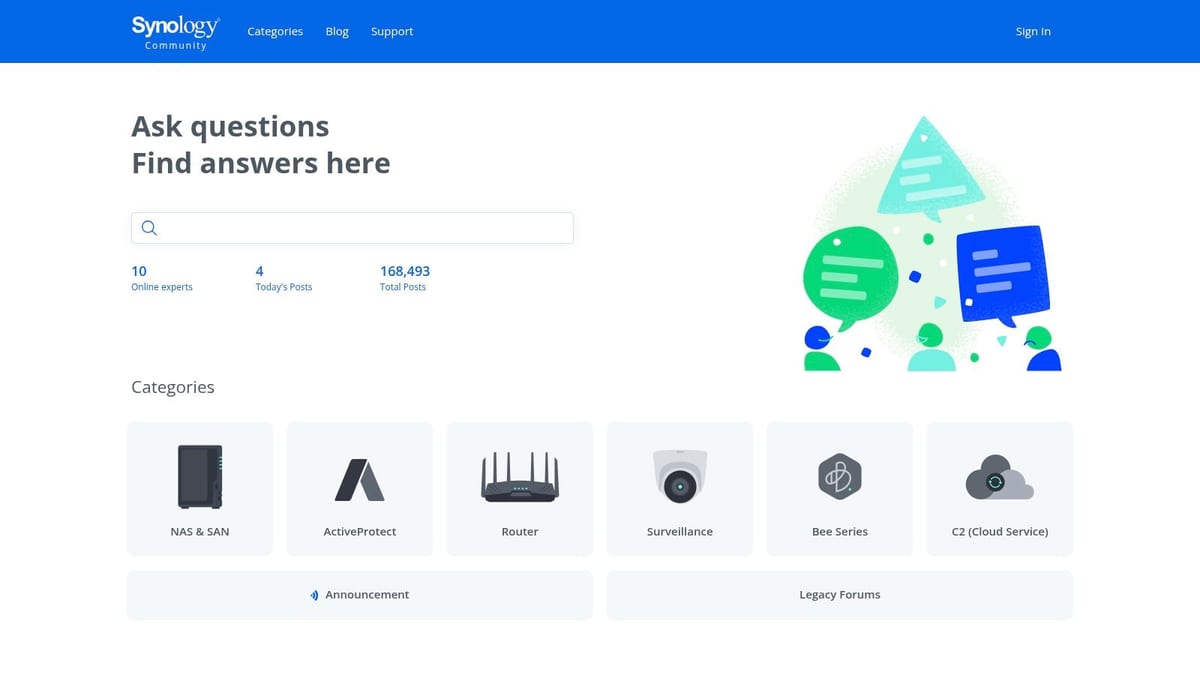
The Synology Community is the first stop if you run DSM in production or you're standardising on Synology across multiple sites. It's one of the few places where app-specific questions, firmware behaviour, backup workflows, and surveillance use cases all sit close together.
That matters in practice because many SMEs don't buy a NAS just for file shares. They use it for backups, CCTV retention, cloud sync, user home folders, and sometimes light virtualisation. Synology's own forum reflects that mixed-use reality better than most general tech forums.
Where it helps most
If you're dealing with DSM permissions, Hyper Backup, Active Backup, Synology Drive, or Surveillance Station, the archive depth is strong. There's also practical value in reading release and beta discussions before touching production firmware.
For surveillance work, pairing forum advice with a proper operational view helps. Synology users who are building around cameras and retention policies should also look at Synology Surveillance Station deployment considerations.
Practical rule: Use the official forum for DSM behaviour, app quirks, and upgrade risk. Use a vendor-neutral forum if you're still deciding whether Synology is the right platform at all.
The main weakness is obvious. It's brand-specific. If your real issue is poor switch design, weak Wi-Fi backhaul, or the wrong backup architecture, the discussion can stay too narrow and keep you inside the Synology ecosystem when you need a wider design review.
2. QNAP Community
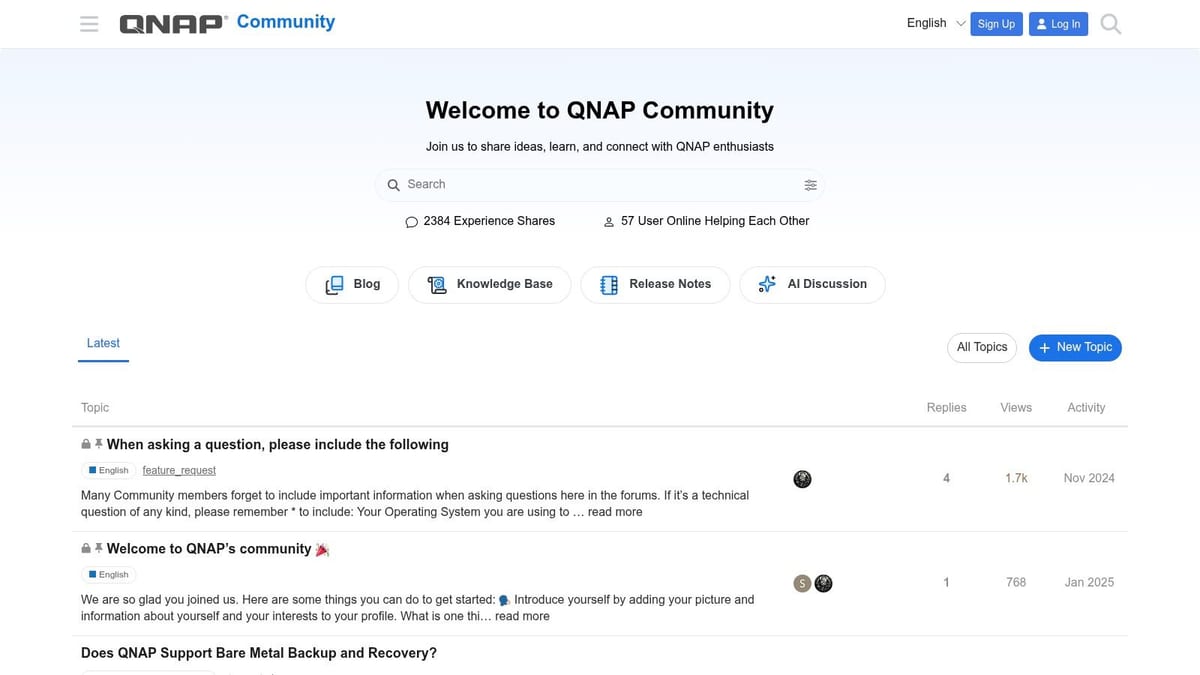
Need to work out whether a QNAP box is the right place for file shares, containers, surveillance, backups, and remote access all at once? The QNAP Community is one of the better forums for that kind of real-world question, because QNAP owners often push these systems beyond basic NAS duty.
That gives the forum a different character from simpler brand communities. You will find model-specific threads on QTS and QuTS behaviour, virtualisation limits, app compatibility, multi-gig networking, storage pools, and recovery steps after a failed update. For admins who already own the hardware, that detail is often more useful than vendor feature tables.
Best use case
Use QNAP's forum when the platform decision is already made and the job is to configure it safely, tune it, or recover from a bad change. It is especially useful for checking how a firmware release behaves on a specific model, which apps are stable in production, and where other admins have hit limits with snapshots, VMs, or container workloads.
Security discussions matter here more than in many NAS forums. QNAP devices have been frequent targets when exposed poorly, and the forum makes more sense if you read it with a hardening mindset. CISA has published multiple advisories covering QNAP vulnerabilities and the need for prompt patching and exposure reduction in internet-accessible deployments, including this QNAP security guidance from CISA. That should shape how you use the advice you find. Treat forum fixes as operational input, then verify them against current vendor documentation and your own backup and recovery plan.
There is a clear trade-off. QNAP's flexibility is useful, but it also tempts small firms to pile too many roles onto one appliance. The forum can show you how to enable a feature. It will not always tell you when the safer answer is to separate workloads, keep the NAS off the public internet, or bring in a professional for a UK business deployment with compliance, remote users, CCTV retention, and business-critical backup requirements. At that point, stop collecting forum tabs and get someone to review the design properly.
3. TrueNAS Community Forums
The TrueNAS Community Forums are where you go when data integrity matters more than convenience. If you want blunt feedback on pool design, HBA choices, vdev layout, replication, or ZFS behaviour, this is one of the best places online.
It's not the friendliest forum for beginners, but that's part of its value. Experienced moderators and users are quick to challenge unsafe shortcuts, especially the kind that look cheap upfront and painful later.
Why storage people trust it
TrueNAS discussions usually start with fundamentals. Workload, drive layout, memory, expansion plan, backup target, restore path. That's healthier than the appliance-style conversations where people obsess over bay count and forget how recovery will work.
Good TrueNAS advice often sounds conservative. That's because storage failures punish optimism.
This forum is particularly useful if your NAS is becoming part of a wider business platform that includes virtual machines, shared file services, backups, and structured growth. It's one of the few communities where “what are you trying to protect?” is still treated as a serious design question.
The trade-off is that the culture can feel opinionated. If you want quick reassurance for a compromised design, you probably won't get it. If you want a durable answer, you often will.
4. Unraid Forums
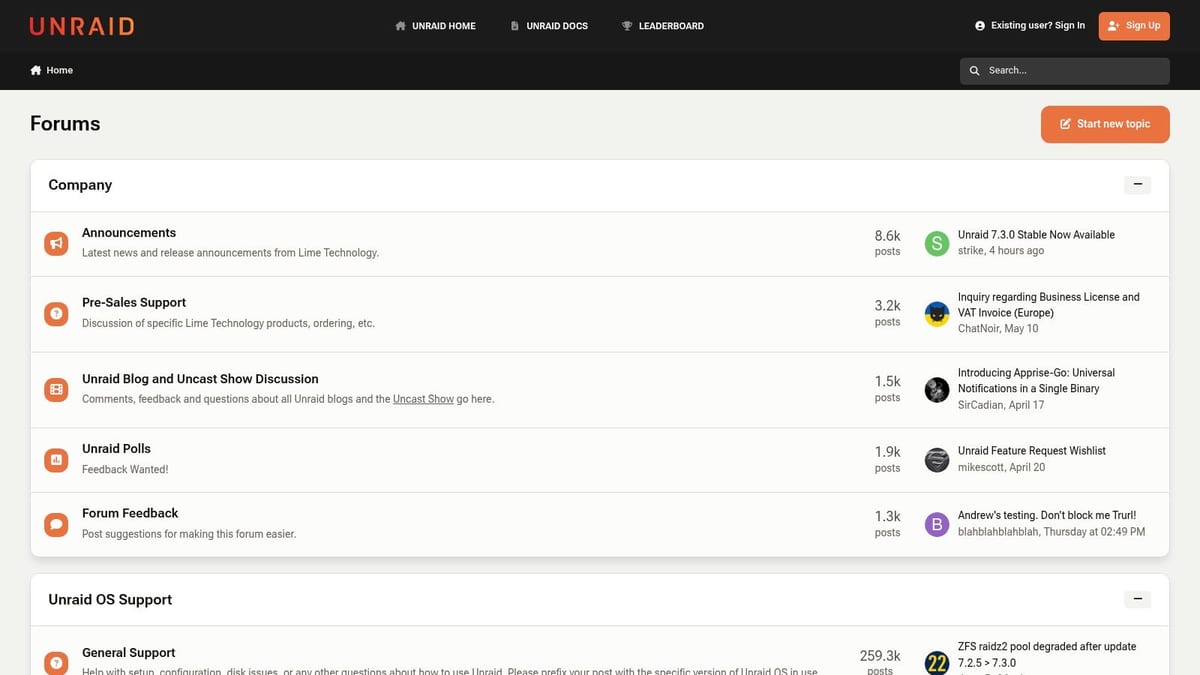
The Unraid Forums are ideal for mixed-use servers. If your environment combines file storage, media, Docker, virtual machines, and odd hardware combinations, Unraid users have probably tried something similar already.
That flexibility is why the forum attracts both homelab users and smaller businesses that want one system to do several jobs. It's strong on build guides, controller compatibility, plugins, community apps, and practical workarounds.
Where it shines and where it doesn't
Unraid is easier than a lot of DIY storage stacks when you're mixing drive sizes or building gradually. The forum reflects that. It's full of practical advice from people who've expanded arrays over time rather than replacing everything in one go.
But there's a catch. Many business users start there because they want one adaptable box. They stay there too long and end up loading too many functions onto one chassis. Storage, CCTV export, remote access, test VMs, and backups all on one server usually looks tidy on a rack diagram. Operationally, it creates a very large blast radius.
If you're evaluating Unraid for a business edge deployment, use the forum to test feasibility. Don't use it as proof that convergence is always a good idea.
5. OpenMediaVault Forum
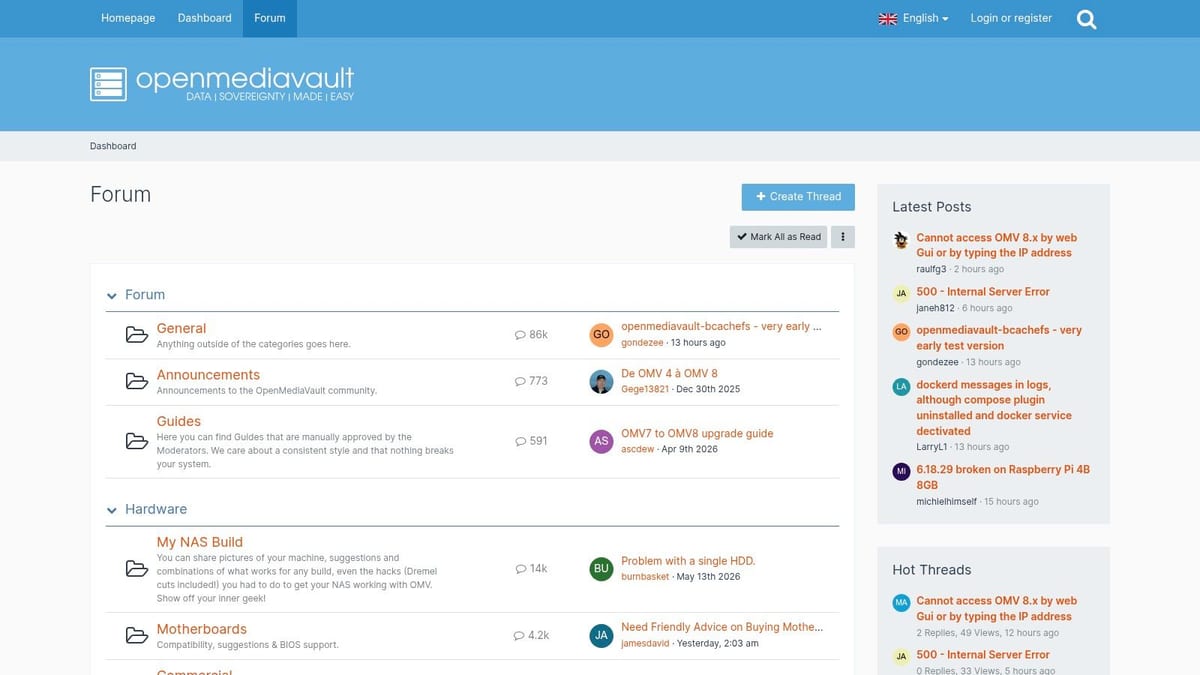
The OpenMediaVault Forum is practical, budget-conscious, and much less polished than the appliance ecosystems. That's not a criticism. It's exactly why many admins still use it.
If you're repurposing hardware, building a simple file server, or creating a low-cost backup target, OMV's forum is often more honest than communities built around premium appliances. You'll find real troubleshooting, not just feature comparisons.
Best for hands-on admins
The forum is strongest when you're comfortable doing some manual work. Debian underpinnings, plugin choices, Docker discussions, network setup, and upgrade paths come up constantly. The advice tends to come from people who've had to fix their own mistakes.
A lot of UK small-office projects start with this kind of thinking. Reuse what you already have. Keep capex under control. Add backup and shared storage without overbuilding. That can work. It just needs discipline around supportability, power quality, and documentation.
OMV is a good fit for non-mission-critical roles such as a secondary backup target, a lab platform, or edge storage where simplicity beats feature sprawl. It's a poor fit if nobody on site can own Linux-based maintenance when things drift.
6. SNBForums
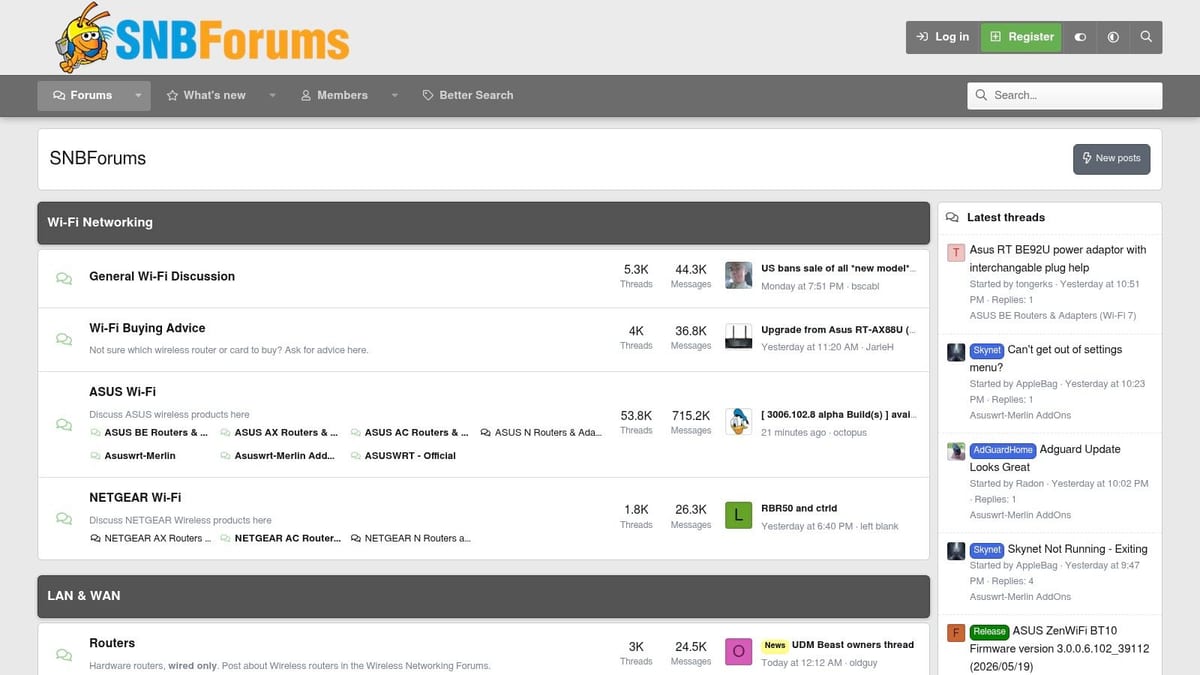
A lot of NAS problems aren't NAS problems. They're switching problems, wireless design problems, uplink problems, or poor segmentation. That's where SNBForums earns its place.
It's one of the best vendor-neutral communities for working out why performance looks wrong end to end. If users complain that file transfers stall, backups overrun, or a NAS upgrade “did nothing”, this forum often gets closer to the cause than a brand forum will.
Why network context matters
UK business buyers increasingly treat 10 GbE as a practical upgrade point in office moves and server-room refreshes, and NAS is now discussed as part of wider LAN design rather than a standalone box, as reflected in this history and discussion of NAS in modern network design. SNBForums is good at forcing that conversation early.
If you're planning a faster core, better uplinks, or proper segmentation for backup traffic, it pairs well with broader guidance on choosing the best network access storage setup.
Don't post “my NAS is slow” until you've mapped the path from client to switch to uplink to storage and back again.
The weakness is app depth. If you need to know why a specific Synology package broke after a DSM update, SNBForums isn't the place. If you need to know whether your NAS can ever outperform your current switching and Wi-Fi design, it absolutely is.
7. ServeTheHome Forums
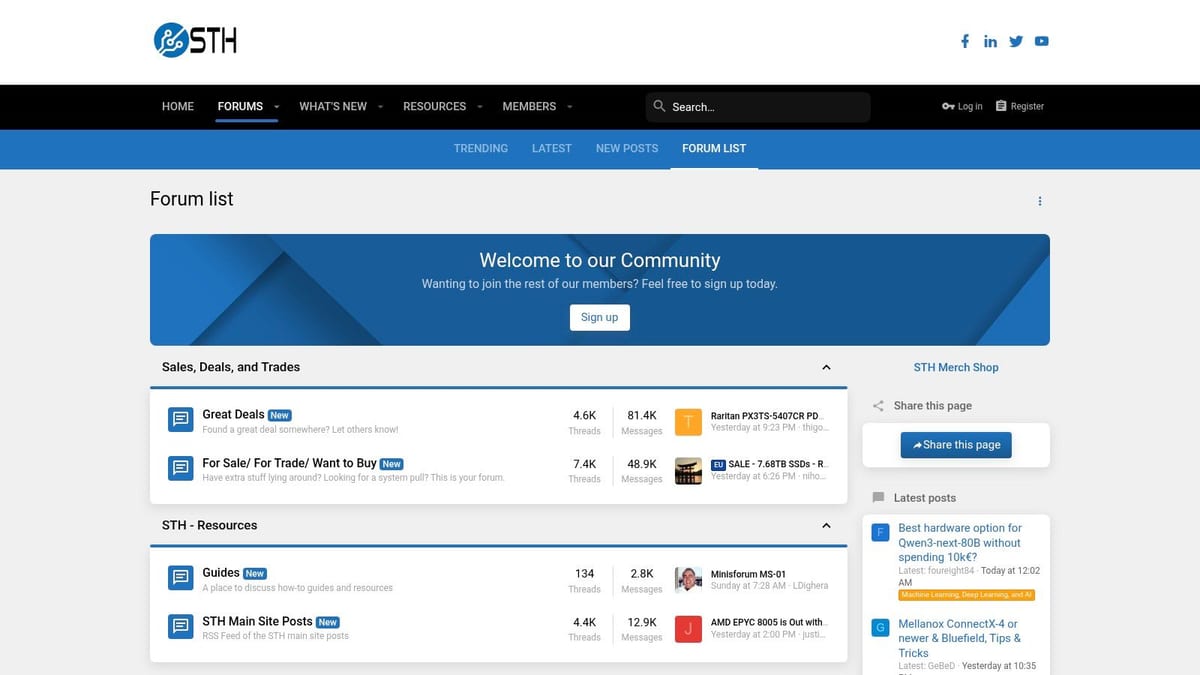
The ServeTheHome Forums sit in the gap between enthusiast and enterprise. That makes them unusually useful for IT managers who are moving beyond desktop NAS and into rackmount storage, denser compute, or more serious backup repositories.
The quality of discussion is strongest when hardware matters. HBAs, expanders, JBODs, lane allocation, airflow, used enterprise kit, and practical rack design all get discussed by people who've built and run this gear.
Strong for migration planning
If you're replacing a small appliance NAS with a larger storage platform, ServeTheHome is often where the blind spots show up. Controller choice, PSU quality, acoustic impact, rack depth, SAS compatibility, and boot device strategy tend to surface quickly.
That's also why it's a useful place to sharpen your understanding of SATA versus SAS in business storage planning. A lot of buyers frame that as a drive question when it's really a resilience, compatibility, and expansion question.
For UK businesses, this forum is especially useful in projects where NAS touches broader infrastructure. Office fit-outs, data-room refreshes, high-capacity CCTV retention, and virtualisation storage all pull you into server-grade decisions fast. Community input can help, but it won't replace physical surveys, rack power design, cooling checks, and installation planning.
8. AVForums Networking and NAS
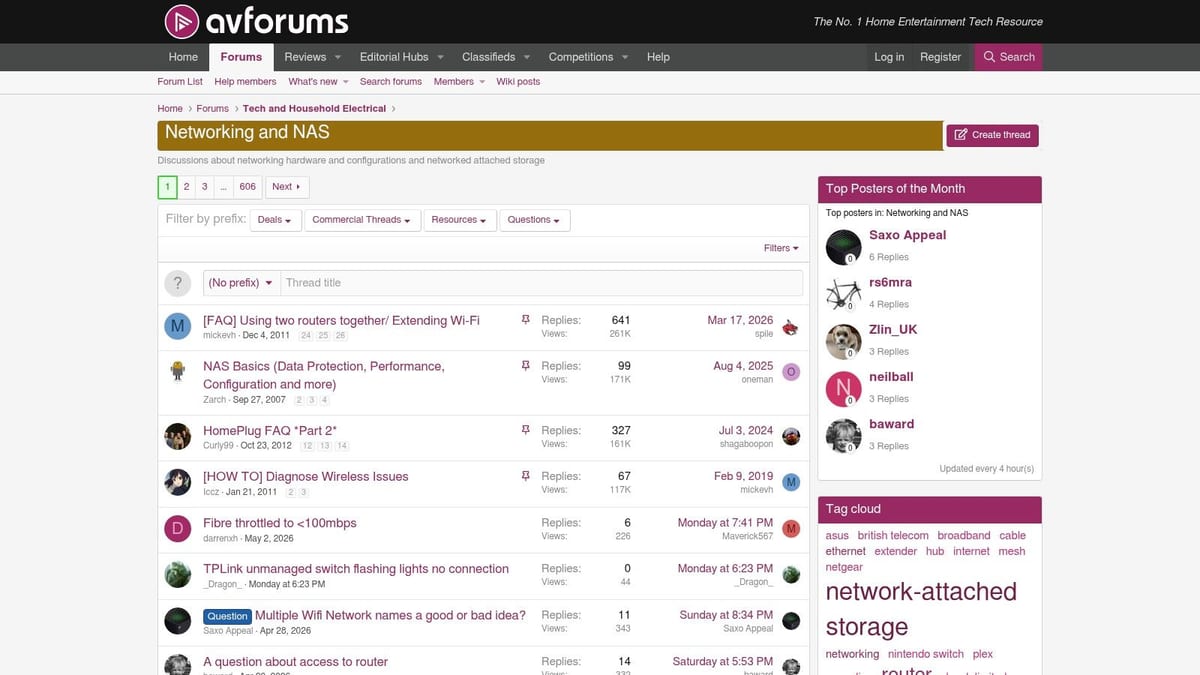
For UK-specific context, AVForums Networking & NAS is one of the most useful starting points. You'll get advice shaped by actual UK ISP behaviour, consumer-router limitations, wiring realities, and product availability.
That local context matters more than many buyers expect. A clean NAS design on paper can still perform badly if the office has inherited poor cabling, weak Wi-Fi coverage, awkward remote-access requirements, or consumer-grade switching left over from a previous fit-out.
Better than global forums for local constraints
AVForums isn't as deep as TrueNAS or ServeTheHome on enterprise storage design. It is often better for practical UK questions such as whether a given ISP setup will complicate access, whether a prosumer switch is enough for a small site, or whether a modest NAS will keep up with a media-heavy office.
It's also a good forum for testing whether your use case is really “NAS as primary storage” or something else. In many office moves, the better answer is a smaller on-prem unit used as edge cache, backup target, or transitional platform while cloud collaboration matures. That kind of trade-off comes up often in UK discussions around changing office estates and secure access, which aligns with this small-server forum thread used to frame the UK cloud versus NAS question.
Older threads can linger, so date-check everything. Router advice in particular ages quickly.
9. Overclockers UK Forums
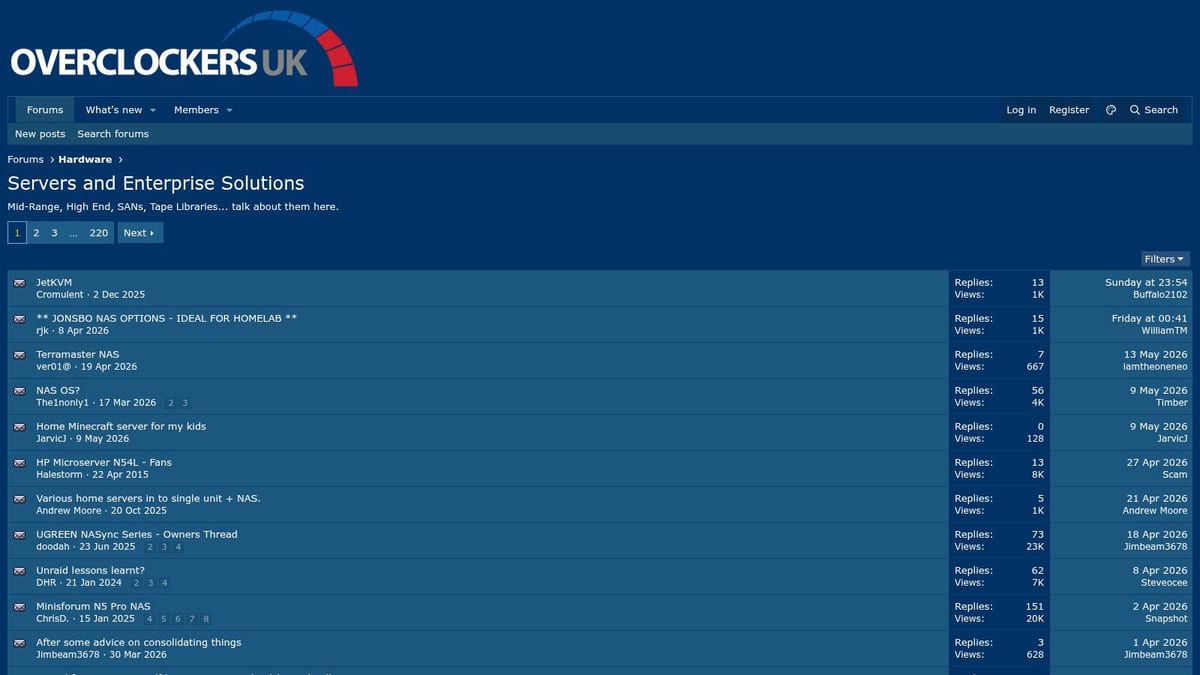
Overclockers UK Forums are useful when the question is practical rather than doctrinal. What parts can you buy in the UK right now? What are people using for a small office build? Which components have behaved well locally?
That grounded tone is valuable. Some NAS communities lean hard into purity. Overclockers UK leans into “what will work without making your life harder next month?”
Useful for builders and upgraders
You'll find decent discussion around home servers, prosumer storage, UPS choices, low-noise components, and small-office builds. It also helps when you need a second opinion on whether a DIY route is still sensible once you add warranty, recovery time, and support burden to the equation.
One reason this matters is that NAS demand isn't being driven only by home use. Market commentary cited in a UK supplier summary describes a forecast from USD 34.5 billion in 2024 to USD 136.4 billion by 2034 at a 17.1% CAGR, while also noting that on-premise NAS still accounted for over 55% of the market in 2024 and North America held over 35% share, with Asia-Pacific the fastest-growing region, according to Global Market Insights NAS market analysis. For UK buyers, that matches what forums like this reveal in practice. A lot of deployments are refresh and upgrade decisions, not first-time experiments.
The forum is less structured than official communities, so advice quality varies. Treat it as a sense check, not a design authority.
10. NETGEAR ReadyNAS Community
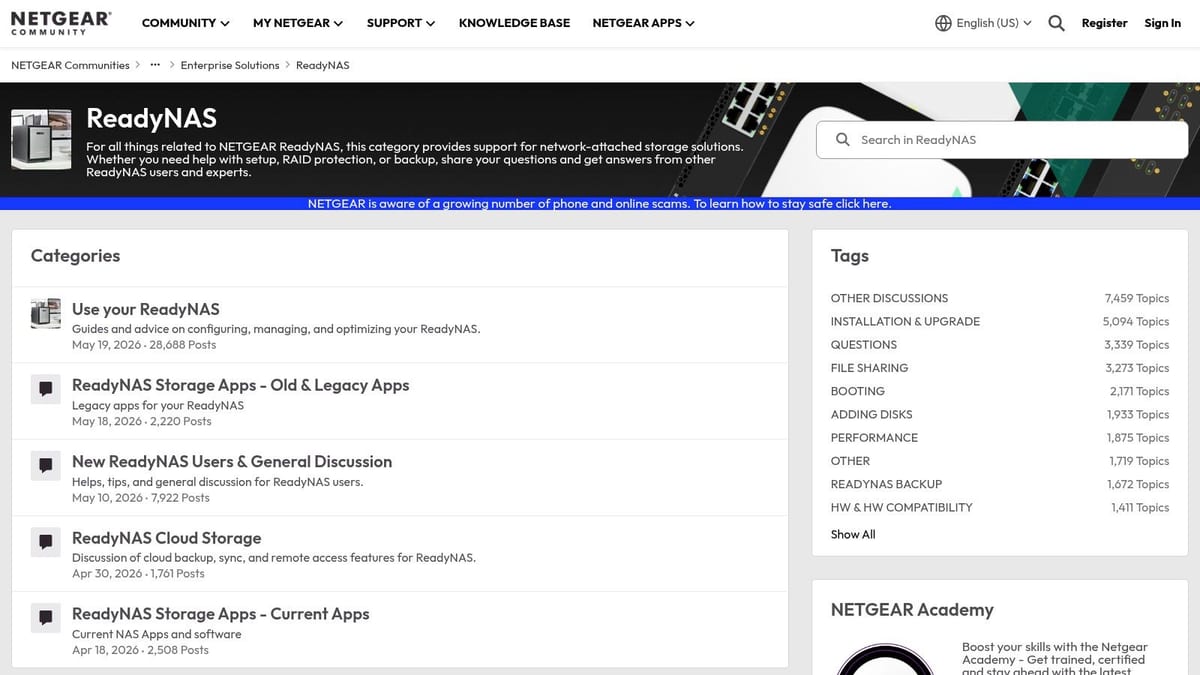
If you still have ReadyNAS in service, the NETGEAR ReadyNAS Community matters more than you might think. Legacy NAS estates tend to survive unobtrusively in branch offices, plant rooms, reception cupboards, and small businesses long after formal standards have moved on.
That means migration is often the actual topic, not optimisation. The value here is in archived threads around recovery, firmware paths, old app behaviour, and practical exit strategies.
A forum for retirement planning
This isn't where you go for modern NAS strategy. It's where you go when you've discovered an older box that still holds something important and needs to be stabilised, copied off, or replaced without panic.
For SMEs, that's common. Legacy storage often sits behind CCTV exports, old department shares, or line-of-business archives that nobody wants to touch until there's a problem. The ReadyNAS forum can help you bridge from “we found it” to “we have a migration path”.
If a legacy NAS is still business-critical, stop treating it like a forum hobby project and start treating it like production risk.
Use the archive, but be realistic. If the platform is now a dependency for core operations, the right next step usually isn't another forum thread. It's a planned replacement.
Top 10 NAS Forums Comparison
| Community | Core focus & features | Quality (Activity) ★ | Value / Cost 💰 | Target audience 👥 | Unique strengths ✨🏆 |
|---|---|---|---|---|---|
| Synology Community (official) | Vendor-run NAS & SAN, DSM apps, product announcements, searchable archives | ★★★★ | 💰 Free; direct vendor insight & roadmap | 👥 Synology admins, SMBs, integrators | ✨ Official DSM/beta info; 🏆 large active user base |
| QNAP Community (official) | Model-specific threads, firmware, apps, containers/VMs, vendor moderation | ★★★★ | 💰 Free; strong model-tuning guidance | 👥 QNAP users, virtualization/app admins | ✨ Deep firmware & VM help; 🏆 quick app responses |
| TrueNAS Community Forums (official) | CORE/SCALE, ZFS tuning, replication, hardware selection, expert how‑tos | ★★★★★ | 💰 Free; high-value for resilient storage design | 👥 Storage admins, enterprises, datacentre planners | ✨ ZFS/replication expertise; 🏆 trusted best practices |
| Unraid Forums (official) | NAS + Docker/VMs, build guides, plugins, hardware compatibility | ★★★★ | 💰 Free forum; Unraid OS licensed per server | 👥 Homelabers, SMBs, DIY mixed-use deployments | ✨ Excellent mixed NAS+VM guidance; 🏆 friendly on-ramp |
| OpenMediaVault Forum (official) | Debian-based NAS OS, build logs, Docker, step-by-step troubleshooting | ★★★ | 💰 Free & open-source; great for budget DIY builds | 👥 DIY builders, budget SMBs, hobbyists | ✨ Official support link; practical guides |
| SNBForums (SmallNetBuilder) | Vendor-neutral NAS selection, network bottlenecks, throughput testing | ★★★★ | 💰 Free; ideal for cross-vendor and network issues | 👥 Network engineers, integrators, decision-makers | ✨ Neutral comparisons & throughput resources; 🏆 network expertise |
| ServeTheHome Forums | Pro/enterprise servers, rackmount builds, HBAs, tuning, parts sourcing | ★★★★★ | 💰 Free; high value for enterprise planning & sourcing | 👥 IT managers, datacentre builders, pros | ✨ Enterprise-grade build threads; 🏆 deep infra advice |
| AVForums – Networking & NAS (UK) | UK ISP/router context, Plex, mesh+NAS, local availability/pricing | ★★★ | 💰 Free; UK-specific buying & setup advice | 👥 UK hobbyists, home users, SMBs | ✨ Local UK context & pricing insights |
| Overclockers UK Forums – Servers & Enterprise Solutions | UK hardware availability, DIY NAS specs, networking, power & UPS | ★★★ | 💰 Free; pragmatic parts-sourcing & RMA tips | 👥 UK builders, prosumers, small offices | ✨ Retailer/RMA advice; 🏆 UK-centric procurement help |
| NETGEAR ReadyNAS Community (official) | Legacy ReadyNAS support, migration, recovery, OS6 archives | ★★★ | 💰 Free; essential for sustaining legacy fleets | 👥 SMEs with ReadyNAS, migration teams | ✨ Strong migration/recovery archives; 🏆 legacy troubleshooting |
From Community Sourcing to Professional Solutions
What do you do after a forum thread gives you five different answers and two of them involve commands that can damage a live array? Use forums as a decision aid, not as a substitute for design, testing, and accountability.
The teams that get good results from NAS forums ask better questions. A vague post about "slow transfers" usually gets generic guesses. A useful post states the business goal, the current bottleneck, the exact hardware path, the software versions involved, and what changed before the fault appeared. That is how you get replies from people who have seen the same failure.
A good post usually includes:
- The outcome you need: faster backups, better recovery points, platform migration, CCTV retention, secure remote access, or lower power use.
- The full hardware path: NAS model, drive models, RAID or pool layout, RAM, NICs, switch, firewall, UPS, and any USB or HBA devices.
- Software detail: DSM, QTS, TrueNAS CORE or SCALE, Unraid version, plugins, containers, hypervisor, and client OS.
- A precise fault description: what changed, what you expected, what happened instead, and the exact error text.
- What you already tested: SMART checks, cable swaps, interface counters, rebuild status, logs, and rollback attempts.
That level of detail saves time.
It also makes bad advice easier to spot. Before you run any fix that touches disks, pools, permissions, snapshots, replication, or encryption, check whether experienced members agree on the diagnosis. If one reply jumps straight to a destructive action and nobody else backs it up, stop and verify. Good forum use is closer to peer review than crowdsourcing.
That matters even more for business deployments in the UK. As noted earlier, cyber incidents remain common across UK organisations. In practice, that means a NAS decision is not just about capacity and throughput. It affects backup isolation, ransomware recovery, remote access exposure, and how quickly staff can get working again after an incident.
Forums are strong at product knowledge and fault isolation. They are weak at site responsibility. A community can help you compare Synology against TrueNAS, sanity-check a 10 GbE upgrade, or recover from a failed pool import. It cannot survey your comms room, sign off electrical work, validate fire stopping, confirm CCTV retention against operational needs, or own the consequences if the design fails in production.
Many unmanned building projects fail at this point. The storage box gets specified, but the surrounding systems do not. Remote and low-touch sites only stay operational when power, connectivity, access control, monitoring, and recovery are planned together. If the NAS and router sit on the same single power path, if CCTV recording shares storage with business backups, or if remote access depends on a consumer-grade workaround, the setup may look tidy on paper and still be fragile in service.
Battery-less, NFC proximity locks often make sense in these environments because they cut routine maintenance and remove a common failure mode. A lock that never needs a battery visit is useful in risers, comms cupboards, plant areas, and managed units. Even then, the door hardware is only one part of the job. Override procedures, power arrangements elsewhere on site, and access logging still need proper planning.
The same rule applies to NAS. In an autonomous building, branch office, or mixed CCTV and file-storage deployment, storage should be designed alongside cabling, switching, Wi-Fi, power protection, access, and recovery processes. Analysts at Market Data Forecast project continued growth in the NAS market, according to this network attached storage market forecast summary. The practical takeaway is straightforward. Storage is now part of core infrastructure, not a side purchase.
Use forums to shorten research, test assumptions, and avoid obvious mistakes. Stop searching and bring in a professional when the job includes relocation, server-room changes, structured cabling, power protection, access control, CCTV retention, certification, or business continuity requirements. For hybrid file workflows and edge-to-cloud planning, it's also worth understanding AWS Storage Gateway in a DevOps context.
If your team is planning a UK office fit-out, relocation, server-room expansion, CCTV rollout, or an autonomous unmanned building setup, Constructive-IT can help turn forum research into a deliverable design. They work with in-house IT teams to plan storage, data cabling, Wi-Fi, power, access, CCTV, commercial electrical installation and certification, and go-live support as one joined-up project, so your NAS doesn't end up as an isolated box carrying the risk for the whole site.