
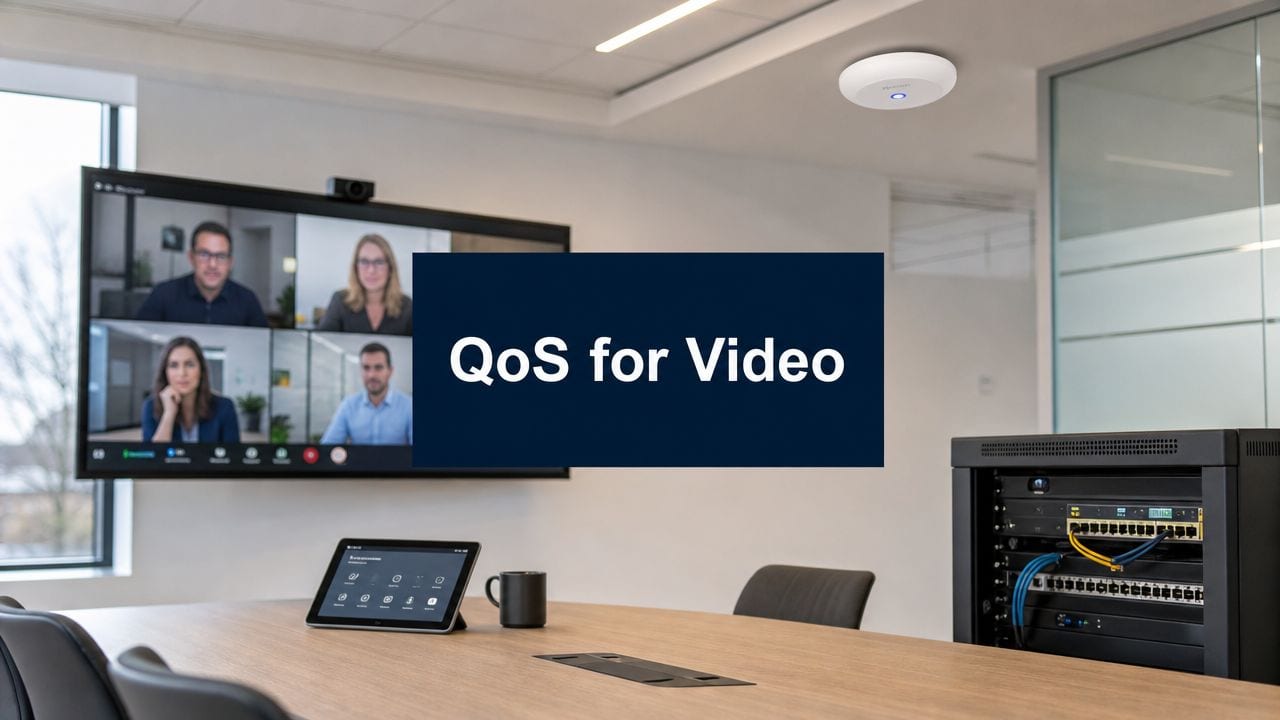
You're probably dealing with a familiar brief. The new office lease is signed, the furniture plan looks sharp, facilities has a move date, and everyone assumes the technology will slot in around the edges. Then the awkward problems appear. The boardroom video calls stutter, the meeting room display takes too long to connect, smart access works until the network gets busy, and CCTV footage looks fine until someone needs live visibility.
That's rarely a product problem. It's a design problem.
In modern fit-outs, QoS for video, access control, CCTV, structured cabling, switching, Wi-Fi, and commercial electrical installation all sit on the same operational spine. If you're also aiming for semi-autonomous or fully autonomous unmanned building units, that spine has to be planned as one system. Split the work into separate streams and you usually inherit friction on day one and maintenance overhead for years after.
The Modern Office Fit-Out Starts with Integrated Planning
A new office doesn't fail because the lock vendor picked the wrong reader or because the network team forgot one switch setting. It fails because teams still treat building systems as separate disciplines when the building no longer behaves that way.
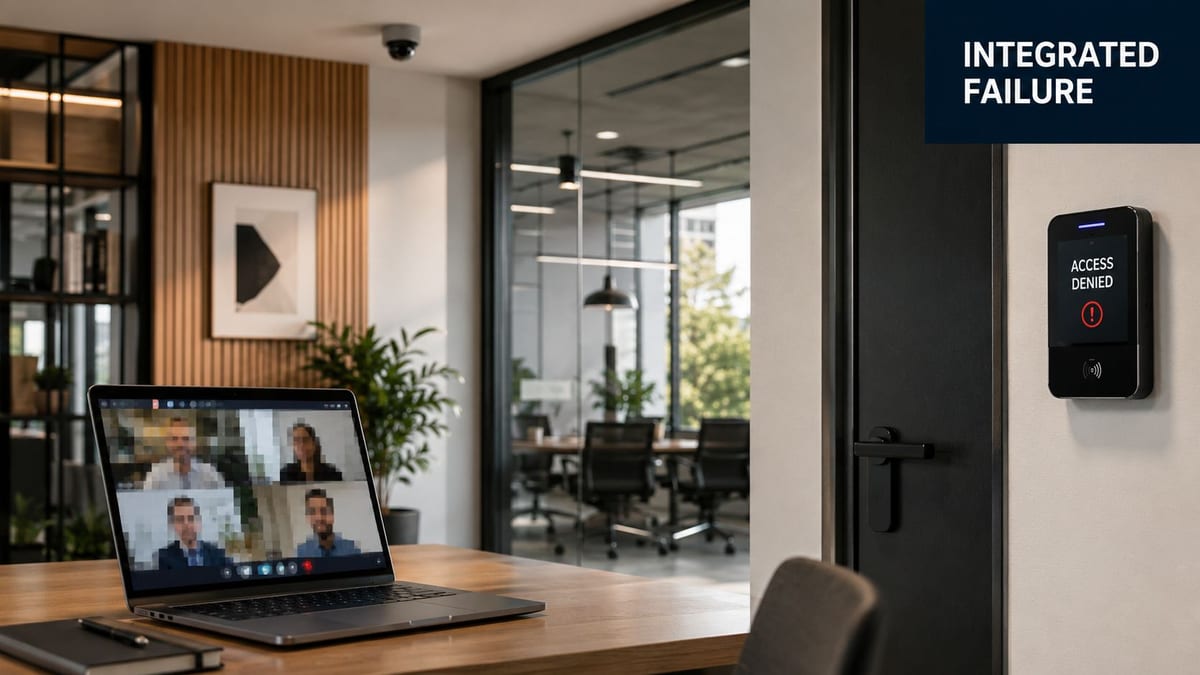
What integrated planning means on a real project
In practice, integrated planning means every device is considered across three questions at once.
How does it connect A camera, video bar, Wi-Fi access point, intercom, lock controller, occupancy sensor, and room panel all need a defined path across the LAN and often the WAN.
How is it powered Some endpoints want PoE. Some need local mains. Some need power resilience because a brief interruption turns into an access or security incident.
What happens when the network is busy That's where QoS for video stops being a niche networking topic and becomes part of workplace design.
A lot of organisations assume high-speed internet solves this by default. It doesn't. The Office for National Statistics reported that in 2024, 81% of UK businesses with 10+ employees had gigabit-capable fixed broadband, but the underlying issue is contention for critical services on that fast network, not raw line speed, as discussed in Cisco's video QoS tutorial.
Why the drawing board matters more than the upgrade list
If you plan video rooms after cabling is fixed, you end up compromising camera position, microphone placement, switch port availability, and uplink capacity. If you add smart access late, you discover the door architecture and network edge don't line up. If CCTV arrives after electricals are signed off, you start arguing about containment, PoE budgets, and certification instead of outcomes.
Practical rule: Treat cabling drawings, switch schedules, electrical layouts, CCTV coverage, Wi-Fi design, and access control logic as one coordinated package.
That applies even in offices that aren't fully unmanned. Most “unmanned” strategies are really low-touch building operations. Fewer staffed receptions. More remote management. More scheduled access. More visibility through IP systems. More dependence on reliable video, both for collaboration and security.
A fit-out usually goes better when the core fabric is settled early. That means rack locations, pathways, switch roles, Wi-Fi cell design, AV room requirements, and structured cabling standards are agreed before individual vendors optimise their own corner.
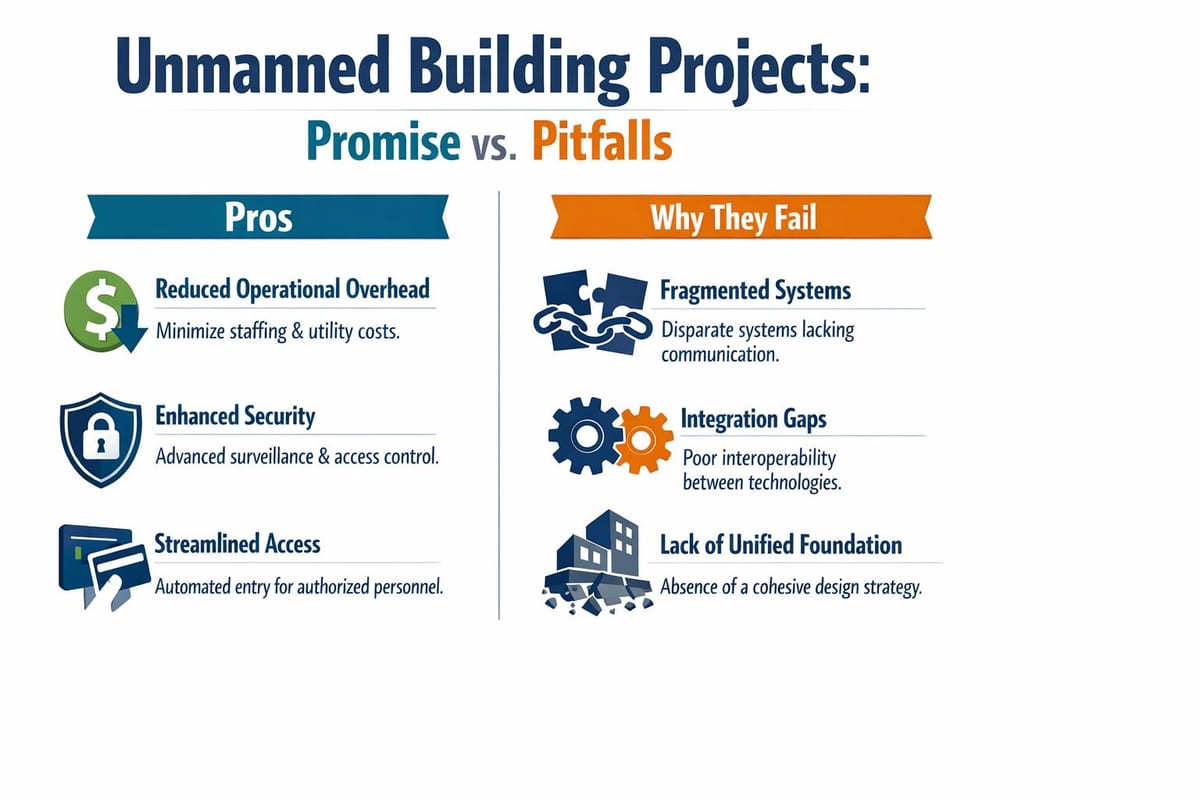
Why Unmanned Building Projects Fail Without a Unified Foundation
Unmanned building management sounds futuristic, but in day-to-day terms it's quite simple. It means the building can operate safely and predictably with minimal on-site intervention. Doors open for the right people. CCTV is visible remotely. Alerts route to the right teams. Deliveries, contractors, cleaners, and staff can be managed by policy rather than by a person sitting at a desk.
That model is perfectly achievable. It also breaks quickly when the foundation is fragmented.
What failure looks like in practice
The common pattern is siloed procurement. Security specifies access control. Facilities handles power. IT gets asked for ports and Wi-Fi near the end. Everyone individually delivers something functional. The building as a whole remains brittle.
Typical failure points look like this:
Access designed without network resilience
The locks and controllers work in a demo, but fail awkwardly when a switch reboots, a VLAN is misapplied, or a remote site loses visibility to the control platform.CCTV specified without edge capacity planning
Cameras are installed, but uplinks, storage paths, or PoE budgets weren't validated against the broader office load.Meeting room video treated as best-effort traffic
Calls are acceptable at quiet times, then degrade when general traffic rises.Electrical works delivered to code, but not to operational intent
Certification is in place, yet critical endpoints don't sit on the right resilient power design for the building's actual operating model.
Why hybrid and regulated environments expose weak design
The weakness becomes obvious in environments where video quality isn't just a convenience. Research on healthcare QoS monitoring notes the need for clear, low-latency video and audio, and points to a broader shift from raw bandwidth concerns towards end-to-end experience management in hybrid and regulated environments such as NHS sites, as covered in this healthcare QoS monitoring paper.
That same issue appears in commercial offices. Leadership expects frictionless boardroom calls. Facilities expects remote visibility. Security expects dependable events and recordings. Staff expect touchless or low-touch access. None of those expectations survive an architecture built from disconnected packages.
Unmanned buildings don't fail because the idea is too ambitious. They fail because the underlying access, power, and data design never operated as one system.
There's also a platform issue. If the network edge is too basic, you can't segment cleanly, prioritise effectively, or monitor enough of the estate to manage it with confidence. That's one reason many teams standardise around a more capable gateway and switching stack early, rather than trying to patch functionality in later with ad hoc devices such as those discussed around the Dream Machine Pro.
Designing Access Power and Data Together
Once the operating model is clear, the fit-out has to become a dependency map. Every endpoint should be listed by location, traffic type, power requirement, business criticality, and maintenance responsibility. That sounds methodical because it is. It's also the point where expensive surprises usually get removed.
Ofcom's reporting shows full-fibre availability reached 69% of UK premises in 2024, but office fit-outs still succeed or fail on internal handling of latency, jitter, packet loss, and contention, not just on fast external connectivity, as explained in this overview of video quality of service.
Start with the rooms that carry operational risk
Not every space deserves the same design standard. Prioritise the spaces where failure has the highest operational cost.
| Area | What to design together | What gets missed most often |
|---|---|---|
| Reception or entry zone | Access control, intercom, CCTV, resilient power, network edge | Reader placement and controller dependency |
| Boardroom | AV, display, camera, microphones, Wi-Fi, switch uplinks | QoS policy and cable pathways |
| Comms room | Switching, UPS, patching, environmental conditions | Growth headroom and tidy handover records |
| Shared office floor | Access points, desk connectivity, CCTV, occupancy systems | Port density and PoE planning |
Why battery-less NFC proximity locks make sense
Battery-less, NFC proximity locks are often the right choice for internal office environments where you want lower maintenance and predictable behaviour. They remove the recurring burden of battery replacement schedules, battery health tracking, and inconsistent field servicing. In multi-door estates, that matters a lot.
They're also a sensible fit where aesthetics and operational simplicity matter. Facilities teams don't want a lock estate that depends on routine battery visits. IT teams don't want support noise caused by a physical security layer no one really owns. A battery-less design reduces one whole class of maintenance task.
That doesn't mean “fit and forget”. It means you need to design the low-voltage and controller architecture properly, and you need a clear recovery plan if upstream systems are unavailable.
The best smart lock choice is often the one that removes maintenance work, not the one with the longest feature list.
How access, power and data should be documented
For each connected building system, define:
Network path
VLAN, switch location, uplink dependency, and whether the device needs priority treatment or strict isolation.Power source
PoE, local transformer, dedicated circuit, UPS-backed circuit, or another resilient arrangement suitable for the site.Failure mode
What happens at the door, camera, or room system if a controller, switch, or power source is interrupted.Operational owner
Someone has to own firmware, logs, credentials, and physical maintenance.
This is also the stage where procurement discipline helps. If you're working on larger estates, relocations, or public-sector style projects, it's worth reviewing how others structure acquisition and delivery. For teams doing market scanning or benchmark research, it can help to find network infrastructure tenders with Bidwell to see how requirements are framed across network, security, and facilities workstreams.
Commercial electrical installation and certification belongs in this same conversation. Compliance is mandatory, but compliance alone won't tell you whether the AV codec, CCTV edge switch, access controller, and uplink all behave properly under load. That's a design question first, then a certification question.
Implementing QoS for Flawless Video Performance
With the physical design settled, the network has to enforce business intent. Many office projects often under-deliver on this. The cabling is neat, the switch stack is online, internet speed tests look healthy, and yet video still suffers because nothing on the network distinguishes a board meeting from a bulk sync, or an interactive call from a background stream.
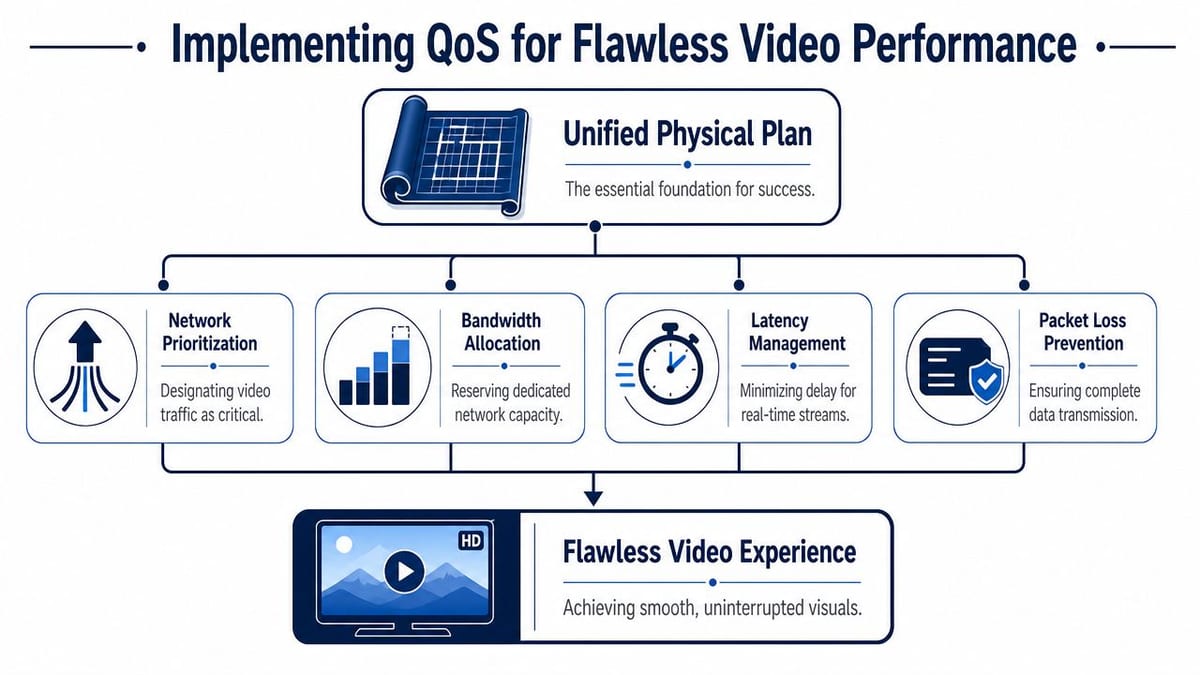
For real-time video, a practical engineering baseline is end-to-end delay below 150 ms, jitter under 30 ms, and packet loss below 1%, with interactive video commonly marked DSCP AF41, according to this video QoS engineering reference.
What QoS for video should actually do
QoS for video isn't about making every stream “premium”. It's about deciding which video flows must remain stable when links, uplinks, or Wi-Fi airtime become contested.
In an office fit-out, that usually means separating at least three categories:
Interactive business video
Room systems, executive calls, collaboration platforms, clinical or consultation video in sensitive environments.Operational video
CCTV, intercom video, security monitoring, remote assistance feeds.Best-effort media
General streaming and non-critical playback.
Those categories don't need identical treatment. Interactive video is sensitive to delay variation and packet loss in a way buffered playback often isn't.
A policy that works better than guesswork
A sound workflow is straightforward:
Classify traffic first Don't trust broad assumptions. Identify what the room systems, cameras, conferencing tools, and controllers generate.
Tag consistently
If interactive video is marked AF41, preserve that marking through switching, Wi-Fi, and routing policy where your platform supports it.Queue deliberately
Low-latency queuing has to be reserved for traffic that requires it. If everything is priority, nothing is.Shape where congestion occurs
WAN edges, internet breakouts, and oversubscribed uplinks are the usual pressure points.Monitor continuously
QoS is not a one-off config exercise. It needs verification under normal load and during busy periods.
A capable switching platform matters here. Basic unmanaged hardware can move packets, but it can't enforce policy, preserve markings, or give you enough visibility to troubleshoot. If internal stakeholders need a plain-language reference, this overview of managed network switches is a useful starting point.
What works and what doesn't
What works:
Marking close to the source
Conference room systems, collaboration apps, and dedicated AV devices should be identified as early as possible.Keeping CCTV separate from business collaboration where appropriate
Security video may be important, but it shouldn't automatically contend with executive calls in the same queue.Testing Wi-Fi as part of QoS policy
A clean wired config won't rescue poor RF design.
What doesn't:
Relying on broadband speed tests
They tell you almost nothing about in-building contention.Applying blanket priority to all video
You move congestion somewhere less visible.Ignoring upstream and downstream behaviour
The user only sees the call quality, not which hop caused the issue.
The implementation detail is easier to follow visually, and this walkthrough is worth a look before you finalise policy:
Field note: The most common video QoS mistake in fit-outs is classifying conferencing properly on paper but forgetting to preserve that behaviour across Wi-Fi, uplinks, and internet edge policies.
Go-Live Success Validating and Monitoring Your Integrated Systems
A good go-live doesn't feel dramatic. The rooms work. Doors behave properly. CCTV is reachable. Staff don't notice the network. That kind of calm only happens when the integrated system is tested as an integrated system.
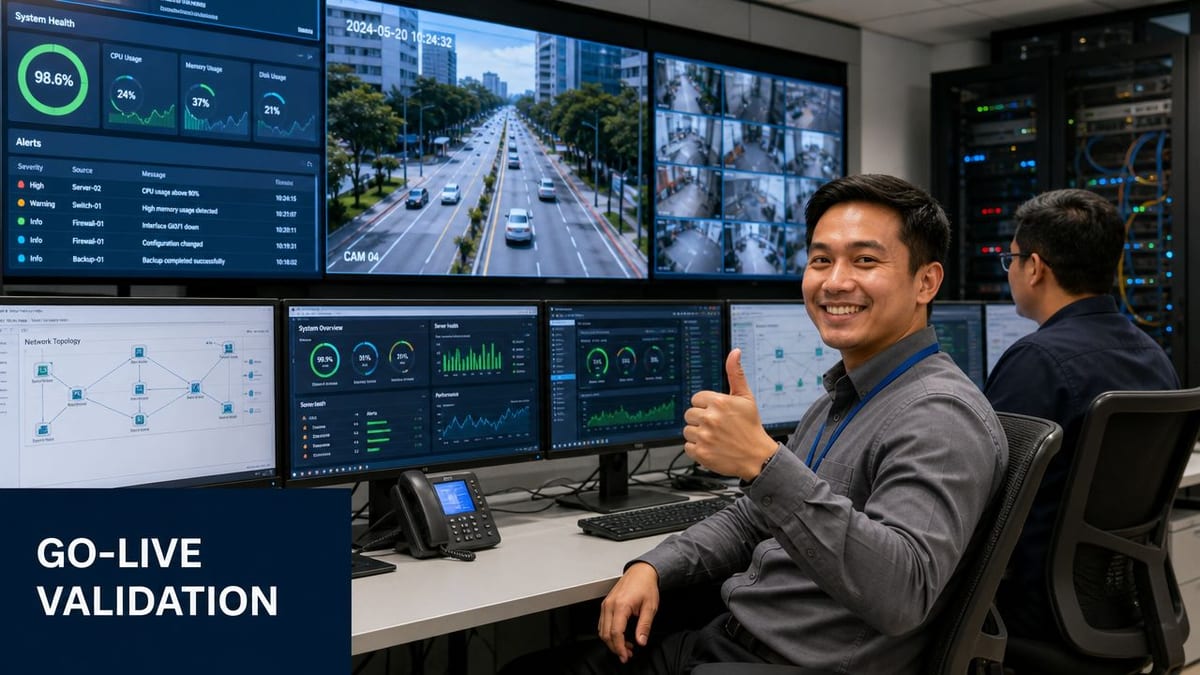
A robust approach to video QoS is to classify traffic, apply DSCP tagging and low-latency queues, enforce shaping or reservation, and monitor latency, jitter, and packet loss continuously because network conditions change in real time, as outlined in Sony's guidance on QoS workflow and resilience techniques.
Validate the building, not just the ports
A basic ping test and a few successful calls aren't enough. Test the actual operating conditions the office will see.
Use a go-live checklist that covers:
Access control behaviour
Normal entry, scheduled access, denied access, temporary credentials, and controller recovery after interruption.CCTV visibility
Live view, recording verification, remote access permissions, and behaviour during concurrent traffic load.Meeting room video performance
Startup time, call stability, content sharing, wireless presentation, and behaviour when the floor is busy.Power resilience
UPS-backed services, graceful recovery after outage, and what remains available during a partial failure.
Monitor the symptoms users feel
The most useful monitoring isn't always the most technical graph. Track what maps to the user experience and the operational experience.
| System | Watch closely | Why it matters |
|---|---|---|
| Interactive video | Latency, jitter, packet loss | These directly affect call quality |
| CCTV | Stream stability and recording continuity | Security teams need confidence, not assumptions |
| Access control | Controller reachability and event logging | A silent failure becomes a physical incident |
| Switching and PoE | Port errors, utilisation, power draw | Edge failures often begin here |
Maintenance is where autonomous sites either settle or drift
Fully autonomous or low-touch unmanned building units still need a maintenance model. They just need a different one from traditional staffed offices.
That means:
Configuration discipline
Keep switch, controller, Wi-Fi, and firewall configs versioned and recoverable.Asset records that facilities can use
Rack elevations and network diagrams matter, but so do labelled door controllers, camera IDs, and circuit references.Routine firmware and patch reviews
Security systems, AV endpoints, and network devices age differently. Someone needs a calendar.Clear fault ownership
If a reader fails, who attends. If a PoE port drops, who investigates. If a conference suite degrades, who correlates Wi-Fi, switching, and application behaviour.
A building becomes operationally autonomous when faults are predictable to handle, not when faults stop happening.
The long-term win is not zero incidents. It's faster diagnosis, cleaner escalation, and fewer surprises caused by hidden dependencies.
Building Your Future-Proof Autonomous Office
The strongest office fit-outs aren't the ones with the most gadgets. They're the ones where infrastructure, electrical design, physical security, and operational workflows support each other cleanly.
That's what unmanned building management really means in practice. Not an empty building with magical automation, but a site where access, CCTV, power, connectivity, and collaboration systems can be operated confidently with minimal manual intervention. When it's engineered properly, the building becomes easier to run, easier to secure, and easier to support as the organisation changes.
Video now sits at the centre of that design. Ofcom reported that 70% of UK adults used video-on-demand services in 2023, reflecting how video has become a core workload across modern networks, which is why prioritisation, reservation, and low-latency delivery matter so much in practice, as discussed in this analysis of QoS monitoring and video demand. In office terms, that same reality shows up in every boardroom call, remote collaboration session, CCTV deployment, and smart building workflow.
The trade-off is straightforward. Plan systems in silos and you'll spend the next few years retrofitting around bottlenecks. Design access, power, data, CCTV, commercial electrical installation, certification, and QoS for video as one coordinated environment and the building has room to grow.
That matters even more if you're building out fully autonomous unmanned building units. The technology is available. The difficult part is joining it up properly the first time.
If you're planning an office relocation, fit-out, CCTV rollout, electrical upgrade, or a move towards autonomous building operations, Constructive-IT can help you turn the design into a working, supportable environment. The difference usually isn't one product choice. It's getting cabling, switching, Wi-Fi, AV, access, and power engineered as one system before go-live.