
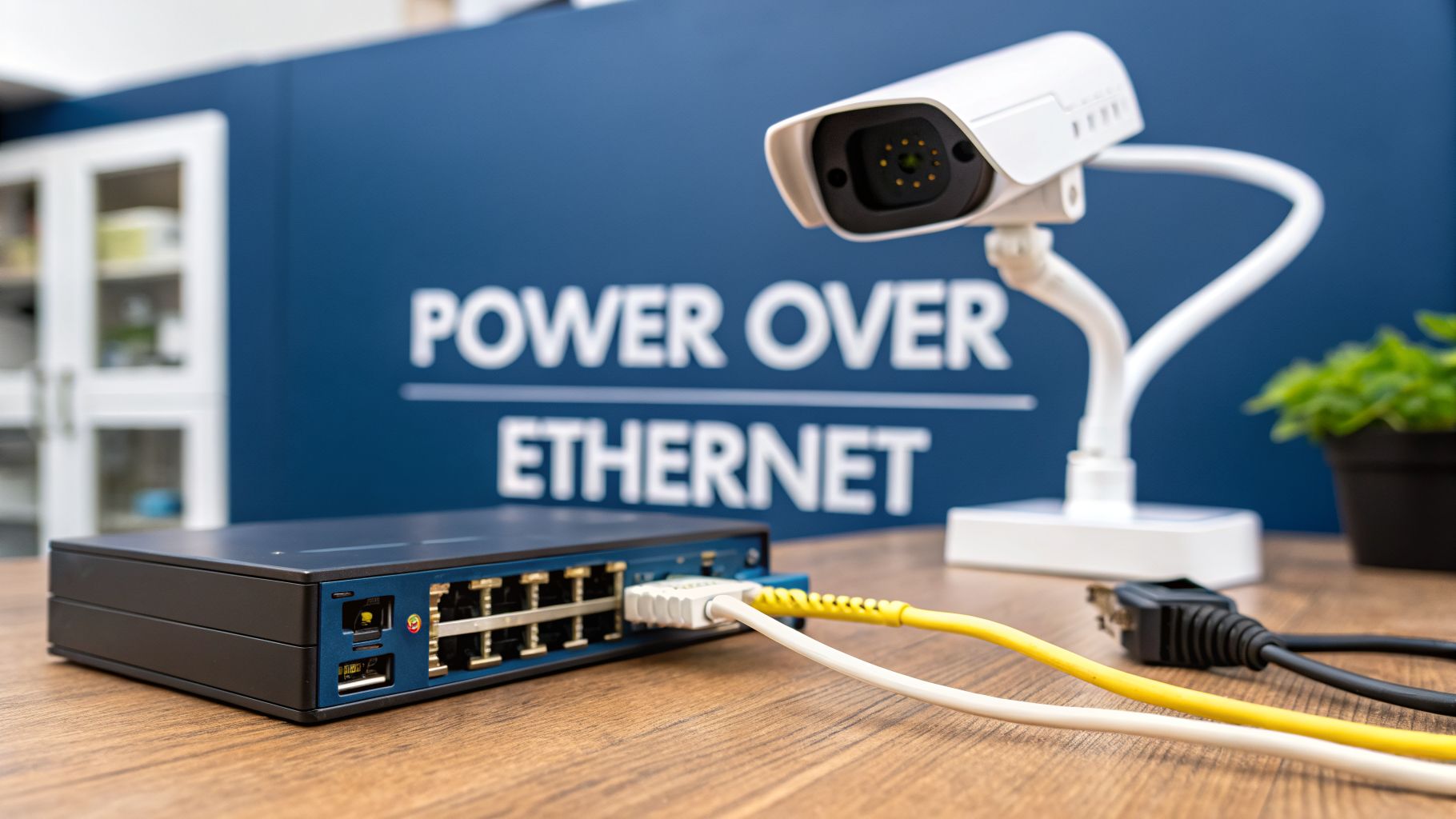
Imagine being able to power up your office devices—like phones, Wi-Fi points, and security cameras—using the very same cable that gives them an internet connection. No more hunting for power sockets or running messy extension leads.
That’s the simple but brilliant idea behind Power over Ethernet (PoE).
What Is Power Over Ethernet, Explained
Think of PoE as a two-for-one deal for your network cabling. It sends both data and a low-voltage electrical current down a standard Ethernet cable, completely cutting out the need for a separate power supply at the device's location.
For anyone planning an office fit-out, upgrading their security, or designing a modern, flexible workspace, getting your head around PoE is a game-changer. It’s the key to reducing clutter, slashing installation costs, and building an infrastructure that’s ready for the future.
Instead of paying an electrician to install a power socket next to every data point, you just run one cable. This instantly halves the cabling materials and labour required. But the real win is flexibility. You can install a CCTV camera or a Wi-Fi access point in the perfect spot for coverage, not just where a power outlet happens to be.
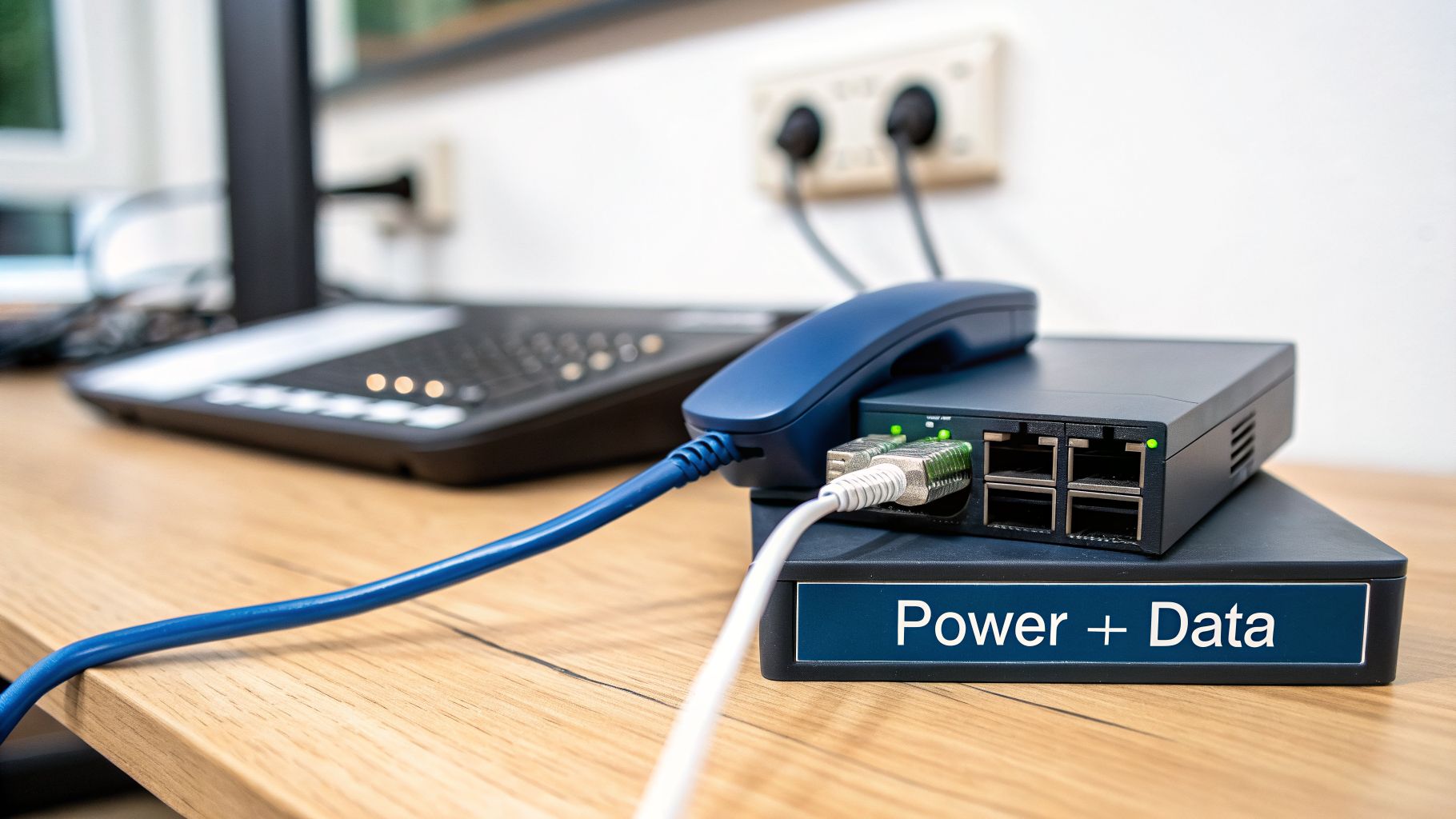
To make this happen, every PoE setup has two key players that need to shake hands and agree on the power delivery.
How The PoE Handshake Works
Before any power is sent, the system performs a quick, smart 'handshake' to make sure everything is compatible and safe.
Power Sourcing Equipment (PSE): This is the device that sends the power. Think of it as the power station. Most commonly, this will be a PoE network switch, but for smaller setups, you might use a simple PoE injector.
Powered Device (PD): This is the device that receives the power. This could be anything from a VoIP phone on your desk and an IP camera on the ceiling to a door access control reader on the wall.
The PSE first sends a tiny bit of voltage down the line to 'ask' the device if it needs power. If the PD responds correctly, the PSE knows it’s safe to send the full required wattage. This built-in safety check is what prevents you from accidentally frying a non-PoE device like a laptop if you plug it into the wrong port.
Let's break down these core concepts into a quick summary.
PoE at a Glance Core Concepts
Here’s a simple table summarising the fundamental components and benefits of Power over Ethernet technology.
Component | What It Is | Key Benefit |
|---|---|---|
Power over Ethernet | A technology that sends both data and electrical power over one Ethernet cable. | Simplifies cabling, cuts installation costs, increases flexibility. |
Power Sourcing Equipment (PSE) | The device that provides the power, like a PoE switch or injector. | Centralises power management for multiple devices. |
Powered Device (PD) | The device that receives the power, like an IP camera, phone, or Wi-Fi AP. | Can be installed anywhere a network cable can reach, no socket needed. |
By centralising your power source at the network switch, you gain another massive advantage. All your critical devices can be backed up by a single Uninterruptible Power Supply (UPS). This means if there’s a power cut, your security cameras, door access, and phone systems will stay online.
The real value of PoE isn't just about saving on cables. It's about designing a smarter, more resilient building from the ground up. When your access control, security, and network systems all run on a unified power platform, your entire operation becomes more reliable and easier to manage.
This integrated approach is absolutely essential for projects like building out a fully autonomous unmanned building unit, where reliability is everything. For instance, using PoE to run battery-less, NFC proximity locks eliminates the single most common point of failure: dead batteries. It’s a small detail that makes a huge operational difference, ensuring your systems just work.
How PoE Safely Powers Your Devices
Sending electricity down the same cable that carries your data might sound a bit dicey. What’s to stop it from frying an expensive CCTV camera or, worse, your laptop if you plug it into the wrong port?
The secret lies in a clever, built-in safety check often called the "power handshake". This isn't a case of just blasting electricity down the line and hoping for the best.
Think of it like a courier knocking on the door to make sure someone's home before handing over a valuable package. Before any real power is sent, the Power Sourcing Equipment (PSE)—usually your PoE switch—sends a tiny, harmless voltage down the cable. It’s essentially ‘asking’ the connected device if it’s a PoE-compatible Powered Device (PD).
If the device doesn't give the right response, the PSE assumes it's something like a laptop or a printer and only establishes a normal data link. No power is ever sent. It’s this smart negotiation that makes PoE so safe and incredibly versatile.
The Power Negotiation Process
Once the PSE confirms it's talking to a genuine PD, the handshake isn't over. The two devices then negotiate exactly how much power the PD needs to operate.
This step is critical. It stops the switch from sending too much power to a low-demand device like a simple VoIP phone, or not enough to a power-hungry one, like a pan-tilt-zoom security camera.
This built-in intelligence handles several vital functions:
Device Detection: First, it verifies that the device is actually designed to receive power over Ethernet.
Power Classification: It then determines the device’s specific power requirements.
Safe Power Delivery: Finally, it supplies only the precise voltage and wattage needed, no more, no less.
This is the process that makes it possible to build out a fully autonomous, unmanned site. When no staff are on-site, the reliability of the power delivery is paramount. You can trust the system to run essential devices like NFC proximity locks and CCTV cameras without any risk of electrical damage. It also means you can confidently use any network port for any device, powered or not.
PSEs and PDs Working Together
For this handshake to happen, you need both sides of the conversation:
Power Sourcing Equipment (PSE): This is the device that supplies the power. The most common example is a PoE switch, which can power multiple devices from one central unit. If you only need to add one or two PoE devices to an existing network, a PoE injector is a great, cost-effective alternative.
Powered Device (PD): This is the device at the other end that receives the power. The list of PDs includes a massive range of modern office gear, from VoIP phones and Wi-Fi access points to IP security cameras and access control panels.
A well-designed network relies on this seamless interaction. Properly managing this infrastructure is becoming more and more vital; the UK IT services market is projected to hit USD 183.7 billion by 2033, with a major focus on proactive services that prevent downtime—a core principle of how we work at Constructive-IT.
Understanding the difference between a simple unmanaged switch and a more intelligent one is key to building a robust PoE network. You can explore our guide on managed network switches to see how they provide far greater control and visibility over your power delivery.
Ultimately, this smart power negotiation underpins the reliability needed for everything from a simple commercial electrical installation to a complex unmanned building, ensuring systems are safe, efficient, and easy to maintain.
Choosing the Right PoE Standard for Your Needs
Not all Power over Ethernet is created equal. It’s a bit like chargers—you wouldn’t use your phone charger for a power-hungry laptop, and the same logic applies here. Picking the right PoE standard from the start is absolutely fundamental. It ensures your devices get the power they need without you overspending on switches you don’t.
This is where the IEEE (Institute of Electrical and Electronics Engineers) steps in. They’ve created a set of standards that define exactly how much power can be sent over a network cable. Those technical labels like 802.3af, 802.3at, and 802.3bt might look a bit intimidating, but they’re really just a simple way of classifying power levels.
From PoE to PoE+ and PoE++
When PoE first appeared on the scene, the original standard (802.3af) was a game-changer for low-power devices. It was perfect for the basic VoIP phones and simple IP cameras of the time. But as technology raced forward, devices started getting more powerful and hungrier for energy.
This led to the introduction of beefier standards to keep up:
PoE+ (802.3at): This standard practically doubled the available power. Suddenly, it was possible to run more demanding kit like dual-radio Wi-Fi access points and more advanced pan-tilt-zoom (PTZ) CCTV cameras, all from a single network cable.
PoE++ (802.3bt): Also known as 4PPoE, this high-power standard comes in two types (Type 3 and Type 4). It delivers enough juice to run seriously demanding equipment like high-performance Wi-Fi 6 access points, complex video conferencing systems, and even network-powered LED lighting.
Getting your head around these differences is crucial when you're designing a network. If you’re fitting out a fully unmanned building, for example, you have to be certain the PoE switch can power everything from the NFC proximity locks on the doors to the high-resolution CCTV cameras watching the perimeter.
Before any real power is sent, the equipment performs a quick, safe "handshake" to negotiate power levels and ensure compatibility.
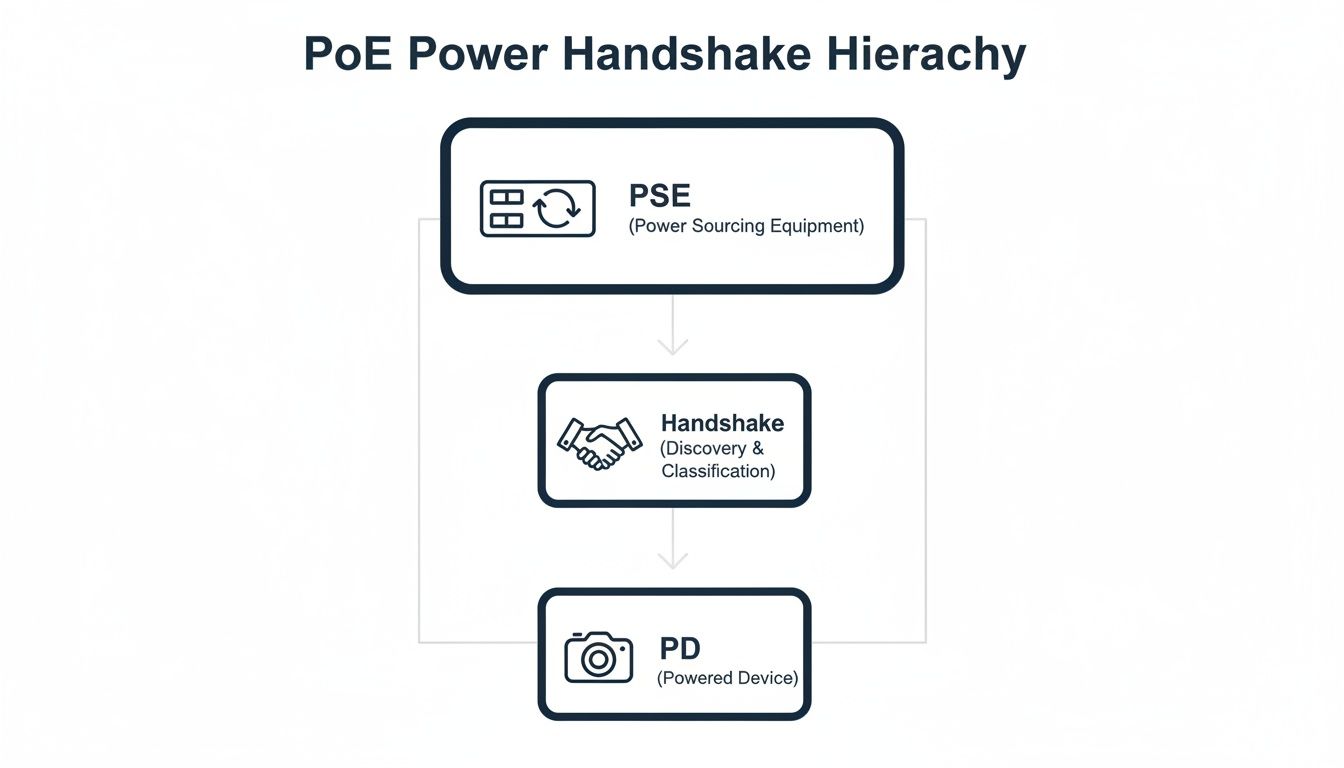
This intelligent negotiation is what makes PoE so safe and reliable, preventing damage to both the power source and the device.
Matching Power to Your Devices
Knowing the standards helps you make smart buying decisions. There's no point splashing out on a top-of-the-range PoE++ switch if you're only powering a few basic desk phones. On the other hand, trying to run a power-hungry PTZ camera on a standard PoE port is a recipe for failure—it just won’t work.
The key is to match the power output of the PSE (your switch or injector) to the power requirements of the PD (your device). This process starts with a simple check of the device's technical specifications to find its required PoE standard or wattage.
Let’s put it all in one place and compare the standards to see how they apply in the real world.
PoE Standards Compared From PoE to PoE++
This table breaks down the key PoE standards, making it easy to see how much power they deliver and what they’re typically used for.
Standard | Also Known As | Max Power Per Port | Common Devices Supported |
|---|---|---|---|
802.3af | PoE | 12.95W | Basic VoIP phones, simple IP cameras, sensors. |
802.3at | PoE+ | 25.5W | Pan-tilt-zoom (PTZ) cameras, dual-radio Wi-Fi APs. |
802.3bt (Type 3) | PoE++ / 4PPoE | 51W | Building automation systems, advanced access control. |
802.3bt (Type 4) | PoE++ / 4PPoE | 71W | High-performance access points, small network switches. |
As you can see, the jump in power between the standards is significant, enabling a much wider range of devices to be powered directly over the network.
When we plan an installation, creating a detailed 'power budget' is one of the first things we do. You have to add up the total power draw of every single device you plan to connect, then choose a PoE switch that can handle that load comfortably, leaving some headroom for future expansion. This careful planning of access, power, and data designed together is what prevents project failures and guarantees reliable operation, especially in critical environments like unmanned buildings. A proper commercial electrical installation and certification is the final step to validate that the entire design is safe, compliant, and built to last.
PoE as the Backbone for Modern Buildings
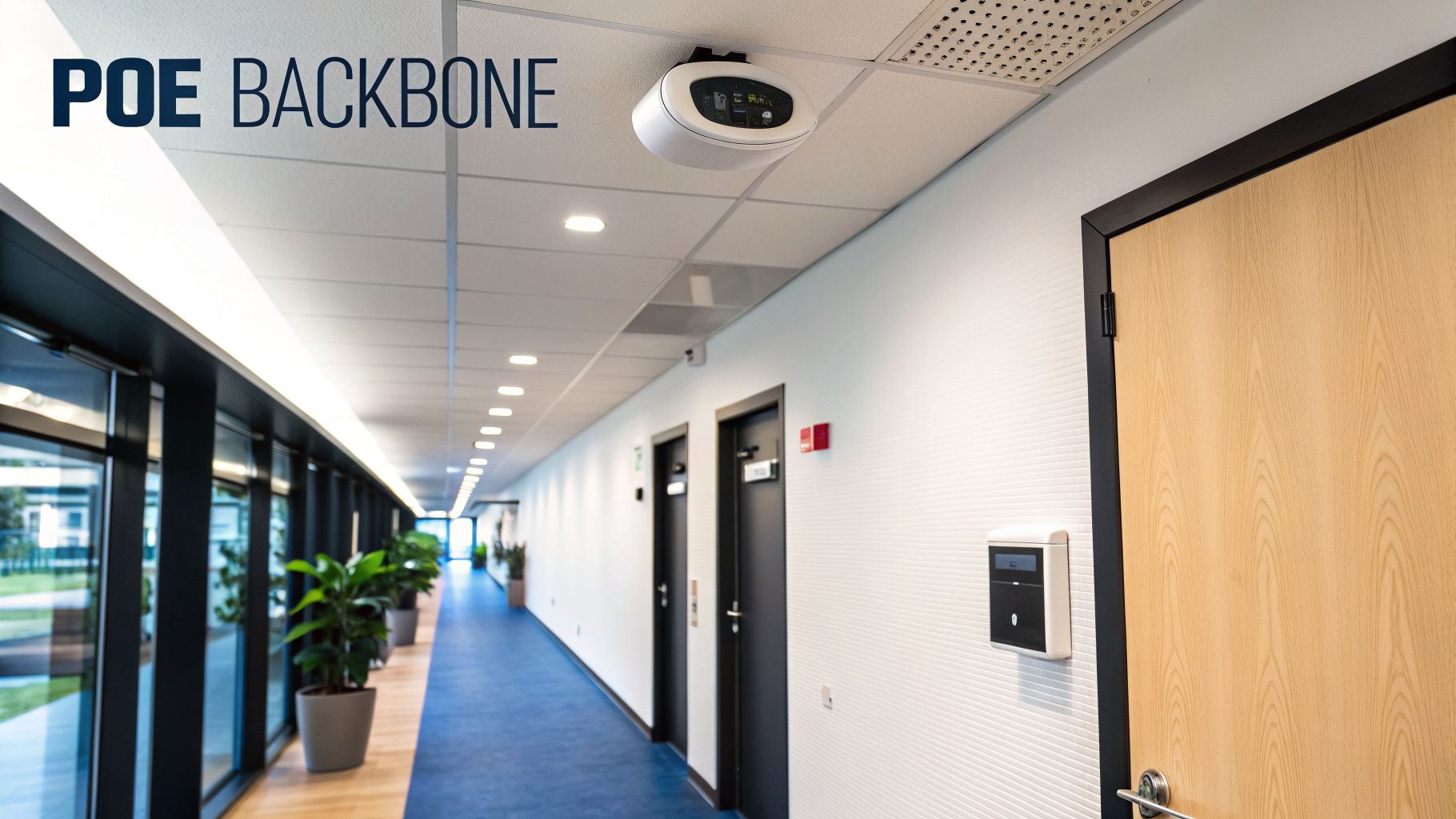
Power over Ethernet is so much more than a tidy way to power a desk phone. It's the central nervous system for today's connected workplaces. Moving from a handy gimmick to an essential technology, PoE is what makes smart, flexible, and even autonomous buildings a reality.
By sending both power and data down a single structured cable, PoE gives you total freedom to put devices exactly where they need to be for the best results. Imagine fitting out an entire office with VoIP phones without calling in a single electrician to add new power sockets to every desk. That’s the immediate, practical win.
Now think about the challenge of getting perfect wireless coverage in a large office. PoE lets you mount high-performance Wi-Fi access points on ceilings or high on walls for flawless signal, completely untethered from the location of power outlets. This is a game-changer for performance.
Powering Autonomous and Unmanned Buildings
Nowhere is the impact of PoE more obvious than in the design of unmanned building units. These facilities, which run with little or no staff on-site, depend on absolute reliability from their core systems. This is where PoE goes from being useful to being completely indispensable.
What does unmanned building management actually mean in practice? It means every single critical system—from security and access control to climate monitoring—has to run flawlessly without anyone there to intervene. PoE delivers the tough, centralised power infrastructure that makes this level of automation possible.
In these buildings, PoE is the single thread tying everything together. It powers a whole network of essential devices from one dependable source, which can then be easily protected by a UPS (Uninterruptible Power Supply).
Key systems in an unmanned building that run on PoE include:
Comprehensive CCTV Networks: High-definition security cameras can be installed at every single vantage point, inside and out, with just one Ethernet cable per device for both power and connectivity.
Smart Access Control: PoE fuels the controllers and card readers that manage entry to the building, specific floors, and individual rooms, building a secure, centrally managed system.
Intelligent Sensors: Environmental sensors for temperature and humidity, security sensors for motion or glass breaks, and occupancy sensors are all efficiently powered and monitored over the network.
Why Integrated Design is Non-Negotiable
A shocking number of unmanned building projects fail, not because the technology itself is bad, but because the foundational infrastructure was poorly planned from the start. The most common mistake? Treating power, data, and access control as three separate, isolated systems.
A successful rollout depends on designing access, power, and data together from day one. When the access control system is designed by one team and the network by another, you're practically asking for compatibility problems, power shortages, and operational nightmares down the line. It's a recipe for failure.
An integrated design ensures your PoE switch has enough budget for every camera and door lock, that your cabling can handle the power load without issues, and that the whole system is covered by a single commercial electrical installation and certification. This unified approach is the secret to getting it right.
To boost operational efficiency, many modern unmanned buildings are now opting for battery-less, NFC proximity locks. The real-world reason is simple: it gets rid of the single biggest point of failure—dead batteries. In a facility with hundreds of doors, the constant job of checking and replacing batteries is an operational disaster waiting to happen. Combining PoE-powered lock controllers with NFC locks that draw power from a user’s phone creates a zero-maintenance, highly reliable solution. This is a critical factor for long-term viability, especially as the UK's ICT market is projected to hit USD 309.46 billion by 2031, with IT security driving much of that growth.
Planning Your PoE Network Installation

A successful Power over Ethernet network isn't built when the first cable is run. It's built long before that, on a solid plan. Getting the technical blueprint right from the start is the difference between a high-performance, reliable network and one that’s a constant source of headaches and connection drops. This is your guide to getting it right.
We'll walk through the practical steps for designing an infrastructure that is robust, easy to maintain, and ready for whatever you throw at it in the future. This is especially vital when building out a fully autonomous unmanned building unit, where system reliability is simply non-negotiable.
The Foundation: High-Quality Structured Cabling
When you’re pushing both power and data down the same copper line, the quality of that cable is everything. While old Cat5e cabling might just about cope with a single low-power device, modern PoE installations demand a much higher standard to work safely and effectively.
That's why for us, high-quality Cat6 or better structured cabling is non-negotiable.
This isn't just about getting faster data speeds. Higher-grade cables have thicker copper conductors, which are much better at handling the heat that builds up when transmitting power. For high-power PoE++ devices, this isn’t a nice-to-have; it's a critical safety feature. Using cheap, subpar cabling leads to significant power loss along the run, meaning your device might not get the juice it needs to even power on, let alone work correctly.
A well-planned PoE network is a strategic asset. By designing access, power, and data infrastructure together from the outset, you prevent the integration issues that cause many unmanned building projects to fail. This unified approach is the secret to a successful and resilient system.
This focus on future-ready infrastructure is more important than ever. The UK's technology market, which underpins everything from office fit-outs to data centres, is projected to hit USD 2.9 trillion by 2034, fuelled by this kind of digital transformation. We make sure our clients are ready for this by using 25-year warranted Excel Cat6 and Fibre cabling that meets every compliance standard.
Managing Distance and Power Budgets
PoE has a hard and fast rule on distance: 100 metres (328 feet) from the power source to the device. In a large office, warehouse, or school, that distance gets eaten up surprisingly quickly. Meticulously planning your cable routes and the location of your comms cabinets is the only way to stay within this physical limit.
Just as important is creating a detailed ‘power budget’ for every single PoE switch.
This is a simple but critical piece of maths. You need to add up the maximum power draw of every device you plan to connect to a switch. Then, you choose a switch with a total power output that doesn't just meet that number, but comfortably exceeds it, leaving a healthy margin of 20-25% spare capacity. This gives you room for future growth and stops the switch from being pushed to its absolute limit, where it will run hot and be far more likely to fail.
To learn more about the role of advanced cabling in network performance, check out our complete guide to Cat 6a cables for business networks.
Installation, Testing, and Certification
Once the blueprint is finalised, the focus shifts to professional installation and, crucially, verification. A single sloppy termination, a kinked cable, or a poorly organised rack can degrade performance and create phantom issues that are a nightmare to troubleshoot later.
Key best practices include:
Respecting Bend Radii: Ethernet cables can't be bent sharply. Doing so damages the internal wires and kills performance. An experienced installer knows these limits.
Avoiding Electrical Interference: Data cables should never be run in parallel with high-voltage power lines. This prevents electromagnetic interference from corrupting the data signal.
Clear Labelling: Every cable, port, and faceplate must be clearly labelled at both ends. This turns a complex network into a simple, manageable asset.
After installation, every single cable must be tested and certified with specialist equipment. A network certifier sends signals down the line to confirm it meets the performance standards for data and can safely handle the required power load. Finally, a commercial electrical installation and certification ensures the whole system is safe, compliant with UK regulations, and built to perform for years.
This rigorous, professional process is what guarantees the long-term, flawless operation of your CCTV, access control, and other critical PoE systems.
Building Your Future-Ready Infrastructure with PoE
Deciding on Power over Ethernet isn't just a technical box-ticking exercise; it's one of the most important strategic decisions you can make for your building's future. By running both power and data down a single, simple cable, you're building a network that’s not only cheaper and faster to install but also incredibly flexible and far easier to manage down the line.
This isn't just about saving a few plug sockets. This unified approach is the very backbone of modern smart buildings, efficient offices, and perhaps most importantly, truly secure unmanned facilities.
Unlocking True Unmanned Operations
When we talk about an unmanned building, we mean a space where critical systems have to work perfectly, day in and day out, without anyone on-site. This is where so many projects fall flat. They treat power, data, access control, and CCTV as separate jobs, often handled by different teams.
The result is almost always a mess of incompatible systems, unexpected power shortages, and operational chaos. The project fails before it even gets going.
The secret is designing it all as one unified system from the very beginning. For example, you can't have staff trekking out to a remote site just to change the batteries in a door lock. That's why smart solutions like battery-less, NFC proximity locks are a game-changer. They draw power directly from a user's phone or a PoE-powered controller, completely removing a common and frustrating point of failure.
A well-planned PoE network is a strategic asset. When access, power, and data are designed together from the outset, you prevent the integration issues that cause many unmanned building projects to fail. This unified approach is the secret to a successful and resilient system.
Maintenance and Operational Success
With PoE, the day-to-day headaches of maintenance practically disappear. Because power is centralised at the network switch, troubleshooting becomes remarkably straightforward. Instead of sending an engineer to check individual power adapters on a camera or access point, your team can manage and even reboot devices remotely from a single dashboard.
This centralised control is absolutely essential for unmanned sites, where call-outs are expensive and infrequent.
As you plan your next office fit-out or relocation, think about how a properly planned network can transform your operations. This means getting the details right: a thorough power budget, high-quality cabling, and a professional commercial electrical installation and certification. For a project of this importance, getting expert guidance through IT Infrastructure Consulting ensures everything is integrated perfectly and ready for the future.
Getting your network foundation right from day one is the key. Partnering with experts who understand this unified approach makes all the difference in building a scalable, reliable system that will support your business for years to come.
Your Power Over Ethernet Questions, Answered
Once you start digging into Power over Ethernet, a few practical questions always pop up. It’s one thing to understand the theory, but it’s another to figure out how the equipment will actually work in your own office.
Let’s tackle some of the most common queries we hear about compatibility, safety, and making the right choices for your network.
Can I Plug a Non-PoE Device into a PoE Port?
Yes, you absolutely can, and it's perfectly safe. Modern PoE switches are smart. Before they send out any real power, they perform a clever little safety check that you can think of as a "power handshake".
The switch sends a tiny, harmless electrical signal down the line to see what's on the other end. If it detects a device that isn't PoE-ready, like your laptop or a desktop printer, it simply backs off and doesn't send any power at all. The port then just acts like a normal network port, delivering data only. This handshake protocol is built-in, so there’s no risk of accidentally frying your non-powered gear.
What Is the Difference Between a PoE Switch and a PoE Injector?
The main difference really comes down to scale and purpose.
A PoE switch is your all-in-one solution. It's a network switch that has the power-providing technology built right into every port. This is the go-to choice for new office fit-outs or major upgrades where you know you'll be running multiple devices like VoIP phones, CCTV cameras, and Wi-Fi access points. It keeps everything neat, centralised, and easy to manage.
A PoE injector, on the other hand, is a small, single-purpose adapter. It sits between your existing non-PoE switch and the device you want to power. It takes a standard network connection, "injects" electrical power onto it, and sends the combined signal out through a single Ethernet cable. Injectors are a fantastic, budget-friendly fix when you just need to add one or two PoE devices to a network that wasn't originally built for it.
Do I Need Special Ethernet Cables for PoE?
For a reliable and safe installation, yes. While an old Cat5e cable might technically work for a single, very low-power device, it's definitely not something we'd recommend for a modern business network. You should be using Cat6 structured cabling as an absolute minimum.
For anything more demanding, Cat6a is the way to go. Higher-grade cables use thicker copper wires and better shielding, which is vital for two reasons. First, it helps manage the heat that builds up when you're sending power down the cable. Second, it minimises the power that gets lost along the way, ensuring your devices get the full wattage they need to run properly, especially with power-hungry PoE+ and PoE++ standards. Using certified, high-quality cabling is key to building a network that’s stable today and ready for the future.
At Constructive-IT, we specialise in designing and installing robust PoE networks that form the backbone of modern, efficient buildings. From initial planning to final commercial electrical certification, we ensure your infrastructure is built to perform. If you're planning an office fit-out or upgrading your network, get in touch to see how we can build a solution that works for you. Learn more about our network infrastructure services.