


what is a wifi range extender: Boost your WiFi coverage
- Craig Marston
- Oct 28, 2025
- 10 min read

Ever found yourself wandering around the house, phone held aloft, desperately searching for a decent WiFi signal? We’ve all been there. A WiFi range extender is the simple bit of kit designed to solve that exact problem.
It grabs the wireless signal from your main router and gives it a boost, pushing it into those tricky corners of your home where the connection usually drops off or disappears completely. Think of it as a relay runner for your home network, taking the baton (your WiFi signal) and carrying it further down the track.
Understanding the Role of a WiFi Range Extender
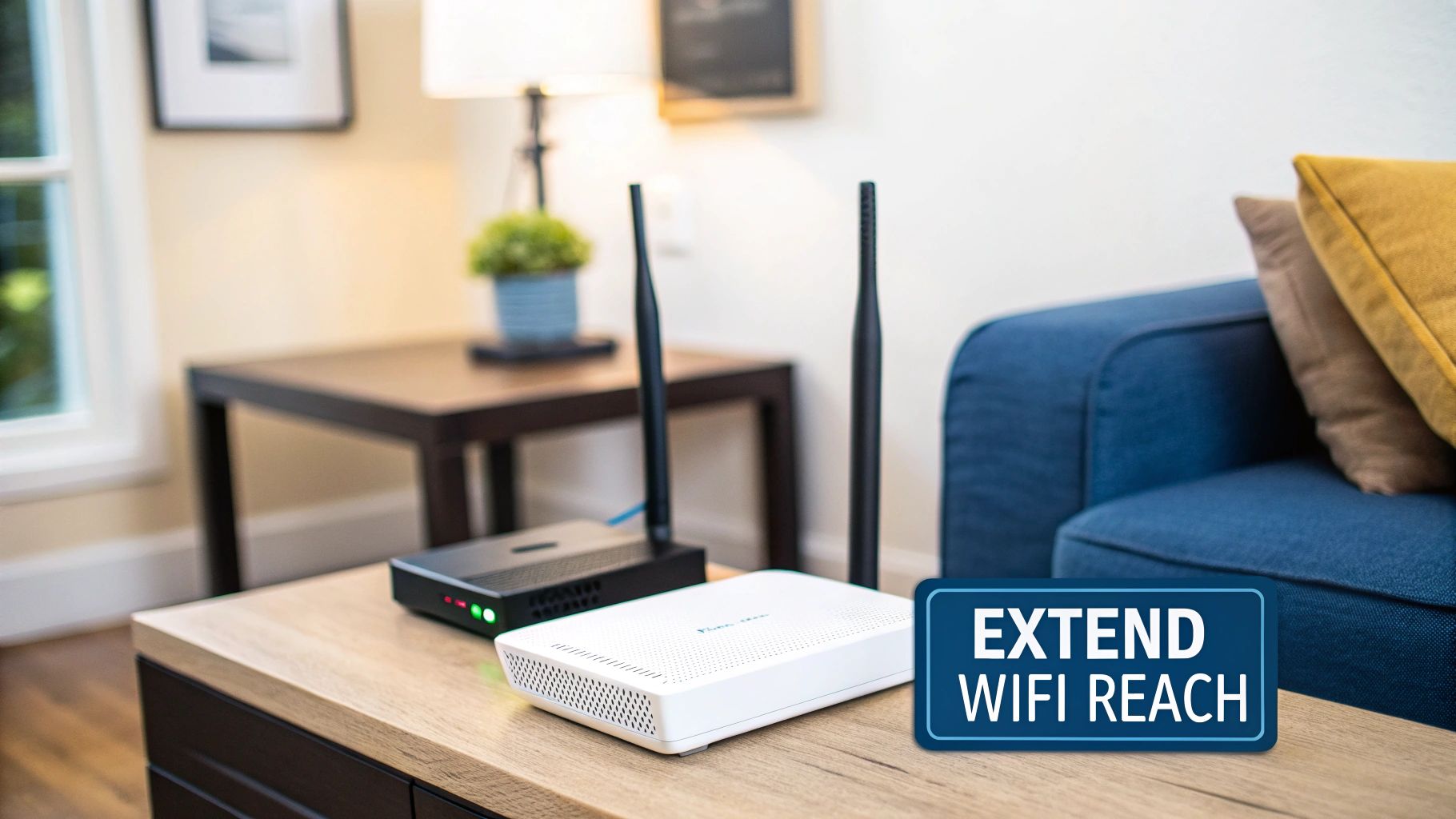
Here's a good analogy: imagine your WiFi router is a speaker playing music. In the same room, the sound is perfectly clear. But the further you walk away—upstairs, into the garden, or behind a thick brick wall—the fainter it gets, until you can't hear it at all.
A WiFi extender acts like a second, smaller speaker placed halfway down the hall. It listens to the music from the main speaker and plays it again, making sure you can hear it clearly even at the far end of the house. Its one and only job is to catch your router's signal and rebroadcast it, stretching the boundaries of your wireless network.
To put it simply, here are its core functions:
WiFi Range Extender Core Functions
Function | Description |
|---|---|
Signal Capture | It "listens" for the existing wireless signal from your primary router. |
Signal Amplification | The device boosts the strength of the captured signal. |
Signal Rebroadcast | It transmits this newly amplified signal, creating a second network area. |
Dead Zone Elimination | Its primary purpose is to fill in the gaps where your router's signal can't reach. |
This table neatly sums up how this handy device works to give your home network the reach it needs.
What Is Its Primary Goal?
The main goal of a range extender is to deliver a reliable connection to very specific, targeted areas. It's the perfect solution for:
Getting rid of annoying dead zones: Ideal for that loft conversion, basement office, or conservatory where the signal just won't stretch.
Extending coverage outdoors: Finally get a stable connection for your garden office, patio, or garage.
Fixing signal issues in multi-storey homes: Boost the signal from a ground-floor router so it reaches the upstairs bedrooms without any trouble.
This targeted fix is quite different from more complex, whole-home network solutions. While our team are Excel accredited partners who deliver fully certified network installations, including professional fibre cable installation with a 25 year equipment warranty, sometimes a simple extender is all you need for a specific problem spot.
And it’s a popular solution. The market for these devices is set to grow at a rate of around 10.8% annually, showing just how common WiFi dead zones are. You can find out more about home connectivity trends from this market research.
An extender offers a straightforward, plug-and-play fix for expanding your network's reach. It's a cost-effective way to ensure reliable connectivity without overhauling your entire setup. It creates a new, extended network for your devices to join.
How a WiFi Extender Boosts Your Signal
To really get what a WiFi range extender does, it helps to look under the bonnet. Think of your router as someone speaking in a big hall. People close by can hear every word perfectly, but for those at the back, it’s just a faint murmur.
An extender is like having a translator halfway across the room. It listens carefully to the original message from the speaker (your router), then repeats it much louder. This way, everyone in the far corners can hear the message loud and clear. It’s not creating a new internet connection; it’s simply carrying the one you already have further.
This process involves the extender grabbing your existing wireless signal, giving it a boost, and then rebroadcasting it to fill in those annoying dead zones. It’s this dual role of receiving and then sending that introduces a small trade-off in performance.
The Two-Way Communication Process
On a technical level, a WiFi extender connects to your main router and then creates a second, boosted network that your devices can join. The clever bit in modern devices is how they avoid creating a signal traffic jam.
A key thing to remember is that an extender expands your WiFi coverage, not your internet speed. Because it has to both receive and retransmit data, it effectively halves the potential bandwidth available to anything connected to it.
This trade-off is usually managed by dual-band technology. This allows the extender to use one frequency band (like 5 GHz) to talk to the router and the other (like 2.4 GHz) to talk to your laptop or phone. This separation seriously cuts down on congestion and makes for a much more stable connection.
Dual-band models are now pretty much the industry standard, making up over 61% of the market. They're essential if you want to handle things like video calls and streaming without constant buffering.
This whole process of extending the signal is vital, especially when you’re dealing with thick walls or other physical barriers that weaken your main signal. To get a better handle on these challenges, have a look at our guide on how WiFi travels through walls and what you can do about it.
When to Choose a WiFi Range Extender
So, how do you know if a WiFi range extender is the right bit of kit for your home? It really comes down to diagnosing the specific problem you're having. An extender is brilliant for targeted fixes – think of it as a sharpshooter for isolated, well-defined dead zones.
Maybe you’ve just converted the loft into a home office, but your video calls keep dropping. Or perhaps that new garden office is just a little too far for the router's signal to reach reliably. It could even be the basement media room where Netflix is stuck in a constant buffering loop.
In all these cases, the problem isn’t your entire network. It's just one specific black spot, and that's where an extender shines as a simple, cost-effective solution.
Ideal Use Cases for an Extender
A WiFi extender is often the perfect choice for:
Single Room Solutions: Finally getting a decent signal in that one upstairs bedroom or the conservatory at the back of the house.
Multi-Storey Homes: Giving your ground-floor router the boost it needs to push a stable signal up to the first or second floor.
Outdoor Extensions: Stretching your WiFi out to a nearby garden office, patio, or garage workshop.
These scenarios have become incredibly common. We all rely on our broadband more than ever for work and leisure, and a solid connection is non-negotiable. This has pushed up data consumption and the demand for reliable WiFi across the whole house, a real challenge in larger homes where signals naturally weaken over distance. You can read more about this growth in connectivity needs.
Before you buy, it’s worth making sure a dead zone is definitely the culprit. Our guide on [how to test WiFi signal strength in your UK home](https://www.constructive-it.co.uk/post/how-to-test-wifi-signal-strength-in-your-uk-home) will help you map out any weak spots with certainty.
When to Consider Other Solutions
It’s important to remember that an extender isn't a magic wand. If you’re dealing with patchy WiFi all over the house, or if your connection is painfully slow everywhere you go, the root of the problem lies elsewhere.
An extender solves coverage problems, not speed or capacity issues. If your core network is struggling, amplifying a poor signal will only result in a stronger, but still poor, signal.
For these widespread issues, you'll need a more robust solution. A mesh network is fantastic for creating seamless, whole-home coverage. For mission-critical business needs where performance is everything, nothing beats a professionally certified and tested network delivery. As an Excel network accredited partner, we offer robust solutions like fibre cable installation which guarantee performance and reliability, backed by a long-term 25 year equipment warranty.
Choosing the Right WiFi Range Extender for Your Home
Picking the perfect WiFi range extender doesn't have to be a headache. The best place to start is by matching its capabilities to your main router. For instance, if you're running a modern WiFi 6 router, grabbing a WiFi 6 extender just makes sense – it ensures you're getting the best possible performance and not creating a bottleneck.
Next up, think about the design that fits your space. A discreet wall-plug model is often ideal for hallways or landings, as it just blends in without fuss. But if you’re trying to boost the signal to a more demanding spot like a home office, a larger desktop unit with chunky external antennas is probably a better shout.
The good news is that nearly all modern extenders offer Universal Compatibility. This means they're designed to play nicely with any standard WiFi router, regardless of the brand, which takes a lot of the guesswork out of shopping around.
Key Features to Look For
When you’re weighing up different models, prioritising a dual-band extender is almost always the smart move. These gadgets use both the 2.4 GHz and 5 GHz frequency bands, which really helps to cut down on network traffic jams and deliver a more stable connection for things like streaming or gaming. A single-band extender might be fine for simple web browsing, but it'll likely struggle with anything more demanding.
This infographic is a great way to visualise whether an extender is the right tool for your specific problem, or if another solution might be better.
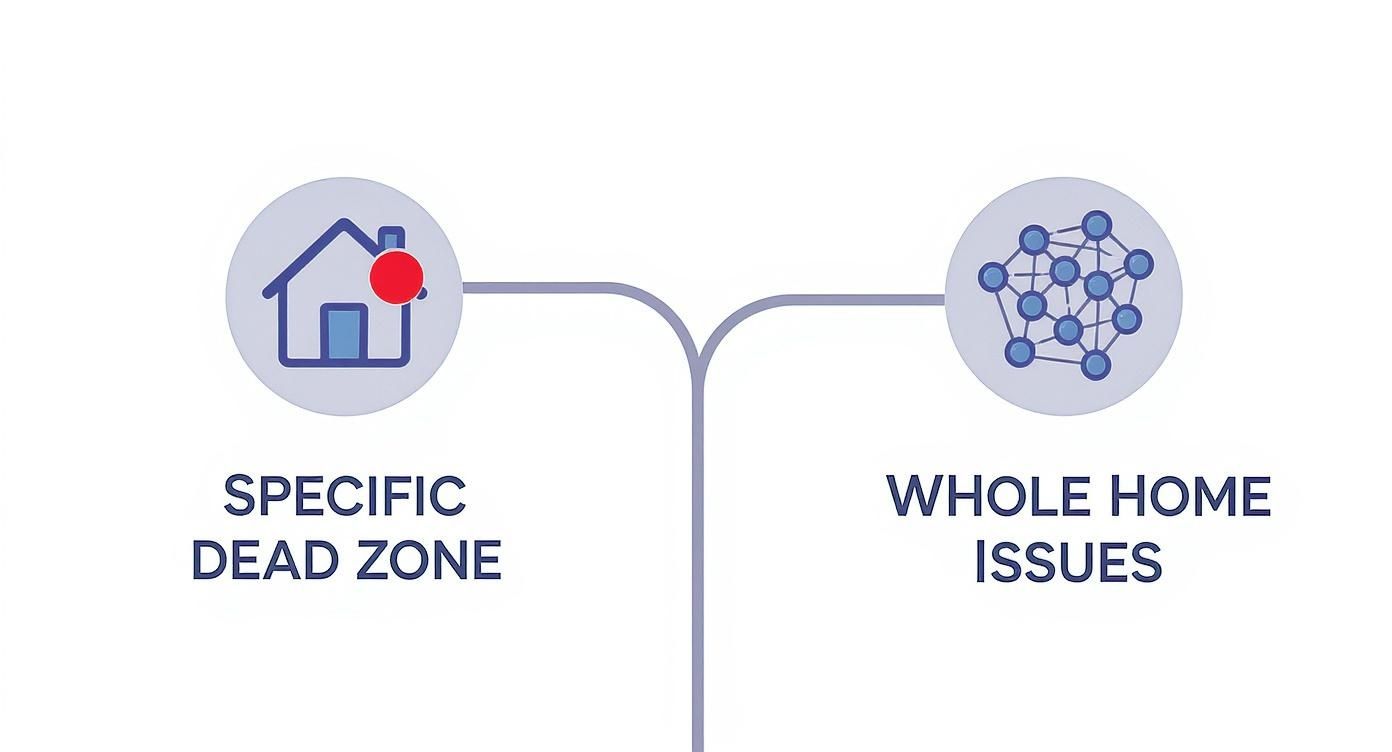
The key takeaway here is that an extender is brilliant for sorting out isolated signal problems, making it a targeted and budget-friendly fix. For a deeper dive into the different signal-boosting options out there, our ultimate guide to [WiFi antennas and boosters](https://www.constructive-it.co.uk/post/wifi-antennas-and-boosters-your-ultimate-guide) has plenty more insights.
Optimal Placement for a Flawless Connection
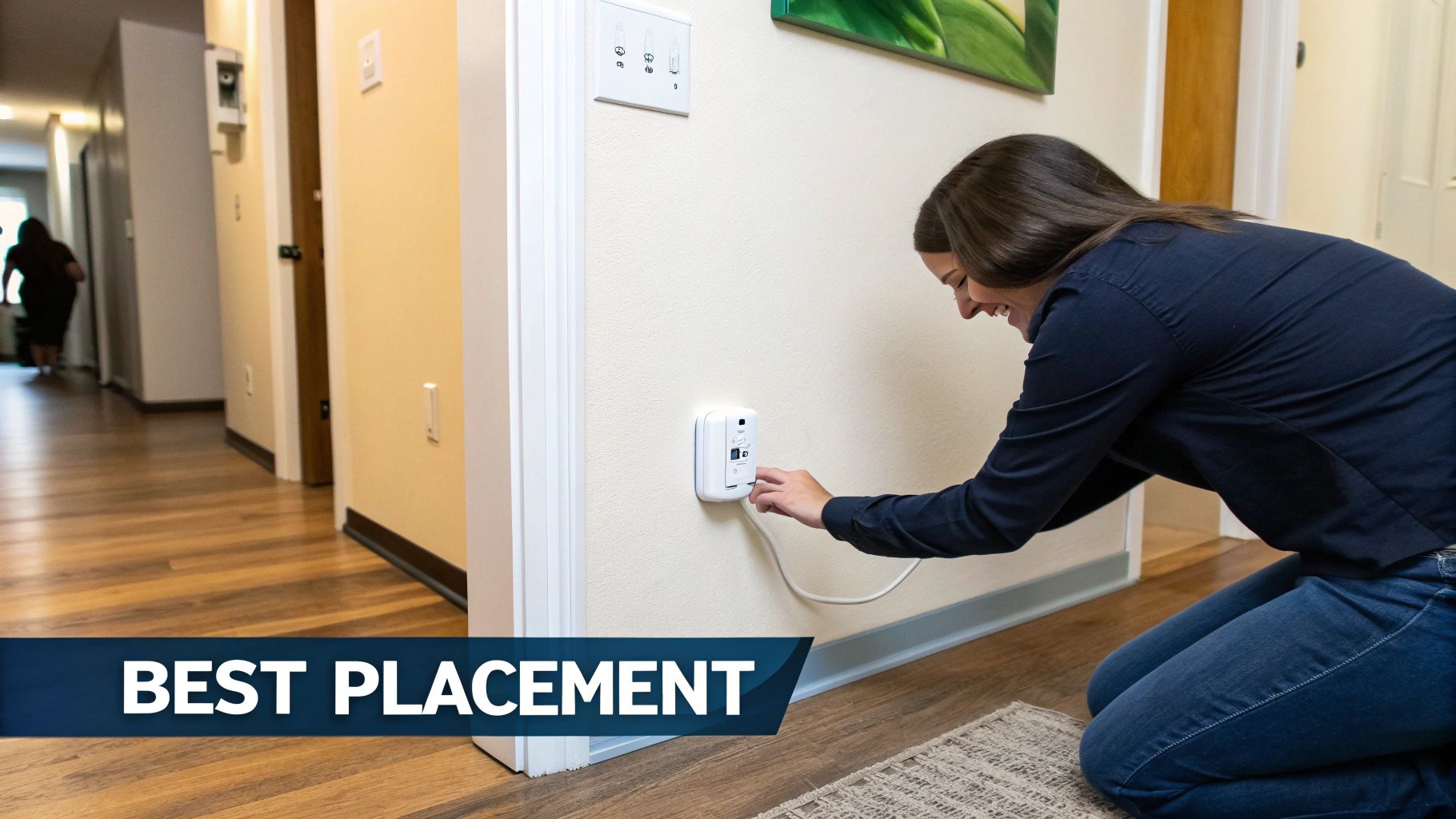
So, you've got your new Wi-Fi range extender and you’re probably tempted to plug it straight into the heart of your worst dead zone. It’s a common mistake, but it won’t get you the results you’re looking for.
Placement is everything. Where you position your device is just as critical as the model you choose, and putting it in the wrong spot can leave you with a connection that's just as weak and unstable as before.
The key is finding that 'Goldilocks zone'. This is the sweet spot roughly halfway between your main router and the area you're trying to cover. Too close to the router, and it won't have enough reach to make a difference. Too far away, and it will only pick up a weak signal to begin with—which it will then rebroadcast, giving you a stronger but still poor connection. You need to position it where it can still get a solid, reliable signal from the router.
Setting Up Your Extender
Thankfully, getting your extender up and running is usually a straightforward affair. Most modern devices are designed for a simple, plug-and-play experience.
One of the easiest methods is using the Wi-Fi Protected Setup (WPS) button. It's a common feature on both routers and extenders that lets them pair with a single press. Just push the WPS button on your router, then press the one on your extender within two minutes, and they should connect automatically. Easy peasy.
For a bit more control, many manufacturers provide a dedicated mobile app. These apps walk you through the setup and often include a handy signal strength indicator, helping you find the perfect spot in real-time.
Finding the right spot isn’t just about distance; it’s also about avoiding obstacles. An extender works best when it has a clear line of sight to the router, so think about elevation and potential interference.
To help you get it right the first time, here’s a quick guide on the dos and don'ts of placing your extender.
WiFi Extender Placement Dos and Don'ts
Do | Don't |
|---|---|
Place it halfway between your router and the dead zone. | Plug it directly inside the dead zone. |
Keep it in the open, away from other electronics. | Hide it behind furniture or inside a cabinet. |
Position it high up on a wall or shelf for better reach. | Place it on the floor or in a corner. |
Check the indicator lights to confirm a strong router signal. | Ignore the lights and hope for the best. |
Experiment with different locations to find the sweet spot. | Settle for the first spot you try if performance is poor. |
Getting the placement right might take a few tries, but a little patience will pay off with a much more stable and reliable connection throughout your home.
Avoiding Common Signal Killers
Even with perfect placement, certain household items and materials can weaken your Wi-Fi signal. To ensure your network is performing at its best, try to keep your extender away from these common culprits:
Thick Walls: Concrete and brick are notorious for blocking Wi-Fi signals.
Kitchen Appliances: Microwaves, in particular, operate on the 2.4 GHz frequency and can cause significant interference when in use.
Large Metal Objects: Things like refrigerators, filing cabinets, and even big mirrors can reflect and disrupt your wireless signals.
Common Questions About WiFi Extenders
Even after getting the basics down, you might still have a few questions swirling around about what a WiFi range extender can and can’t do for your home. Let's tackle some of the most common ones we hear all the time.
Will an Extender Make My Internet Faster?
This is probably the biggest misconception out there. A WiFi extender is designed to stretch your wireless coverage area, not boost the internet speed you pay your provider for. Its whole job is to get a stable, usable signal to rooms where the connection was previously weak or non-existent.
In fact, the process of receiving a signal from your router and then re-broadcasting it can slightly reduce the maximum potential speed in the extended zone. Think of it as trading a tiny bit of top speed for a massive gain in reach and reliability.
The real win with an extender is killing off those dead zones. It delivers a stable connection where you need it most by boosting coverage, not the speed of your broadband plan.
Can I Use More Than One Extender?
Technically, you can plug in as many as you want, but it’s almost always a bad idea. When you 'daisy-chain' extenders—letting one extender connect to another—you slash performance with each "hop." This usually creates a frustratingly unstable and unreliable network.
If your home has dead zones scattered all over the place, a single extender just won't cut it. You need a more robust solution. For these situations, you’re much better off looking at:
A Mesh WiFi System: This is the modern solution for seamless, whole-home coverage. Multiple nodes work together as a single, intelligent network.
Professional Installation: For guaranteed performance, a certified and tested network delivery from an expert is unbeatable. As an Excel network accredited partner, we provide solutions like fibre cable installation backed by a 25 year equipment warranty, ensuring flawless coverage everywhere.
Should My Extender Have a Different WiFi Name?
You’ve got two main options here, and honestly, it often just comes down to personal preference.
Giving the extender the same network name (SSID) as your router creates a more seamless experience. Your phone or laptop should automatically switch to whichever signal is strongest as you move around the house.
Alternatively, you can give the extender its own name (like ‘Upstairs_WiFi’). This gives you full manual control, letting you decide exactly which network you want to connect to at any given time.
Comments