
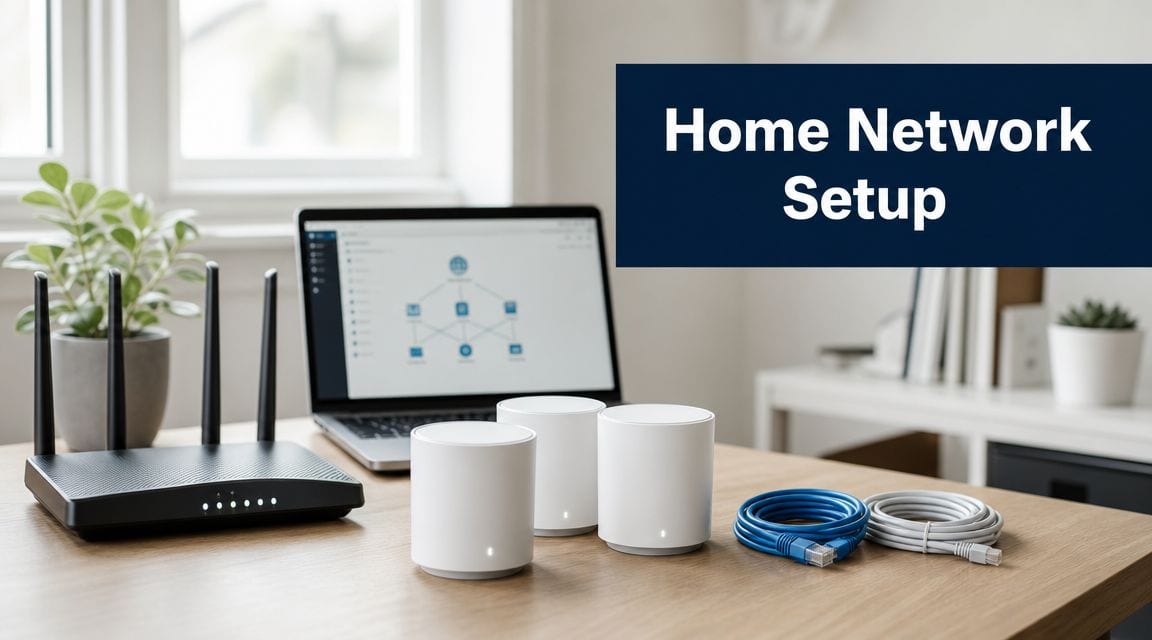
Most advice around network setup home projects starts in the wrong place. It starts with apps, dashboards, automations, and remote control. In live commercial environments, that's backwards.
The projects that hold up in unmanned buildings are built from the physical layer up. Power, data, and access decide whether the software matters at all. If those three aren't designed together, the building isn't autonomous. It's just unattended.
That distinction matters for IT managers and Facilities Managers who are being asked to support flexible offices, remote plant areas, storage units, managed workspaces, and mixed-use sites with fewer on-site staff. A home network can tolerate the occasional reboot, dead battery, or Wi-Fi dead spot. An unmanned commercial unit can't. If the door won't release, the camera feed drops, or the switching cabinet loses power, the failure is operational, not cosmetic.
From Smart Homes to Autonomous Buildings
The consumer market has blurred the language. People use “smart” to describe everything from a video doorbell to a fully integrated access estate. That creates bad assumptions.
A home setup is built around convenience. An autonomous unmanned building is built around controlled operation when no one is there to intervene quickly. That means remote visibility, auditable access events, reliable power paths, resilient connectivity, and clear separation between business systems and building systems.
To see how far normal connectivity has spread, consider that 93% of households in Great Britain had home internet access in 2023, according to the Office for National Statistics as cited in this home network setup reference. That tells you internet access is now ordinary infrastructure. It does not mean a domestic-style setup is suitable for a commercial building that has to run securely without regular on-site presence.
What unmanned building management looks like in practice
In practice, unmanned building management usually means a site can keep functioning without reception staff, without a permanent building supervisor at the front desk, and without someone walking round every day to reset failed devices.
That usually includes:
- Controlled entry and exit: users enter by credential, schedule, role, or tenancy.
- Remote monitoring: CCTV, alarms, and core plant status can be checked off-site.
- Central administration: permissions are issued and revoked without physical key collection.
- Event history: managers can review who accessed which area and when.
- Fault visibility: engineers can identify whether the problem is power, cabling, switching, or endpoint failure before travelling.
Practical rule: If a system needs frequent manual intervention to stay usable, it isn't an unmanned building system. It's a staffed process with remote branding.
The shift from smart gadget thinking
Many projects drift off course when teams buy clever endpoints before defining building behaviour. They ask which lock, which camera, which cloud portal. The better question is what the site must continue doing during routine faults, tenancy changes, maintenance windows, and out-of-hours access requests.
That's also why it helps to look beyond consumer automation trends and spend time understanding IoT's future in the broader built-environment context. The useful lesson isn't that more connected devices are coming. It's that the value of those devices depends on the underlying estate being engineered properly.
A reliable autonomous unit is less about novelty and more about disciplined infrastructure. Doors, switches, power circuits, containment, CCTV locations, and wireless coverage all need to support an operating model. If they don't, the “smart” layer becomes an expensive source of service calls.
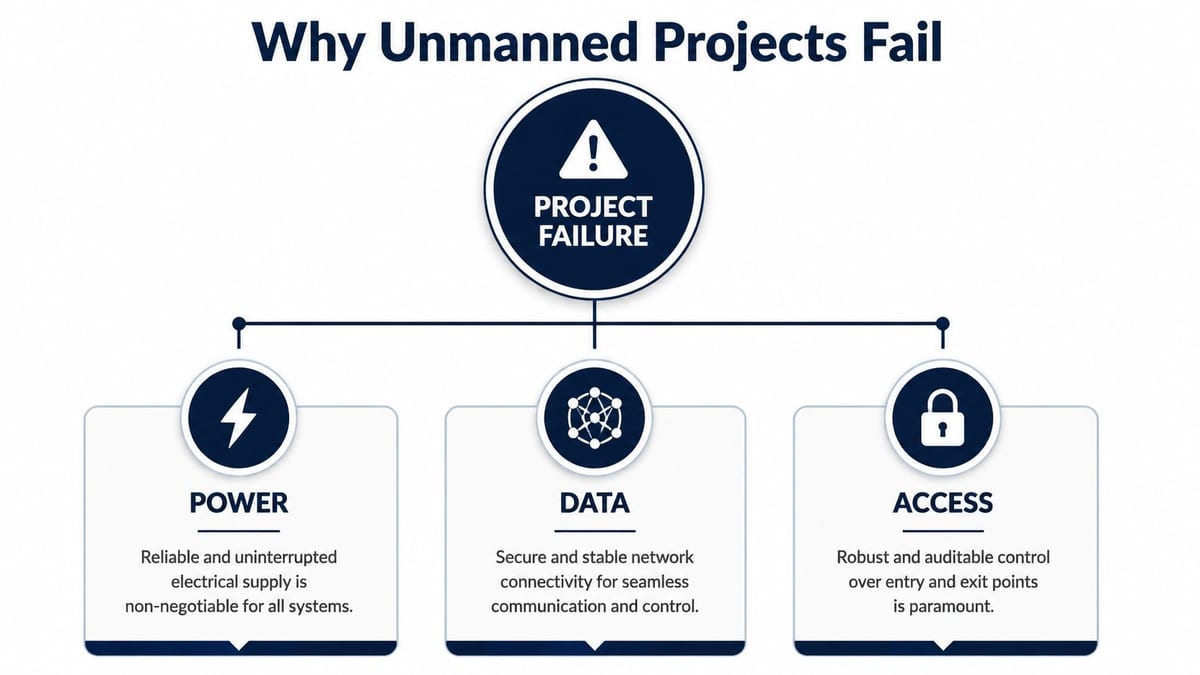
Why Unmanned Projects Fail The Power, Data, and Access Triad
Most failed unmanned projects weren't doomed by ambition. They were undermined by sequencing. One contractor handled power, another handled access control, another handled IT, and nobody owned the joins between them.
That's where network setup home thinking causes trouble. In a house, you can often add devices one by one and live with compromises. In a commercial fit-out, isolated decisions stack into systemic faults.
Power is never just electrical
A lot of project plans still treat power as a separate compliance workstream. It isn't. Power quality and continuity shape the behaviour of every switch, controller, reader, camera, and cabinet in the building.
A door controller with poor supply resilience becomes an access issue. A switch without the right power budget becomes a CCTV issue. A cabinet with no thought given to protected supply becomes a network issue during the first outage or maintenance event.
Data is now the internal bottleneck
External connectivity has improved quickly. Ofcom reported that in 2024, around 70% of UK premises could receive a full-fibre service, as cited in this broadband and internal network planning reference. In other words, the incoming line is less often the limiting factor. The internal design now carries more responsibility.
That changes the failure pattern. The expensive broadband service arrives. Then the project under-specifies switching, leaves poor patching in place, mixes surveillance traffic with office traffic without a plan, and hangs critical devices off whichever edge port is nearby.
If you want a domestic comparison, advice on how to boost your smart home network often focuses on signal strength and placement. That's useful at home. In unmanned buildings, the harder problem is architecture. Coverage matters, but topology, segmentation, and power paths matter more.
For teams dealing with mixed estates, this is also where practical design decisions around Wi-Fi access point placement and deployment become relevant. Coverage shouldn't be treated as a last-minute fix after ceilings are closed and door hardware is already committed.
Access fails when it's specified in isolation
Access control is often purchased as a product line, not designed as a service. That's a mistake. A reader on the wall is only one small part of the chain. The core question is whether the access system still behaves predictably when permissions change, when contractors need temporary entry, when network equipment is rebooted, or when a tenancy is handed over.
Here's what tends to break projects:
| Failure point | What teams often do | What actually happens |
|---|---|---|
| Access design | Choose door hardware late | Locking strategy clashes with cabling and power routes |
| Data design | Reuse existing switching without review | CCTV and access traffic contend with business traffic |
| Electrical design | Assume “live power nearby” is enough | Controllers and cabinets end up with weak resilience |
Unmanned buildings don't fail because one component is bad. They fail because three reasonable decisions were made separately and don't work together.
The projects that run cleanly are the ones where access, power, and data are reviewed as one operational system, not three procurement packages.
Choosing Smart Access Control The Case for NFC Locks
Access hardware is where unmanned projects either become manageable or become a maintenance burden. The temptation is to choose what looks modern and easy to deploy. Consumer-grade smart locks often win that comparison on day one. They lose it over time.
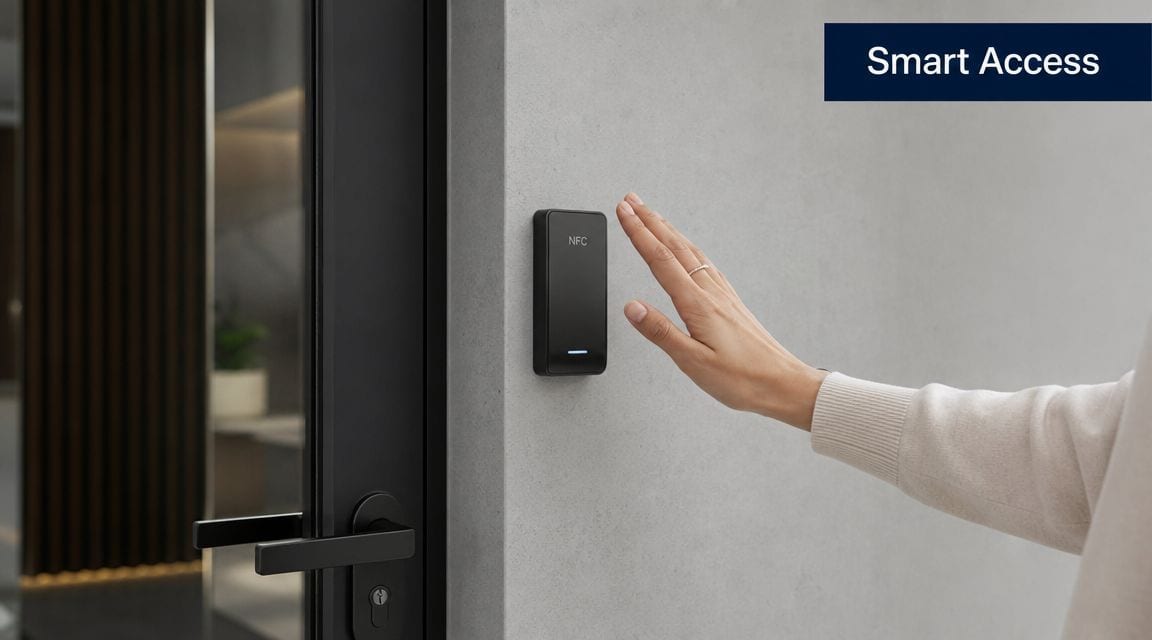
Commercial unmanned buildings need hardware that reduces service dependency, not just installation friction. That's why battery-less NFC proximity locks deserve serious attention.
Why battery-less matters
Home network security guidance usually starts with basics such as changing default passwords and securing wireless access. That's a sensible baseline for domestic environments. It isn't enough for an unmanned building. As noted in this home network security setup reference, commercial environments need physical hardening, including battery-less locks, to remove attack surface and maintenance-related failure points.
The maintenance case is straightforward. Batteries create a service schedule. Once you multiply that across a multi-door estate, routine battery management becomes part of building operations. If battery replacement slips, you've introduced a failure mode into the access layer itself.
With battery-less NFC proximity systems, the design goal is different. You're reducing dependence on local consumables at the door. For unmanned units, that's a practical advantage, not a marketing one.
Where battery-powered locks usually disappoint
Battery-powered smart locks can be acceptable in light-duty domestic use. They're far less attractive when the door is part of a managed, auditable, often shared commercial environment.
Common problems include:
- Operational drift: battery replacement gets deferred because nobody owns it clearly.
- Inconsistent estate behaviour: one lock model behaves differently from another after firmware or hardware revisions.
- False confidence: the system looks connected in software while the physical endpoint becomes unreliable.
- Access risk during vacancy periods: lower footfall can hide degrading hardware until someone urgently needs entry.
The best access hardware for unmanned use is usually the hardware nobody has to remember to nurse.
What good NFC deployment looks like
A sound NFC lock deployment usually starts with policy, not product. Decide first which doors need audited access, which need fail-secure or fail-safe behaviour, how temporary credentials are issued, and which locations need separate treatment for contractors, cleaners, or tenants.
Then test the hardware against mundane realities:
- Entry at awkward hours when no local staff are present.
- Credential changes when a tenant moves out.
- Lost phone or card scenarios and how quickly replacement access is granted.
- Door-by-door supportability for maintenance teams who didn't do the original install.
In office suites, self-storage style facilities, co-working hubs, managed industrial units, and remote service rooms, NFC proximity locks usually make most sense when the objective is dependable access with low manual overhead. They aren't glamorous. That's part of the point.
Integrating CCTV and Certified Electrical Installation
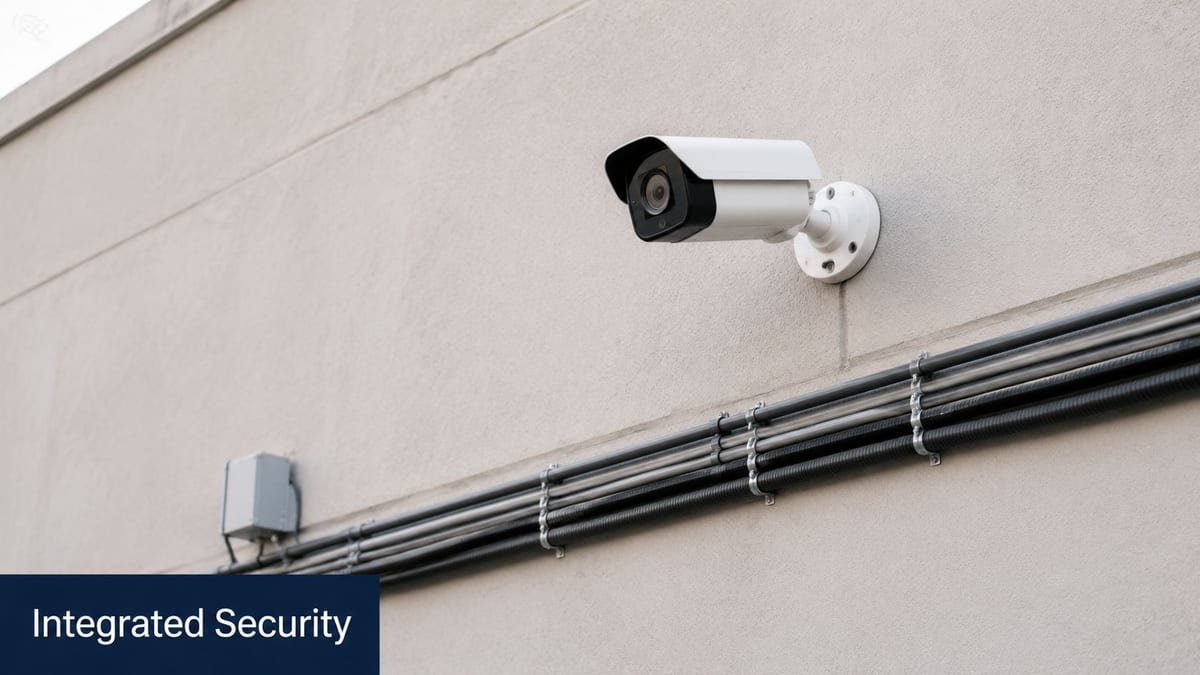
CCTV is often specified as a security package and installed as if it lives beside the network. In unmanned buildings, it lives on the network. It also lives on the electrical design. Ignore either side and the camera system becomes unreliable precisely when someone expects evidence, visibility, or remote confirmation.
That's why I treat surveillance as part of the building's infrastructure fabric, not an add-on.
CCTV performance starts in the cabinet
A camera can only be as reliable as the cabling route, switch port, power method, and recording path behind it. Teams still spend too much time debating camera features while leaving the transport layer vague.
Commercial validation is more demanding than a simple home speed check. As set out in this installation and performance testing reference, proper validation includes confirming that the physical cabling can deliver guaranteed bandwidth to critical systems like CCTV. That matters because intermittent video faults are often blamed on the camera when the issue sits in the cabling plant, port negotiation, patching, or poorly planned wireless links.
A practical design review should ask:
- Will this camera be wired or wireless? Wireless is convenient, but fixed surveillance benefits from predictable physical links.
- Is power delivered locally or over the data infrastructure? The answer affects cabinet design, switching choice, and maintenance response.
- What happens during fault isolation? Engineers need to identify whether the problem is the endpoint, switch, recorder, or circuit quickly.
For many projects, Power over Ethernet cabling design is the hinge point. It determines not only how devices are connected but how resiliently the estate can be supported and expanded.
Electrical certification is not paperwork theatre
Commercial electrical installation and certification often gets pushed into the background once the network and software conversations start. That's a serious mistake. Certified electrical work underpins every cabinet feed, device supply, and protective measure that keeps the platform stable.
When the electrical side is weak, the symptoms show up elsewhere. Cameras reboot unexpectedly. Edge equipment behaves inconsistently. Controllers disappear from management platforms. Engineers chase “network” faults that are supply issues.
This video gives a useful visual anchor for how physical infrastructure decisions shape system outcomes:
What integrated delivery changes
When CCTV, structured cabling, switching, and electrical works are coordinated as one package, several things improve immediately.
| Area | Poorly integrated project | Properly integrated project |
|---|---|---|
| Camera installation | Device mounted where convenient | Device located with cable path, sightline, and maintenance access in mind |
| Power provision | Local fixes and ad hoc feeds | Certified supply planned with cabinet and endpoint load in mind |
| Fault response | Multiple contractors blame each other | Engineers can trace issues through one documented design |
That's the difference between a system that looks complete at handover and one that keeps working.
Building Out Fully Autonomous Unmanned Building Units
The cleanest autonomous projects are built in phases. Not because the technology is mysterious, but because the dependencies are unforgiving. Once ceilings, risers, cupboards, and door sets are fixed, your room for correction shrinks fast.
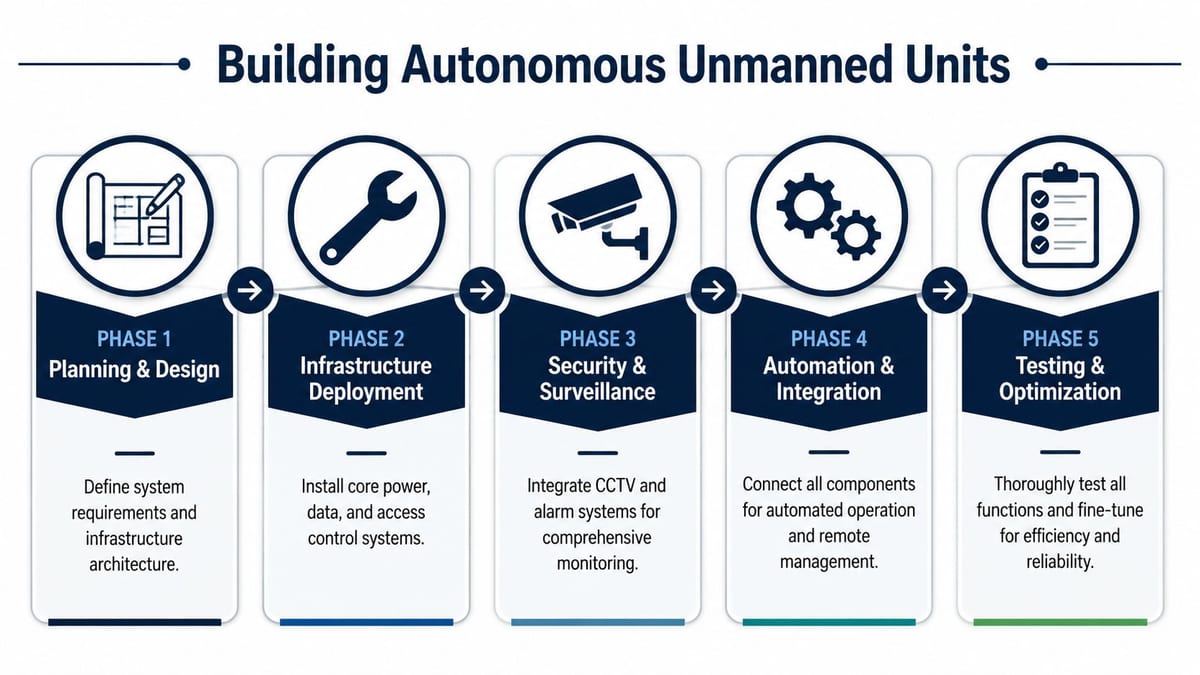
A practical project path
A typical build-out for a fully autonomous unmanned unit usually follows this order:
Define the operating model
Decide who uses the building, when they access it, what must be monitored remotely, and what has to keep running during routine disruptions.Map the physical infrastructure
Place cabinets, containment, power routes, reader positions, camera views, and wireless coverage around actual use of the building, not just floorplan convenience.Separate the networks properly
A secure unmanned building shouldn't run as one flat estate. As described in this network segmentation guidance, work, security, and management traffic should be separated. That principle becomes more important as the number and variety of connected systems increase.Integrate management and monitoring
Bring together access logs, CCTV visibility, alerting, and device status so support teams can diagnose issues remotely.Test the building like an operator would use it
That means entry, exit, handover, revocation, camera retrieval, network failover behaviour, and remote support workflows.
Where these units are commonly used
The model is already practical in several environments:
- Flexible workspaces: users need scheduled access without permanent reception cover.
- Multi-tenant commercial units: each occupier needs controlled entry and a clear operational boundary.
- Dark storage and managed warehousing: access and surveillance matter more than on-site staffing.
- Remote service buildings and plant rooms: engineers need dependable access and central oversight.
- Residential mixed-use back-of-house areas: management needs controlled access without constant staff presence.
Why segmentation changes the outcome
Network setup home guidance often assumes a single trust zone. That's fine for many domestic environments. It's wrong for autonomous units.
A segmented estate lets teams isolate building management, CCTV, access control, tenant data, and guest access so faults and security issues don't spread unnecessarily. It also makes change control easier. A tenant Wi-Fi issue shouldn't interfere with surveillance traffic. A contractor laptop shouldn't sit on the same path as management controllers.
For mixed wired and wireless estates, a clear strategy for Ethernet and wireless design choices yields significant benefits. Wireless gives flexibility. Ethernet gives predictability. Most reliable autonomous buildings use both deliberately rather than forcing one approach everywhere.
Good autonomous units aren't built by piling devices into a space. They're built by assigning each device a role, a path, a power source, and a trust boundary.
Ensuring Long-Term Success Through Maintenance and Operations
Handover is where many teams often assume the hard work is done. It isn't. The true test starts after the first tenant change, the first out-of-hours access problem, the first failed camera, and the first firmware update window.
Autonomous doesn't mean maintenance-free. It means the building can be operated with less on-site intervention because the maintenance model was designed in from the start.
What day two support actually involves
A sustainable operating model usually includes:
- Firmware and platform management: controllers, switches, access systems, and cameras need planned updates, not reactive patching.
- Credential lifecycle control: joiners, leavers, contractors, and temporary users need a clean process.
- Remote fault diagnosis: support teams should be able to identify whether the issue is a door device, switch, power circuit, or uplink before dispatching anyone.
- Change documentation: if a tenancy changes or a room is repurposed, records need to stay current.
- Planned physical inspection: even low-touch systems still need periodic checks of cabinets, door hardware, labels, patching, and field terminations.
The maintenance decisions that reduce operational noise
The lowest-friction estates usually share a few traits.
- They avoid consumable-heavy access hardware where possible.
- They document cable routes and cabinet layouts well enough for another engineer to support them.
- They separate critical building systems from user traffic so support incidents don't cascade.
- They treat electrical, security, and network records as one operational set, not three unrelated archives.
A building becomes expensive to support when nobody can answer a simple question quickly: is this a device fault, a power fault, or a network fault?
That's why the right technical partner matters long after commissioning. Not for generic “support”, but for lifecycle discipline. If you're planning a relocation, a new fit-out, or a conversion to low-touch operation, get the physical infrastructure decisions right before the software layer starts making promises.
If you're planning an unmanned office, managed unit, or autonomous building fit-out, Constructive-IT can help you design the power, data, access, CCTV, and certified infrastructure properly from the outset, so the building works in practice, not just on a scope document.