


How to Improve Mobile Signal in Your Office
- Craig Marston
- Nov 7, 2025
- 11 min read
We’ve all been there. You’re pacing around the office, phone held high, trying to find that one magic spot where the call won’t drop or the email will finally send. It’s a common frustration, but improving your mobile signal starts with understanding why it’s so bad in the first place. The answer, more often than not, is literally built into the walls around you.
So, Why Is Your Office Signal So Unreliable?

Many businesses set up shop in prime locations—bustling commercial centres with impressive modern buildings—only to discover their mobile connectivity is surprisingly weak. This isn't just a string of bad luck; it’s a direct consequence of modern construction methods and the materials used.
The main culprit is the building itself. Think of your office as a fortress designed to keep the elements out. Unfortunately, it does an equally good job of blocking mobile signals. The very materials that make a building energy-efficient and structurally sound can create what’s known as a Faraday cage, effectively trapping signals out.
Before we dive into solutions, it helps to pinpoint exactly what you're up against. Here’s a quick rundown of the most common signal-blocking culprits we see in modern offices.
Common Causes of Poor Indoor Mobile Signal
Cause | Technical Reason | Commonly Affects |
|---|---|---|
Energy-Efficient Glass | Coated (Low-E) glass contains thin metallic layers that reflect radio frequency (RF) signals away from the building. | Offices with large, modern glass facades and extensive window coverage. |
Steel-Frame Construction | The structural steel beams and supports act as a physical barrier, absorbing and scattering mobile signals. | Most multi-storey commercial buildings, new-builds, and industrial conversions. |
Reinforced Concrete | Dense concrete, especially when reinforced with steel rebar, is a highly effective signal blocker. | Basements, car parks, and the core structure of many large office blocks. |
Foil-Backed Insulation | The metallic foil used in modern insulation panels reflects RF signals, preventing them from passing through walls. | Newer, energy-efficient buildings and recently refurbished office spaces. |
These physical barriers are a huge part of the problem, but they aren’t the whole story.
It’s Not Just the Building Materials
Even if a signal manages to sneak past the outer shell of your building, other factors both inside and out can make things even worse.
Network congestion is a classic issue in busy commercial districts. Every mobile mast can only support a certain number of connections at once. When thousands of devices in surrounding offices are all competing for bandwidth, the quality of your connection can nosedive, even when your phone shows full bars. If you want to get a better sense of your building's relationship with local infrastructure, you can check out our guide on finding mobile mast locations in the UK.
Then there's the electronic "noise" from within your own office. Wi-Fi routers, computers, microwaves, and even fluorescent lighting can all create interference that degrades signal clarity. This messy combination of physical blockers and radio frequency chaos is precisely why walking a few metres can mean the difference between a crystal-clear call and a completely dropped one.
The physical reach of 5G across the UK has expanded rapidly, yet huge coverage gaps remain—especially when it comes to indoor reception. As of 2025, 62% of the UK’s landmass has 5G network availability, but this figure almost exclusively reflects outdoor coverage, leaving countless offices in a connectivity blind spot.
Before you start looking at expensive hardware, there are a few simple things you can try right now to improve your office mobile signal. These quick fixes cost nothing and can often make a surprising difference, especially if you’re just dealing with patchy reception in certain spots.
The first, and frankly easiest, trick up your sleeve is to lean on your existing Wi-Fi network.
Almost every modern smartphone has a feature called Wi-Fi Calling, which lets your calls and texts piggyback on your office's broadband connection instead of relying on the mobile network. This is a lifesaver in buildings where thick walls or metal structures kill mobile signals but the Wi-Fi is rock-solid.
Turning On Wi-Fi Calling
Getting this feature working is usually a simple flick of a switch and can instantly make your calls clearer.
On an iPhone: Just pop into Settings > Phone > Wi-Fi Calling, and toggle it on.
On an Android phone: It can be in a few different places depending on the manufacturer, but you'll typically find it under Settings > Network & Internet > Calls & SMS. Look for the Wi-Fi Calling option and make sure it’s enabled.
Once it's on, your phone will intelligently switch over to Wi-Fi for calls whenever your mobile signal is weak. It’s a fantastic solution for anyone tied to their desk. For this to work well, of course, your Wi-Fi needs to be stable. This comprehensive Wi-Fi troubleshooting guide can help you sort out any underlying connection problems.
Hunt Down Your Office's Signal Hotspots
Mobile signal is rarely an all-or-nothing affair. It's almost never consistent across an entire floor, let alone a whole building. A bit of detective work can reveal "hotspots" where the signal is much stronger, giving your team reliable places to take important calls.
You'll usually find the best reception in these areas:
Next to windows: Glass is far easier for a mobile signal to pass through than concrete and steel.
On higher floors: The higher you go, the fewer buildings and obstacles there are between you and the nearest mobile mast.
In the corners of the building: These spots sometimes have less structural interference blocking the signal.
Get your staff to pay attention to their signal bars as they walk around. Finding a spot with just two solid bars can be the difference between a clear conversation and a frustrating dropped call. It’s not a perfect fix for everyone at once, but it's a practical, immediate workaround. A lot of these same ideas apply at home, too – you can read our guide on how to boost mobile phone signal at home for more tips.
Before you drive yourself mad checking devices and wandering around the office, take 30 seconds to check for local network outages. All the major UK providers (like EE, Vodafone, Three, and O2) have live service status checkers on their websites. A quick look can confirm if the problem is with their network, not your building, saving you a whole lot of time and hassle.
Comparing Signal Boosting Technologies
When the simple fixes just don't cut it—you’ve tried Wi-Fi Calling, you’ve mapped out the one corner of the office where you get a bar—it’s time to look at dedicated hardware. Investing in the right technology isn't just a fix; it's a permanent, building-wide solution to poor mobile signal. But the options can feel a bit overwhelming, with each one designed for different buildings, budgets, and problems.
Getting your head around the main differences between mobile signal boosters, Distributed Antenna Systems (DAS), and Small Cells is the key here. They aren't just different names for the same thing, and picking the wrong one can be a costly mistake.
This quick summary gives you a few immediate actions you could try, from enabling Wi-Fi calling to checking for local network outages.
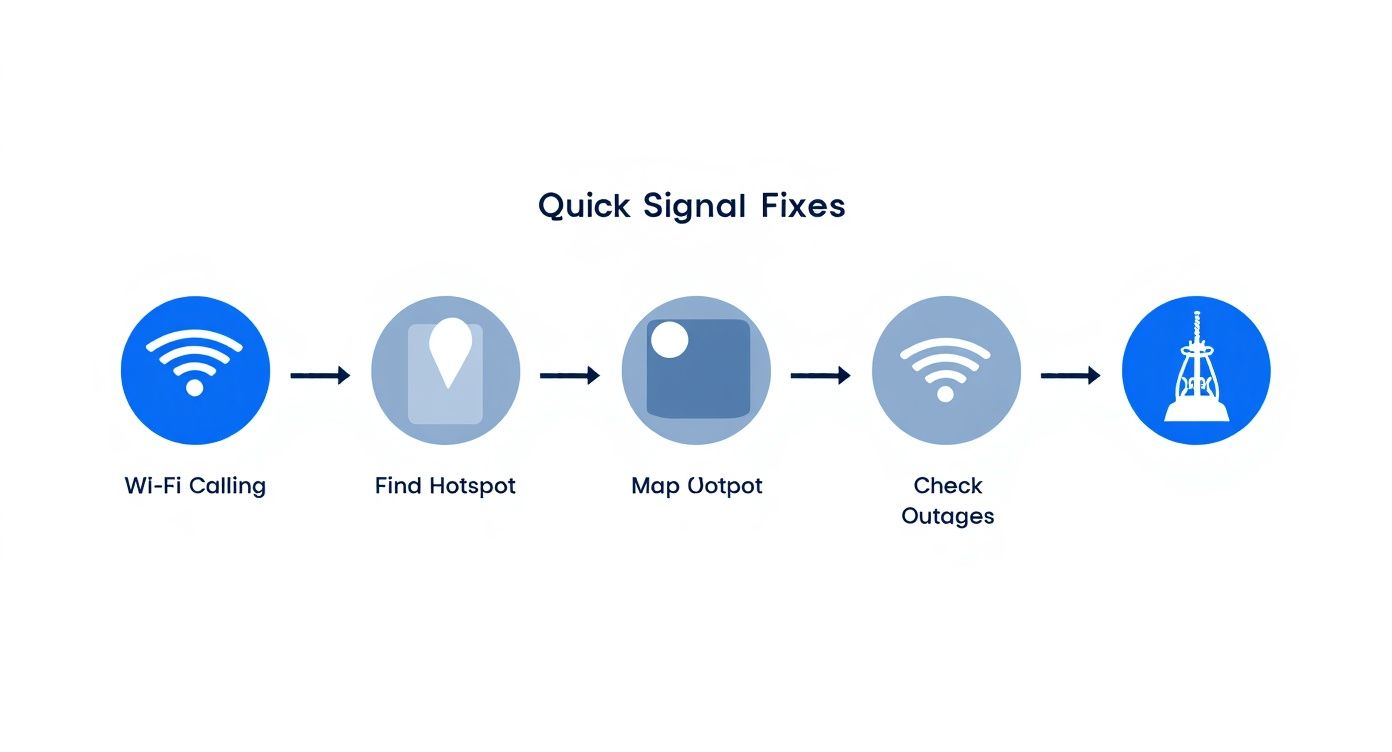
While those steps might offer some temporary relief, the hardware solutions below are where you'll find a more robust and permanent answer to those frustrating connection drops.
Mobile Signal Boosters
For many businesses, a mobile signal booster (sometimes called a repeater) is the most direct and budget-friendly hardware solution. It’s a clever bit of kit that works by grabbing a weak external signal with an outdoor antenna, giving it a serious boost, and then rebroadcasting that stronger signal inside through one or more internal antennas.
These systems are perfect for small to medium-sized offices, shops, or even just those stubborn dead zones in a larger building. They're generally the quickest to get up and running and can make a massive difference to both call quality and data speeds. Just be sure you're using Ofcom-compliant equipment in the UK, as illegal boosters can cause serious interference with the public networks. If you're dealing with a specific device, you can learn more about how to boost your iPhone signal in our dedicated guide.
Distributed Antenna Systems (DAS)
Now, if we’re talking about large corporate headquarters, hospitals, or sprawling university campuses, that’s where a Distributed Antenna System (DAS) comes into its own. This is the industry-standard, heavy-duty solution. A DAS is a far more complex network of antennas, all strategically placed throughout a building to deliver seamless, uniform coverage everywhere. It takes a strong signal, either from a nearby mast or a direct feed from the carriers, and distributes it via fibre optic or coaxial cables.
Make no mistake, a DAS installation is a major infrastructure project. It needs professional design, a lot of cabling, and a significant budget. But the payoff is flawless coverage across huge areas, including tricky spots like basements and lift shafts. It’s the go-to for large organisations where reliable communication is simply non-negotiable.
Small Cells
Think of small cells as your own personal, miniature mobile phone mast. These are low-powered base stations that create a localised bubble of perfect signal. Unlike boosters, which just amplify what's already there, small cells generate a brand-new signal. They connect to the mobile operator’s main network through your office's existing internet connection, effectively bringing the phone mast indoors.
Small cells are a fantastic option for medium to large offices, especially in places where the outside signal is so poor that a booster would have nothing to work with. The installation is typically managed by the network carriers themselves and delivers exceptional capacity and data speeds for a specific network.
User experience on UK mobile networks varies significantly, and choosing the right hardware often depends on which provider is strongest in your area. Recent analysis shows EE consistently leads in overall performance and 5G speed, underscoring the importance of aligning your solution with a strong local carrier. Discover more insights from RootMetrics’ latest mobile network report.
Let's break these options down into a simple comparison to help you see which one might be the best fit for your workplace.
Signal Boosting Solutions Compared
Technology | Best For | Typical Cost | Key Advantage |
|---|---|---|---|
Mobile Signal Booster | Small to medium offices, specific dead zones, retail units. | £ | Fast installation, cost-effective, boosts all networks. |
Distributed Antenna System (DAS) | Large buildings, campuses, hospitals, underground areas. | £££ | Flawless, uniform coverage over vast areas. |
Small Cell | Medium to large offices with very weak external signal. | ££ | Creates a new, high-capacity signal, carrier-grade quality. |
Ultimately, choosing between these technologies comes down to your specific needs. A signal booster is a practical and popular choice for most SMEs. A DAS is built for enterprise-level demands. And small cells neatly fill the gap, offering a carrier-grade solution when the outside signal has completely given up.
Why Professional Installation Matters
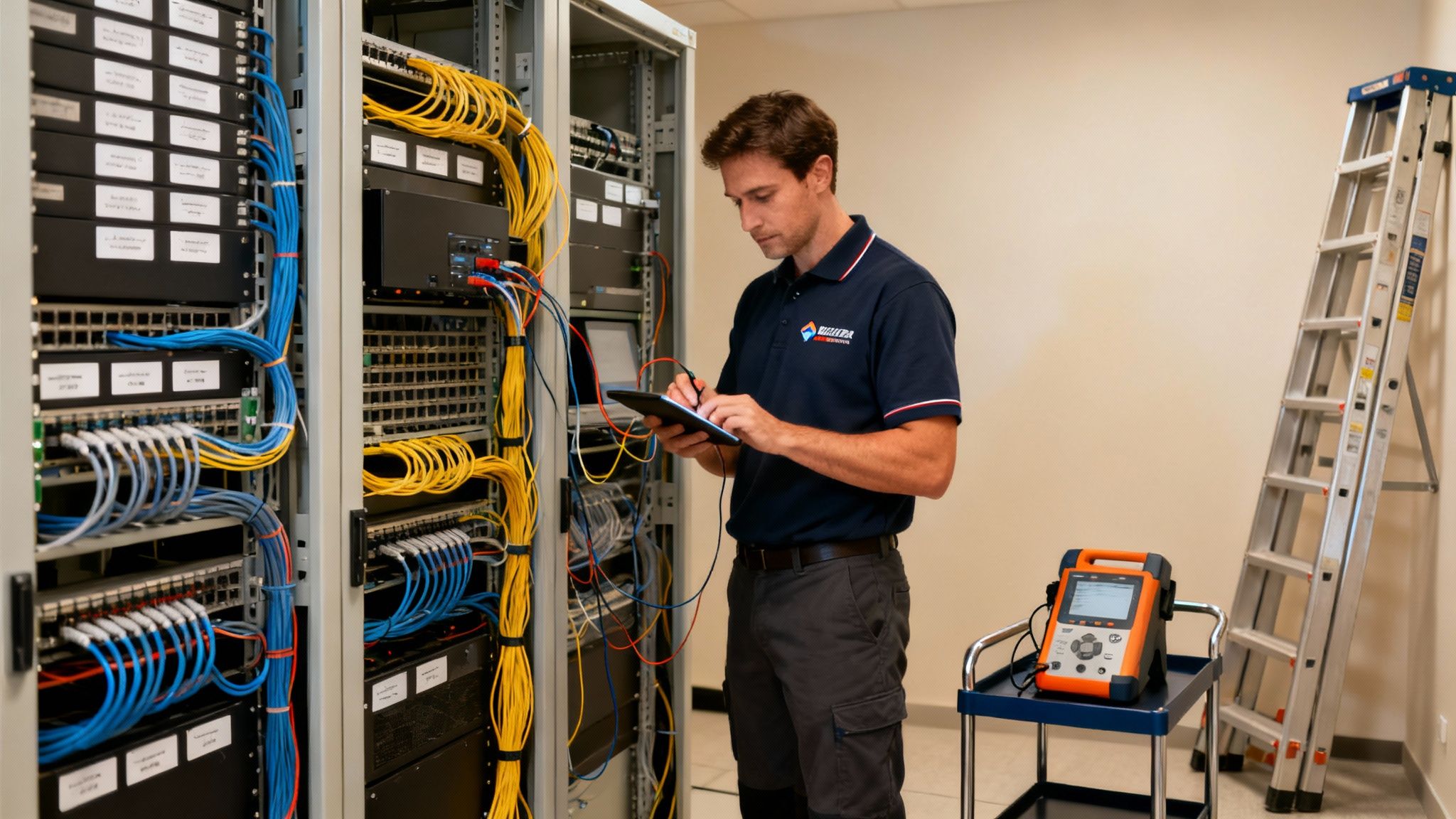
It can be tempting to grab a DIY signal booster off the shelf and hope for the best. But when you're talking about reliable, business-grade connectivity, professional expertise isn't just a nice-to-have; it's essential.
Putting in a proper Distributed Antenna System (DAS) or even a high-spec multi-antenna booster in an office is a different beast entirely. It’s far more than plugging in a box. You're engineering a solution that needs to work perfectly and, just as importantly, safely within your building. Get it wrong, and you could be facing more than just a weak signal.
Professionals are your safeguard for compliance and safety. They’re the ones who know how to navigate building codes, Ofcom regulations, and the ins and outs of adhering to electrical wiring standards. That peace of mind alone is worth the investment.
The Value of Certified Expertise
There's a huge difference between just getting a system running and having a dependable communications backbone for your business. When you partner with a certified installer, you’re not just buying a piece of kit; you're gaining a higher level of service and assurance.
For example, working with an Excel network accredited partner brings some serious advantages you won't get from a DIY job. This kind of partnership often includes:
A 25 year equipment warranty on the core components.
A solid guarantee of certified, tested network delivery.
Deep expertise in demanding installations like high-performance fibre cable installation.
This transforms what could have been a simple gadget into a long-term, warrantied business asset. You can actually rely on it.
A professional installation isn't just about avoiding headaches; it’s about squeezing every last drop of performance out of your investment. A certified engineer won't just guess. They’ll conduct a detailed site survey with specialised equipment to map signal dead zones and pinpoint the perfect spots for antennas and amplifiers. That’s how you get the strongest, most consistent coverage possible.
Meticulous Cable Management and Future-Proofing
One of the tell-tale signs of a professional job is something many people don't even think about: cable management. A chaotic mess of wires shoved into a comms room isn't just ugly—it's a ticking time bomb for future maintenance problems.
Properly managed cables mean every connection is secure, clearly labelled, and easy to trace. This precision is not only key for maintaining a tidy desk environment in an open-plan office but is absolutely vital for future-proofing your entire setup. When it's time to upgrade or troubleshoot, organised cabling can turn a day-long headache into a five-minute fix.
A professional team also thinks ahead. Are you considering an office relocation with equipment testing in the next few years? A well-documented, professionally installed system is infinitely easier to decommission and set up in a new space. That initial investment pays for itself in flexibility and minimal disruption later on, ensuring your signal solution can grow right alongside your business.
Your Office Signal Questions, Answered
Even after deciding to fix your office's poor mobile signal, a few questions always pop up. We get it. It’s a technical area, and you want to be sure you're making the right call. Here are some of the most common queries we hear from businesses, with straightforward, no-nonsense answers.
Are Mobile Phone Signal Boosters Actually Legal in the UK?
Yes, they are, but with a very important catch. Any signal booster you use in the UK must be ‘licence-exempt’ and meet the strict technical standards set by Ofcom. This isn't just red tape; it's to make sure your equipment doesn't accidentally interfere with the public mobile networks we all rely on.
The only surefire way to stay compliant is to work with a certified installer. They deal exclusively with approved, legal hardware and know precisely how to deploy it so it works effectively without breaking any rules.
Will a Signal Booster Help Our Mobile Data Speeds?
It certainly will. Many people think boosters only help with voice calls, but they actually amplify the entire cellular signal coming into your building. That includes the 4G and 5G frequencies your smartphones and tablets use for data.
By creating a much stronger and more stable connection to the nearest network mast, you’ll see a definite improvement in data speeds. This means cloud apps become more responsive, video calls are less choppy, and downloading large files doesn't feel like it takes an eternity.
A key thing to remember: the potential speed increase inside is directly related to the signal quality outside your building. The better the signal a booster has to work with, the bigger the jump in data speeds you'll experience indoors.
What’s the Difference Between Wi-Fi Calling and a Signal Booster?
This is a great question. Wi-Fi Calling is a handy feature that lets your phone make and receive calls and texts using your office internet connection. It’s a good first-line fix, particularly if your Wi-Fi network is rock solid.
But it has a critical weakness: if your broadband goes down, so does your ability to make or receive calls.
A signal booster, on the other hand, strengthens the actual mobile network signal from providers like EE, Vodafone, and O2. It works completely independently of your internet, giving you a vital layer of redundancy. It ensures you can still communicate when your main internet connection is out.
How Much Does a Professional Office Signal Solution Cost?
The cost can swing wildly based on a few key variables. The size and complexity of your office layout, the type of building materials causing the poor signal, and the technology you choose all have a major impact on the final price.
For a tiny office or a small retail space, a simple, self-installed booster kit might only set you back a few hundred pounds.
On the other end of the scale, a professionally designed and installed Distributed Antenna System (DAS) for a large, multi-storey corporate headquarters is a serious infrastructure project. This can easily run into five figures. The only way to get a truly accurate figure for your specific needs is with a professional site survey.
At Constructive-IT, we are an Excel network accredited partner, delivering certified, tested network delivery that puts an end to signal dead zones. From professional fibre cable installation backed by a 25 year equipment warranty to ensuring seamless transitions during an office relocation with equipment testing, we have the expertise to ensure your business stays connected. Schedule your no-obligation consultation today and let's get it sorted.