


A Business Guide to External WiFi Aerials
- Craig Marston
- Dec 3, 2025
- 15 min read

If your business is struggling with unreliable Wi-Fi, you’re not alone. The standard routers most businesses use are simply not built to handle the challenges of a typical workplace. Thick concrete walls, metal racking, and even interference from other electronics can cripple a wireless signal, leading to frustrating dead zones and bringing productivity to a grinding halt.
This is where the built-in aerial on your router lets you down.
Think of your router's tiny internal aerial as a bare lightbulb—it casts a weak, diffuse light that fades quickly and struggles to fill a whole room. An external Wi‑Fi aerial, on the other hand, is like a powerful, focused spotlight. It’s designed to cut through the noise and punch through physical barriers, delivering a strong, stable signal exactly where you need it.
Essentially, this technology moves your signal "outside the box," bypassing the structural limitations of your building.
Overcoming Workplace Connectivity Barriers
By installing external aerials in the right places, you can finally put an end to the persistent connectivity headaches that plague so many businesses. This isn't just about giving a weak signal a bit of a boost; it's about fundamentally re-engineering your wireless network to work for you. The benefits are immediate:
Eliminate Dead Zones: You can direct a powerful signal into specific problem areas, whether it's a conference room, a sprawling warehouse, or a distant office that previously had no connection at all.
Improve Signal Stability: Say goodbye to dropped connections and infuriatingly slow speeds caused by interference. A stable signal means your critical business operations can run without interruption.
Extend Network Reach: Need Wi-Fi across a large site, in another building, or even in an outdoor space? External aerials can provide seamless connectivity without sacrificing performance.
It's clear that businesses are moving away from off-the-shelf solutions. The global external Wi-Fi antenna market was valued at USD 8.88 billion in 2024 and is projected to hit USD 15.06 billion by 2032, growing at a steady rate of 6.83%. You can learn more about the increasing demand for advanced wireless solutions and what it means for UK businesses.
This growth points to a major shift towards more reliable and powerful wireless infrastructure. By understanding how external Wi-Fi aerials work, you can start building a network that not only supports your business today but is also ready for whatever comes next.
Choosing The Right WiFi Aerial For Your Business
Once you’ve decided an external WiFi aerial is the answer to your network headaches, the next job is picking the right one. This isn't a decision to take lightly. Choosing the wrong type of aerial can be just as frustrating and ineffective as sticking with your router's built-in antenna.
The most fundamental choice boils down to two distinct categories: omni-directional and directional. To make it simple, think of it as choosing between a lighthouse and a laser beam. Each has a very different job to do, and one will be a far better fit for your business environment than the other.
The Lighthouse vs The Laser Beam
Omni-directional aerials are the lighthouses of the WiFi world. They broadcast a signal in a 360-degree circle, spreading it far and wide in every direction. This makes them the perfect tool for creating broad, general coverage areas where people need to connect from multiple points around a central location.
They are the go-to choice for:
Open-plan offices: Bathing a large, open floor in a consistent signal.
Warehouses: Covering huge areas where staff roam with scanners and handheld devices.
Outdoor yards or public spaces: Giving users a reliable connection anywhere inside the zone.
On the other hand, directional aerials are like laser beams. They focus all their energy into a concentrated, narrow beam of WiFi signal. This allows the signal to punch through obstacles and travel much further with greater strength, but only in one specific direction.
This targeted approach makes them incredibly effective for point-to-point links, such as:
Connecting two separate buildings: Creating a "wireless bridge" across a car park or campus.
Targeting a specific dead zone: Blasting a strong signal into a remote workshop or conference room.
Cutting through interference: Firing a clean signal through a noisy radio environment to a specific destination.
This simple infographic helps visualise when an external aerial becomes the logical next step for fixing poor WiFi.
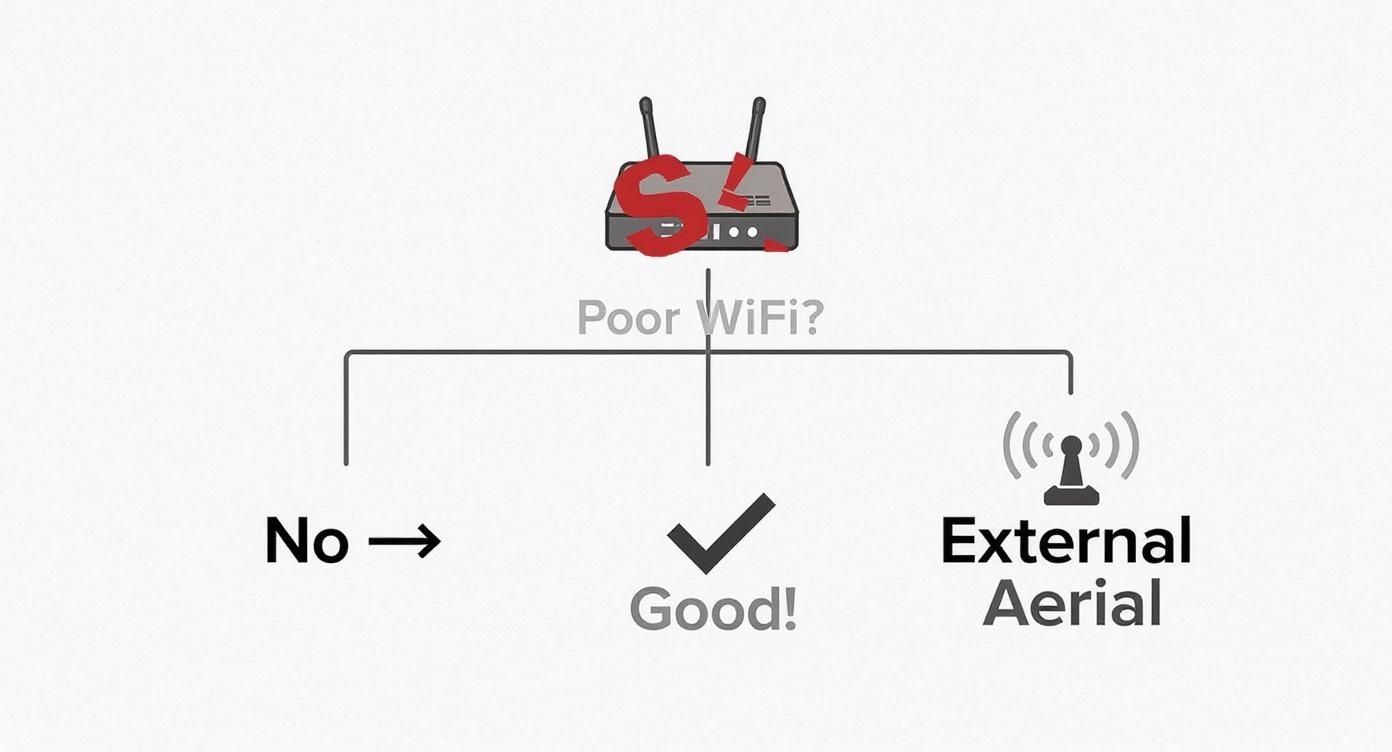
As you can see, when the usual fixes don't cut it, an external aerial is often the most direct route to a stable, reliable connection.
Exploring Specific Aerial Types
Within the directional category, there are a few common types, each with its own personality. Panel aerials offer a great middle ground, projecting a signal in a wide, flat pattern that gives you a good mix of range and coverage area. They’re brilliant for covering a particular sector, like the front of a building or one specific aisle in a warehouse.
Then you have Yagi aerials. Looking a bit like an old-school TV antenna, Yagis are even more focused. They deliver extremely high signal strength (gain) over very long distances, but their beam is incredibly narrow. They are purpose-built for those long-distance building-to-building links where you need pinpoint accuracy. A good example of the kind of hardware available for this is the Fonestar Ks 08wifi product.
While an external aerial is a powerful tool, it’s just one piece of the puzzle. For some business layouts, other solutions might also be considered. Understanding the differences is important, which is why we've put together a guide on the pros and cons of mesh WiFi vs WiFi extender for business networks.
The Power of MIMO Technology
Modern networking throws another important concept into the mix: MIMO, which stands for Multiple Input, Multiple Output. MIMO technology uses multiple aerials on both the transmitter (your access point) and the receiver (your laptop or phone) to send and receive several streams of data all at once.
Think of it like a single-lane country road versus a multi-lane motorway. A standard, single aerial is that one lane, only able to handle one stream of traffic at a time. A MIMO system is the motorway, with multiple lanes allowing for a much higher volume of traffic to flow simultaneously. The result? Faster speeds, greater capacity for more devices, and a far more reliable connection. When you're looking at external WiFi aerials today, making sure you get a MIMO-compatible system is vital for keeping your network performing well into the future.
This table breaks down the main options to help you see how they stack up.
Comparing External WiFi Aerial Types
Aerial Type | Radiation Pattern | Best For | Pros | Cons |
|---|---|---|---|---|
Omni-Directional | 360-degree horizontal circle | General coverage in open areas | Easy to install; covers a wide area from a central point. | Shorter range; can be susceptible to interference. |
Panel (Directional) | Wide, flat beam (e.g., 90-120 degrees) | Covering specific zones or sectors | Good balance of range and coverage width. | Requires careful aiming; won't cover behind the aerial. |
Yagi (Directional) | Very narrow, focused beam | Long-distance point-to-point links | Extremely long range and high signal strength. | Very difficult to aim; covers a tiny area. |
MIMO System | Multiple patterns combined | High-density, high-speed environments | Boosts speed and reliability; supports more users. | Requires compatible hardware on both ends. |
Ultimately, choosing the right aerial comes down to understanding exactly what you need your WiFi to do and where you need it to go. With the right hardware, those frustrating connection drops can become a thing of the past.
Understanding Technical Specs That Actually Matter
When you start looking at external Wi-Fi aerials, it’s easy to get bogged down in a sea of technical jargon. You'll see terms like dBi, gain, and cable loss thrown around, but what do they really mean for your business network? Let's cut through the noise and focus on the specs that genuinely make a difference.
The first and most common spec you'll come across is gain, which is measured in decibels relative to an isotropic source (dBi). It sounds complicated, but the concept is actually quite straightforward when you think about it in a practical way.
Imagine you're watering your garden with a hose that has an adjustable nozzle.
Gain Is Like a Hose Nozzle
A low-gain aerial is like setting the nozzle to a wide, gentle spray. It covers a big area close to you, making sure everything nearby gets watered, but the stream doesn’t travel very far. This is ideal for an open-plan office where you need solid 360-degree coverage in a contained space.
On the other hand, a high-gain aerial is like twisting that nozzle to produce a powerful, narrow jet of water. You sacrifice that broad, close-range coverage, but in return, you can send a concentrated stream a much longer distance. This is exactly what you need for a point-to-point link between two buildings or to target a specific, remote dead zone.
Choosing the right gain isn't about chasing the highest number; it's about matching the aerial's "spray pattern" to your specific business need. A 20 dBi aerial might be perfect for a 1-kilometre link but would be a terrible choice for providing general office Wi-Fi.
Getting this wrong is one of the most common mistakes people make. Buying an aerial with the wrong gain profile for the job leads to disappointing results and wasted money. For a deeper dive, check out our complete guide to WiFi antennas and boosters to make an even more informed choice.
Why Your Cable Choice Is Non-Negotiable
You could have the most powerful, highest-gain aerial in the world, but it's completely useless if its signal is choked off by poor-quality cabling. Every single metre of cable between your aerial and your access point introduces a tiny amount of signal loss. Over longer runs, this loss really adds up.
This is where the quality of your infrastructure becomes critical. Using cheap, standard coaxial cable over a 20-metre run can kill your signal strength so much that the benefit of your new aerial is completely wiped out before the signal even gets a chance to be broadcast.
To fight this, professional installations always use high-grade, low-loss cabling. For longer distances or in environments with a lot of electrical interference, fibre cable installation is the gold standard.
The Power of a Balanced System
Fibre optic cables work by sending data as pulses of light, making them completely immune to the radio frequency interference that can plague traditional copper cables. They also have exceptionally low signal loss, preserving the power and integrity of your Wi-Fi signal over hundreds of metres. This ensures the full power from your access point actually reaches the aerial.
You have to think of it as a complete system. A powerful aerial, a high-quality access point, and professional-grade cabling are three parts of a whole. A weakness in any one area compromises the entire setup.
The Aerial: Shapes and directs your signal.
The Cabling: Preserves the signal's strength on its journey to the aerial.
The Access Point: Provides the raw power and data for the network.
When you invest in a professionally designed system, you aren't just buying hardware; you're investing in performance. As an Excel network accredited partner, we ensure every component works in perfect harmony, often backed by a 25 year equipment warranty. This guarantees a certified, tested network delivery where every part of the system is optimised, from the server room right to the tip of the external Wi-Fi aerial.
Proper Installation and Strategic Placement
Investing in a high-quality external Wi-Fi aerial is only half the battle. Where and how you install it will make or break its performance. Getting this right isn’t just about bolting a bit of kit to a wall; it’s a strategic process that demands careful planning, secure mounting, and a solid understanding of the invisible forces that can kill a wireless signal.
Think of your aerial like a speaker at a big outdoor event. If you stick it on the ground behind a wall, the sound will be muffled and weak. But elevate it high above the crowd with a clear path to your audience, and that sound will travel loud and clear. It’s the exact same principle for your Wi-Fi signal.
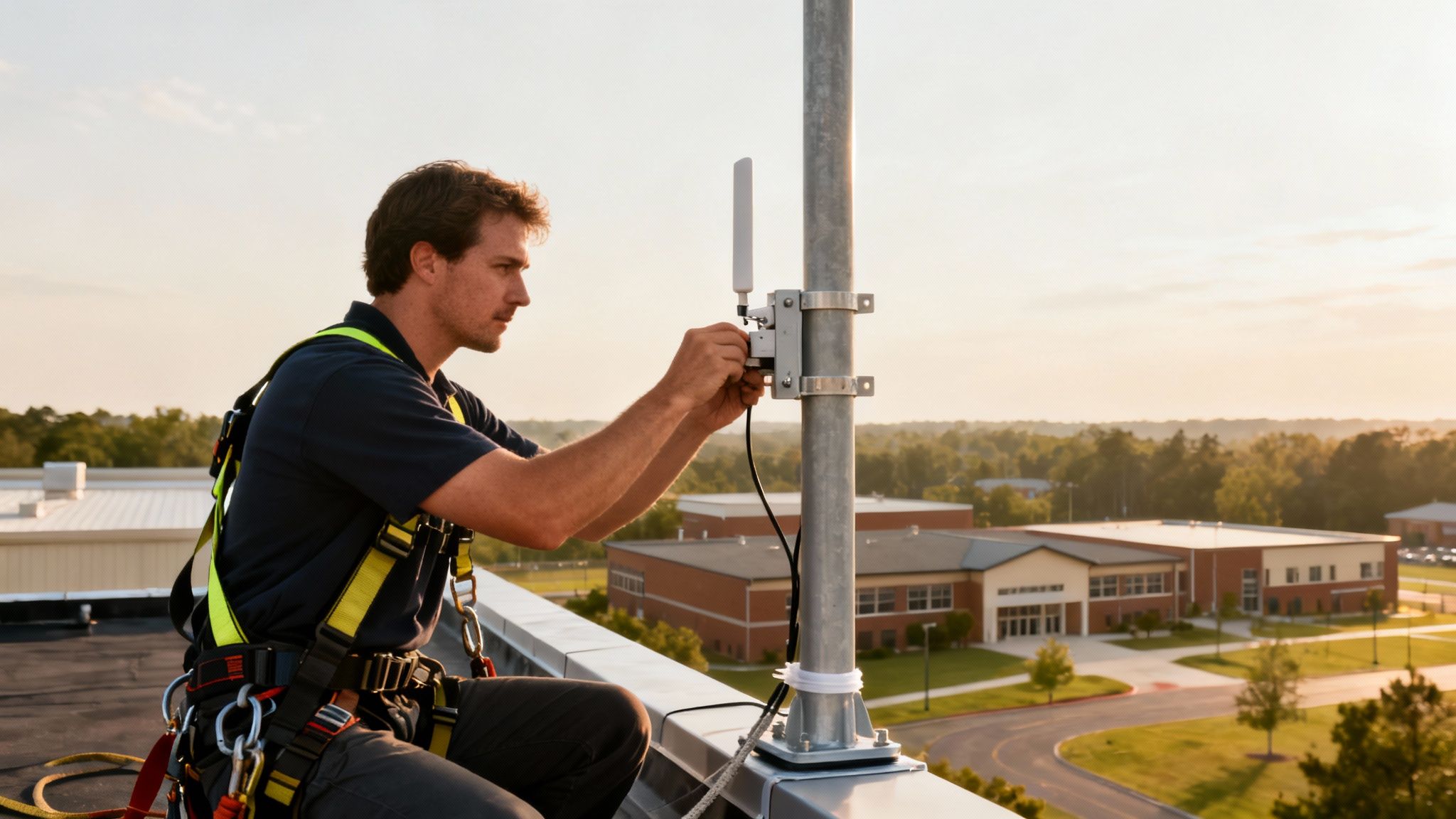
This is why secure mounting and robust weatherproofing are the first, non-negotiable steps. An aerial exposed to the classic British weather must stand up to wind, rain, and fluctuating temperatures without its alignment shifting or moisture creeping into the connections. A wobbly bracket or a badly sealed cable will quickly lead to intermittent signal loss and, eventually, hardware failure, completely wasting your investment.
The Critical Need for a Clear Line of Sight
Beyond the physical setup, the single most important factor for success is achieving a clear line-of-sight. This means creating an unobstructed, direct path between your aerial and the devices or location you want it to reach. Every object in the way acts as a barrier, weakening the signal.
Common obstructions include:
Physical Barriers: Buildings, trees, and even thick internal walls can absorb or reflect Wi-Fi signals.
Electronic Interference: Other wireless networks, microwave ovens, and heavy machinery can create background "noise" that drowns out your signal.
Topographical Features: Hills and dips in the landscape can completely block the path for long-distance links.
For a directional aerial connecting two buildings, line-of-sight is an absolute must. Even a single tree that sprouts leaves in summer can be enough to disrupt a connection that worked perfectly through winter. This is where meticulous planning really pays off.
For more general advice on optimising your network, our guide on practical tips to improve WiFi coverage offers some great foundational knowledge that complements the specifics of external aerials.
The Professional Site Survey
Guesswork has no place in a business-critical network installation. The gold standard for finding the perfect spot for an aerial is a professional site survey. Using specialised spectrum analysers and software, certified engineers can literally "see" the invisible radio frequency (RF) environment. This lets them map out interference, identify the clearest signal paths, and pinpoint the optimal height and orientation for your aerial.
A site survey gives you a data-driven blueprint for your installation. It moves beyond trial and error to ensure your external Wi-Fi aerials are positioned for maximum performance from day one. This process becomes essential during complex projects like an office relocation, where the new environment's RF characteristics are a complete unknown. A proper survey ensures the network is right the first time, preventing costly tweaks and fixes after you've moved in.
Adhering to Safety and Regulatory Standards
Finally, a proper installation is about more than just signal strength; it's also about safety and compliance. Regulators place strict limits on the power output of wireless equipment to stop it from interfering with other services. A professional installer ensures your system is configured to deliver the strongest signal possible while staying well within these legal boundaries.
On top of that, installing aerials often means working at height, which carries significant risks. Certified installers are trained to work safely, following all health and safety regulations. This professional approach protects your staff, your property, and your business from liability. By ensuring every detail—from the cable management that leads to a tidy desk environment to the final certified, tested network delivery—is handled correctly, you guarantee a network that is not only powerful but also safe, compliant, and reliable for years to come.
Why Partnering with a Certified Installer Is a Smart Investment
Thinking about a DIY installation for your external Wi-tFi aerials to save a bit of cash? It might seem like a good idea, but in a business setting, it often turns into a false economy. The line between a high-performance network and a constant source of frustration is usually drawn by professional expertise.
Going it alone without the right skills can quickly lead to patchy signals, security holes, and costly downtime. For any business that relies on solid connectivity, getting a certified installer isn't just a good idea—it's a strategic move for reliability and performance.
When Professional Expertise Is Non-Negotiable
A DIY approach hits its limits fast when faced with real-world business challenges. This is where partnering with an Excel network accredited partner becomes essential, especially in situations that need precision, planning, and a deep understanding of how radio frequencies behave.
Think about these common scenarios:
Complex Office Relocation: A new building is an unknown RF environment. Professionals conduct proper site surveys to map out interference before you move in. They handle all the equipment testing to ensure your network is running perfectly from day one.
Connecting Multiple Buildings: Setting up a stable wireless bridge isn't as simple as pointing two aerials at each other. It requires precise alignment, secure mounting, and expert knowledge of power limits to avoid causing interference for others.
Environments with High Interference: Warehouses full of metal racking, factory floors humming with heavy machinery, or even just a crowded city office—these all create signal chaos. Only specialised diagnostic tools can properly analyse and fix these issues.
The Tangible Value of Certified Network Delivery
Bringing in a professional installer delivers real, measurable benefits that go way beyond just getting a Wi-Fi signal. It’s about building a robust, reliable, and safe infrastructure that just works.
A pro team provides a certified, tested network delivery. This isn't just a vague promise; it's a verifiable process. Using advanced testing gear, every single connection and cable run is certified to meet tough performance standards. This guarantees your network runs at its peak speed and reliability from the moment it’s switched on.
The real return on investment from a professional installation is measured in uptime and productivity. A well-planned network prevents the constant troubleshooting, slow speeds, and connection drops that quietly drain company resources and drive everyone mad.
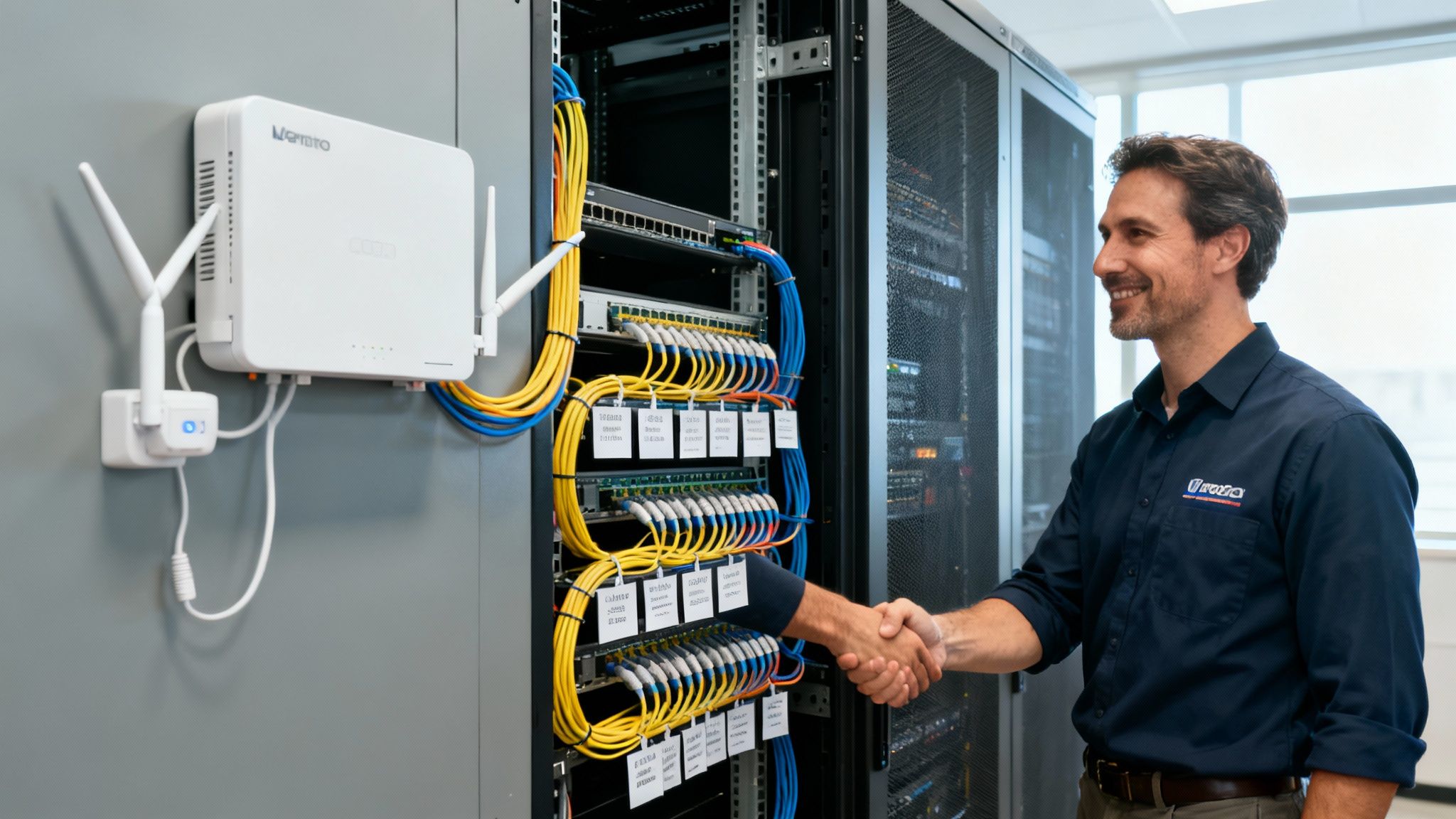
Another often overlooked benefit is professional cable management. A proper installation leaves you with a clean, organised, and safe workspace. Nobody wants tangled cables creating trip hazards or making future maintenance a nightmare. Expert cable management means every wire is neatly routed, labelled, and secured, leading to a tidy desk environment and a server room you can be proud of.
Future-Proofing with a 25-Year Equipment Warranty
Perhaps the biggest long-term win of partnering with a certified installer, like an Excel accredited partner, is the peace of mind that comes with a 25 year equipment warranty. This isn't just for one component; it covers the performance of the entire cabling system, from fibre cable installation to the patch panels on the wall.
This long-term guarantee protects your investment for decades. It's a statement that every part used is top-quality and that the installation meets the manufacturer's exacting standards. It effectively future-proofs your network, ensuring it can handle your business's growth for years to come.
This professional ecosystem is a core part of the UK's advanced connectivity market. The sector, dominated by giants like Vodafone, BT, and Virgin Media O2, contributes around £32 billion to the economy. With 27% of these tech firms in the South East and 26% in London, these are the hubs where expert services for external Wi-Fi aerials are driving business forward. You can discover more about the UK's advanced connectivity market and its economic impact.
By choosing a certified installer, you're tapping directly into this top tier of technical expertise.
Common Questions About External Wi-Fi Aerials
Even after getting to grips with the technology, you might still have a few questions about how external Wi-Fi aerials fit into your business. Let’s tackle some of the most common queries to help you make confident decisions about your network.
Can I Just Plug Any External Aerial into My Existing Router?
This is one of the first questions people ask, but unfortunately, it’s not a simple yes or no. For an external aerial to work, your router must have detachable antennas and, just as importantly, the right type of connector to physically attach the new cable.
The reality is that many standard, off-the-shelf routers—especially those supplied by internet service providers—don't have these features. They’re built as all-in-one units. Even if you can connect an aerial, consumer-grade hardware often isn't designed to handle the power and signal characteristics of a high-performance external aerial.
For reliable business performance, the best approach is to pair a commercial-grade access point with an aerial specifically matched to its capabilities. A professional can quickly assess your current setup and recommend a hardware combination that delivers stable, optimised results.
Will a Higher Gain Aerial Always Perform Better?
It’s a common myth that a higher dBi (gain) rating automatically means a better aerial. In reality, "bigger" isn't always better. A higher gain figure simply means the Wi-Fi signal is more tightly focused into a narrower, longer beam. While this is perfect for creating a long-distance link between two buildings, it’s completely the wrong tool for providing broad coverage up close.
Think back to our hosepipe analogy. For an open-plan office, a warehouse floor, or an outdoor common area, a lower-gain omni-directional aerial will provide a much more useful and consistent signal. It’s all about matching the aerial's radiation pattern to your specific coverage needs.
The key takeaway is to choose the right tool for the job. Using a high-gain aerial in the wrong context will create new dead zones and deliver a poor user experience, completely defeating the purpose of the upgrade.
What’s the Difference Between an Aerial and a Wi-Fi Extender?
While both are designed to improve coverage, they work in fundamentally different ways. An external Wi-Fi aerial connects directly to your access point, acting as a more powerful and efficient "voice" to broadcast the original, full-strength signal with precision. It improves the network right at the source.
A Wi-Fi extender, on the other hand, is a completely separate device. It listens for a weak Wi-Fi signal and then rebroadcasts it. This repeating process introduces significant latency and effectively cuts your potential network speed in half for any device connected to it. For business use, where speed and reliability are non-negotiable, an aerial is a far more robust and professional solution.
How Important Is Professional Network Installation for a Business?
For any network that’s critical to your business, professional installation is essential. Certified installers bring specialised tools and expertise that you just can't replicate with a DIY approach. They conduct detailed site surveys to map out radio frequency interference and pinpoint the perfect aerial placement—a process that’s vital during an office relocation into an unfamiliar environment.
This professional approach ensures every single part of your system is optimised.
Precision and Testing: They make sure all fibre cable installation and connections are secure, weatherproof, and tested for minimal signal loss, delivering a certified, tested network delivery.
Organisation and Safety: Meticulous cable management creates a safe and professional workspace. This not only looks good but also simplifies future maintenance and contributes to the "tidy desk" culture that modern offices value.
Long-Term Assurance: Partnering with an Excel network accredited partner often gives you access to a 25 year equipment warranty, protecting your investment for decades to come.
Ultimately, professional installation prevents costly mistakes, minimises downtime, and delivers a high-performance network you can depend on, all backed by a tangible guarantee of quality.
Ready to eliminate Wi-Fi dead zones and build a network that truly supports your business goals? The expert team at Constructive-IT has over 20 years of experience in designing and deploying high-performance network solutions. From initial site surveys to certified installation and ongoing support, we deliver reliable connectivity that just works. Schedule a consultation with Constructive-IT today and let's build your perfect network together.
Comments