


What Is a Modem and Router Explained for UK Businesses
- Craig Marston
- Feb 11
- 14 min read

To get your head around the difference between a modem and a router, it helps to think of them as two specialists working together in your office's IT setup. The modem is your translator, taking the raw internet signal from your provider and converting it into a language your network can actually understand. The router, on the other hand, is the traffic director, taking that single connection and smartly distributing it to all your computers, printers, and phones.
The Foundation of Your Office Connectivity
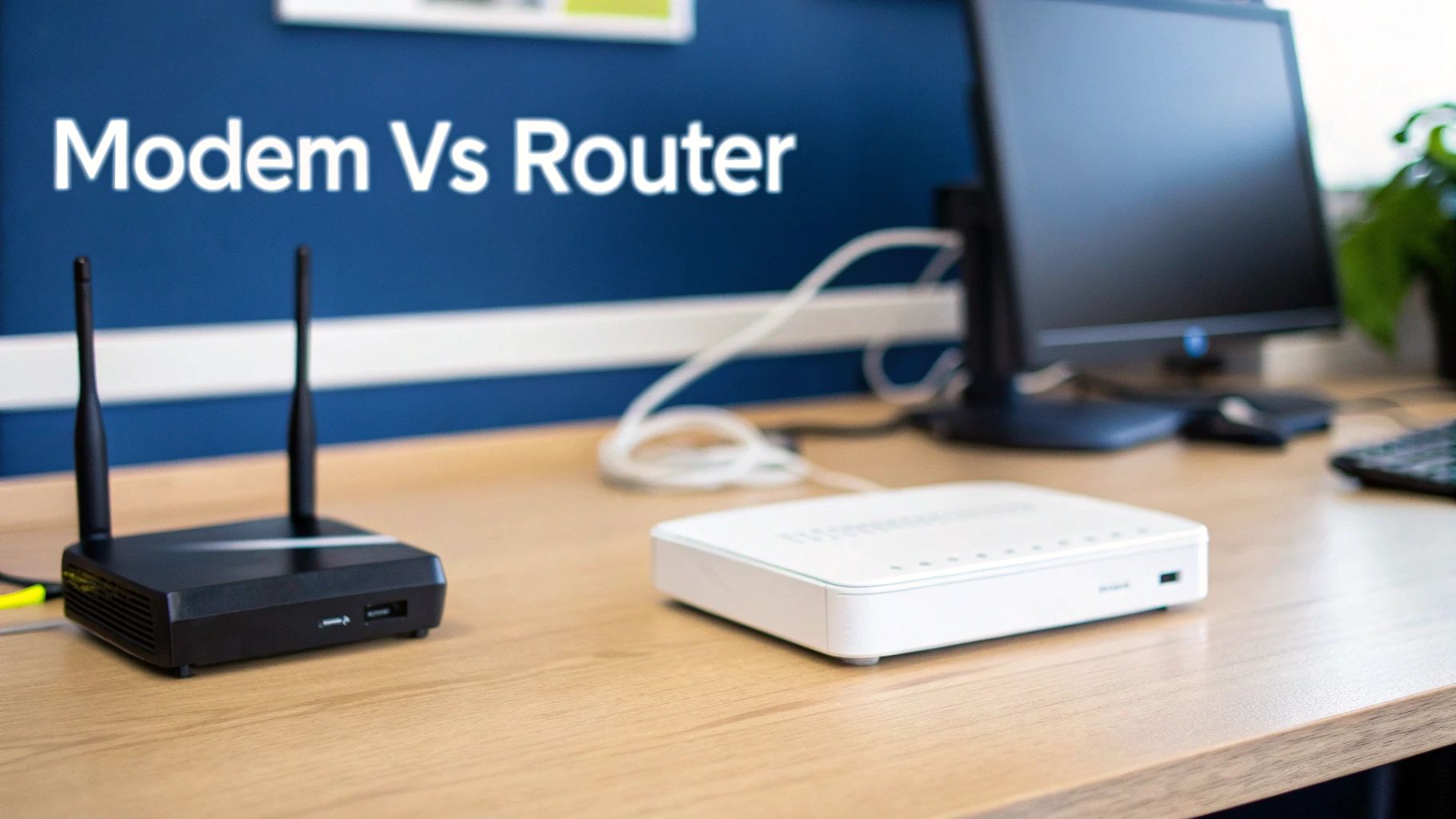
It’s a common mistake for businesses to use the terms "modem" and "router" as if they’re the same thing. But their roles, while collaborative, are fundamentally different. Without both working in harmony, your office network simply wouldn't get off the ground.
The modem is your gateway to the outside world, while the router is the brains behind your internal, private network.
Let’s use an analogy. Imagine your Internet Service Provider (ISP) is like the mains water supply coming into your building—a powerful, high-pressure flow. The modem is the specialised valve at the entry point, taking that high-pressure feed and turning it into a usable, steady stream for your office.
One Connection In, Many Connections Out
Once the modem has done its job of translating the internet signal, the router takes over. It acts like an intelligent splitter, taking that single stream of data and directing it efficiently to every device that needs access, whether they're connected by a physical cable or wirelessly over Wi-Fi.
This two-device system is the bedrock of modern business connectivity. Its importance is clear when you look at the numbers; the UK's fixed connectivity market is on track to hit USD 43.72 billion by 2031. This explosive growth is largely driven by the national switch from old copper lines to full-fibre connections—an upgrade where having the right modem and router is absolutely critical for performance. You can dig deeper into the data on the UK’s network evolution over on the Mordor Intelligence website.
Here’s a quick breakdown to make the distinction even clearer.
Modem vs Router At a Glance
Feature | Modem (The Internet Gateway) | Router (The Network Director) |
|---|---|---|
Primary Job | Connects your premises to your ISP's network (the wider internet). | Creates a local network (LAN) and manages traffic within it. |
Function | Converts digital data to analogue signals (and back) for transmission. | Assigns local IP addresses and routes data packets to the correct devices. |
IP Address | Has one public IP address assigned by your ISP. | Manages multiple private IP addresses for your internal devices. |
Connectivity | Typically has one coaxial or fibre input and one Ethernet output port. | Has one Ethernet input (from the modem) and multiple Ethernet outputs, plus Wi-Fi. |
Security Role | Provides very basic, initial-level protection from the ISP side. | Includes a firewall, access controls, and other advanced security features. |
Keeping these roles separate gives businesses several key advantages:
Specialised Performance: Each device is built to excel at its one job—signal conversion for the modem and traffic management for the router.
Enhanced Security: A proper business-grade router comes equipped with an advanced firewall and security features to shield your internal network from outside threats.
Greater Flexibility: You can upgrade your router for faster Wi-Fi or new features without touching the modem, and vice versa.
Getting this core partnership right is the first, most important step in building a reliable, secure, and high-performing network for your organisation.
The Modem Uncovered: How Your Business Connects to the Internet
Think of your business's internet connection as a motorway. For your office's data to get onto this digital motorway, you need a very specific on-ramp—one that can translate your local traffic into a format that flows with everything else. This on-ramp is your modem, and it’s the critical first link in your entire network chain.
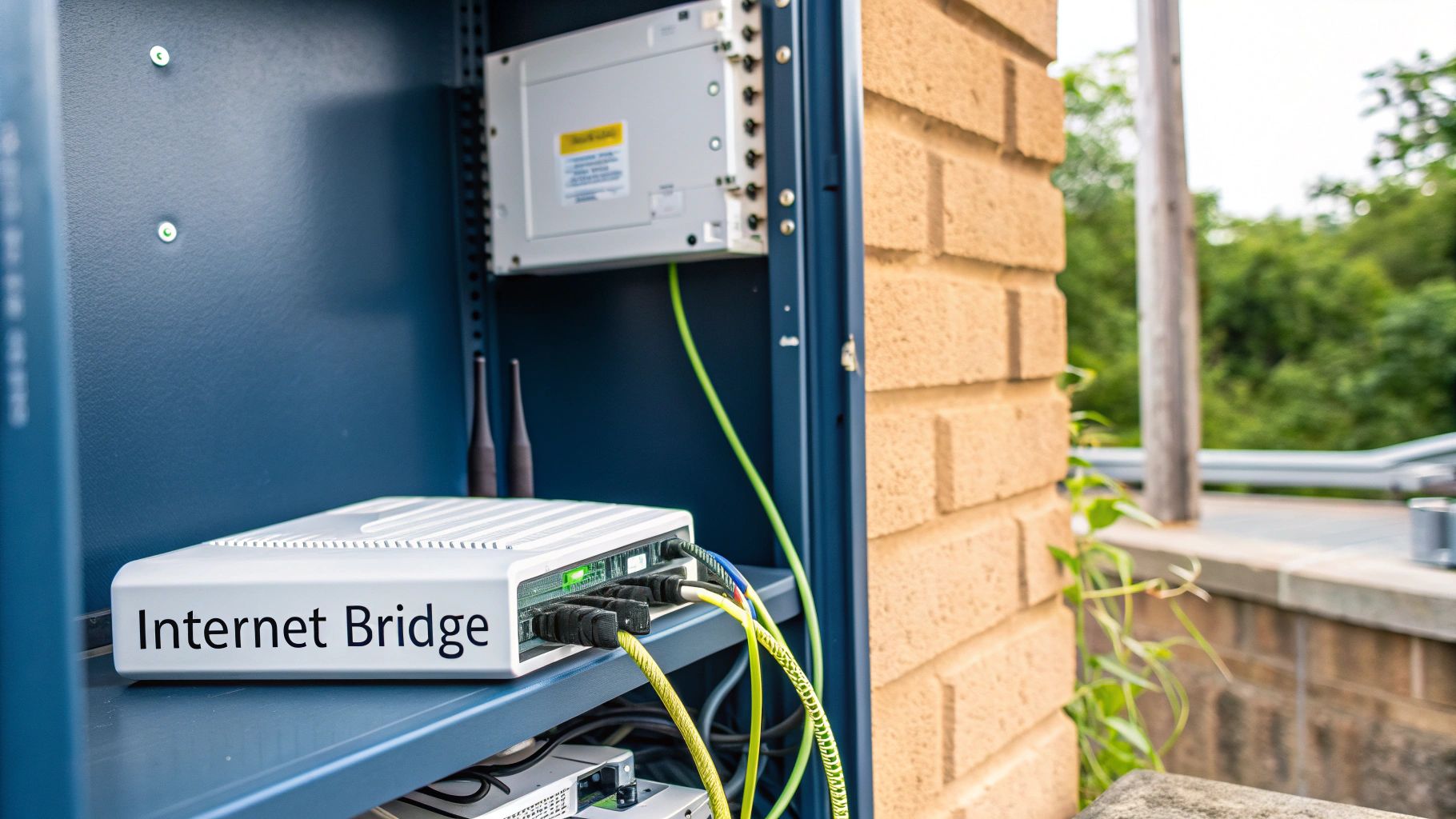
A modem, which is short for modulator-demodulator, has one vital job: it converts the signals coming from your Internet Service Provider (ISP) into a digital format your devices can actually use. It takes the analogue signal travelling over fibre, coaxial, or even older copper phone lines and demodulates it into digital data. When you send information out, it does the reverse, modulating your digital data back into an analogue signal for the return journey.
This translation job is completely non-negotiable. Without the right modem, your network simply cannot communicate with the wider internet.
Matching Your Modem to Your Connection
Here in the UK, the type of internet connection you have dictates the type of modem you need. Businesses are rapidly moving away from older, slower technologies towards high-speed fibre, and it’s crucial your hardware keeps pace.
DSL/ADSL Modems: These are built for internet services delivered over traditional copper telephone lines. While they're becoming less common, you'll still find them in some parts of the country.
Cable Modems: Designed for services provided through coaxial cable networks, often supplied by providers like Virgin Media Business. They use a standard called DOCSIS to manage the flow of data.
Fibre (FTTP) Modems: This is also known as an Optical Network Terminal (ONT). It connects directly to the fibre optic cable entering your building and translates light signals into an electrical signal your router can understand.
Trying to use a modem that doesn't match your service type is like trying to fit the wrong key in a lock—it just won’t work. For any business upgrading to a full-fibre connection, making sure you have a compatible modem or ONT is the very first step to unlocking those gigabit speeds. It’s fundamental for everything from cloud access to modern internet calling with VoIP technology.
Your modem's sole purpose is to establish and maintain the best possible connection to your internet provider. It’s a specialist device, and treating it as such is key to avoiding performance bottlenecks that can slow down your entire operation.
ISP-Supplied vs. Third-Party Modems
Most ISPs provide a modem (often bundled into a single box with a router) when you sign up for a new service. For many small offices, this is a perfectly fine solution to get online quickly and easily.
However, for businesses with more demanding needs, relying on this standard-issue equipment can be a mistake.
A separate, high-quality third-party modem can offer superior performance, better stability, and much better compatibility with business-grade routers. This approach allows you to build a more robust and flexible network, cleanly separating the crucial task of internet signal conversion from the complex job of managing your internal network. For a more detailed breakdown of how your internal office network is structured, check out our guide explaining LAN and WAN networks for UK businesses.
This separation also prevents a single point of failure and gives your IT team far greater control over the network's configuration and security.
The Router Explained: Managing Your Internal Office Network
If the modem is your gateway to the internet, think of the router as the highly efficient operations manager running everything inside the office. Once the modem does its job translating the incoming signal, the router grabs that single connection and turns it into a fully functional, private network for your entire business. It’s the unsung hero that directs all your data, making sure every device gets exactly what it needs, precisely when it needs it.
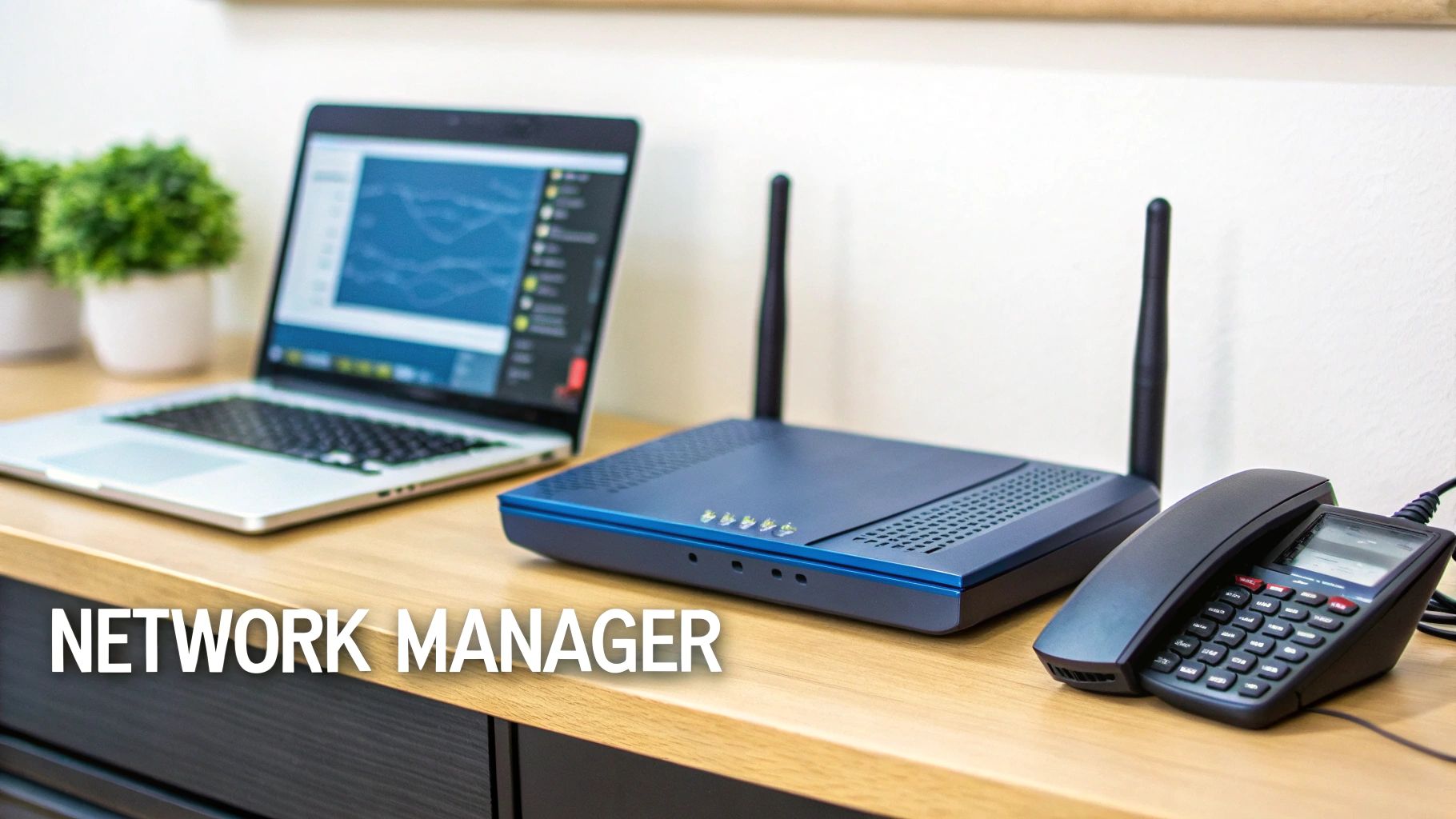
This device is the command hub for your Local Area Network (LAN). Every single laptop, server, printer, and smartphone in your office connects to the router, whether through an old-school Ethernet cable or a modern Wi-Fi signal. From there, the router juggles all the traffic flowing between these devices and out to the internet via the modem.
It’s a bit like an office post room. The modem receives one big bag of mail (your internet data). It’s the router's job to tear open that bag, sort every letter and parcel by its intended recipient (the device), and deliver it to the correct desk. This works because the router assigns a unique private IP address to each device, so it always knows exactly where to send information.
Core Functions of a Business Router
Beyond just directing traffic, a proper business-grade router handles several critical jobs that are non-negotiable for a modern workplace. These are the features that truly separate a simple home device from a robust commercial solution.
Firewall Protection: It acts as your network’s security guard, inspecting all incoming data from the internet and blocking malicious traffic before it can ever reach your internal systems.
Quality of Service (QoS): This is an intelligent feature that lets you prioritise certain types of internet traffic. For example, you can tell it that crystal-clear VoIP calls are always more important than less critical activities like software updates.
Virtual LANs (VLANs): VLANs are a powerful security tool for creating separate, isolated networks on the same physical hardware. You could have one secure network for staff and a completely separate one for guest Wi-Fi, making it impossible for visitors to access sensitive company data.
The router is far more than a simple signal splitter; it's the intelligent core of your network that enforces security rules, manages performance, and organises all internal data flow. This level of control is essential for any business supporting multiple users and devices.
Routers are the traffic directors of your network, managing data packets between your modem’s internet feed and devices like laptops and servers, enabling the seamless Wi-Fi coverage essential for today's UK workplaces. The UK leads Europe's advanced wireless router market, which hit USD 4,605.36 million in 2024 and is growing at an 8.0% CAGR. This growth reflects the near-universal adoption of wireless routers in the UK, soaring from a small base in 2007 to over 95% uptake by 2022 as high-speed broadband became standard. Discover more insights on the European wireless router market growth.
Beyond its basic functions, routers offer advanced configurations; for example, you might want to learn what is Bridge Mode on a router to integrate it with other networking equipment. Understanding these features is key to building a network that is not only fast but also secure and scalable.
Choosing the Right Network Hardware for Your Business
Once you’ve got the theory down, it’s time to get practical. Selecting the right network hardware is one of the most critical decisions you'll make for your office. A consumer-grade router you’d pick up from a high street shop might just about manage a few devices at home, but it will quickly become a serious bottleneck in a busy office. For any business, the focus has to be on reliability, security, and scalability.
The difference between consumer and business-grade kit isn't just the price tag; it's about what it’s built to do. Business equipment is engineered to run 24/7, handling dozens or even hundreds of simultaneous connections without breaking a sweat. It's built with far superior components designed to withstand the pressures of a commercial setting, ensuring your business stays online when it matters most.
This difference becomes crystal clear when you think about your office's wireless needs. A standard router will choke in a high-density environment, but modern business solutions are designed to solve this exact problem.
Upgrading to Modern Wi-Fi Standards
For any office with a mix of meeting rooms, open-plan spaces, and a lot of users, moving to Wi-Fi 6 (802.11ax) or Wi-Fi 6E is a complete game-changer. These newer standards are specifically designed to perform better in crowded wireless environments. They manage bandwidth much more intelligently, slash latency, and allow more devices to connect at the same time without dragging the network down for everyone.
This isn't just a small speed bump; it's a fundamental improvement in how Wi-Fi actually works, making it essential for productivity. The backbone of UK business networks is built on modems and routers, and their evolution reflects the country's connectivity boom. Wireless router adoption in the UK surged from around 20-30% in 2007 to over 90% by 2022, a trend that mirrors the national investment in full-fibre broadband. You can dig into more data on UK wireless router uptake from Statista.
Business-Grade vs Consumer-Grade Network Hardware
It’s easy to be tempted by cheaper, off-the-shelf consumer gear, but the trade-offs in performance, security, and control can be costly for a business. This table breaks down the key differences.
Feature | Consumer-Grade | Business-Grade |
|---|---|---|
Performance | Designed for a handful of devices. Struggles under heavy load. | Engineered for dozens or hundreds of simultaneous connections. |
Reliability | Built with lower-cost components, not intended for 24/7 operation. | Uses high-quality components for continuous, reliable operation. |
Security | Basic firewall and security features. Infrequent firmware updates. | Advanced security like VLANs, sophisticated firewalls, and regular updates. |
Management | Simple web interface with limited controls. | Advanced management via command line or dedicated software for granular control. |
Scalability | Limited. Adding more devices quickly degrades performance. | Designed to scale with your business, supporting more users and devices. |
Support | Basic online forums or limited customer service. | Dedicated technical support and often comes with service-level agreements (SLAs). |
Ultimately, business-grade hardware is an investment in your company’s stability and efficiency, not just an IT expense.
Managed Switches and Mesh Systems
Beyond a powerful router, two other pieces of hardware are vital for a modern office network.
A managed switch is the central nervous system for all your wired connections, working alongside your router to give you fine-grained control over your network traffic. Unlike a simple unmanaged switch that just plugs and plays, a managed one lets you set up VLANs, prioritise critical data with QoS, and monitor performance—all essential for maintaining a secure and reliable network. You can learn more about how wired connections form a dependable foundation in our article on the benefits of a wired network for UK businesses.
For offices with tricky layouts, thick walls, or spread across multiple floors, a single router will never cut it. A mesh Wi-Fi system uses several access points placed strategically around the building to create a single, seamless network. This approach gets rid of dead zones and ensures your team has a strong, consistent connection, whether they’re at their desk, in a meeting room, or grabbing a coffee in the breakout area.
Integrating Your Network into the Office Infrastructure
A powerful network is so much more than a modem and router working in isolation. For a truly high-performing office, you need to think of these devices as the brain of a much larger body. They have to connect seamlessly into your building's physical infrastructure to deliver the kind of reliability and speed your business depends on.
The foundation of this entire system is structured cabling. This isn’t about just running a few wires around the office; it's a professionally planned network of high-performance cables, like Cat6a or even fibre optics. This network runs from your central data cabinet out to every desk, meeting room, and access point, forming the bedrock that guarantees a stable, interference-free connection for all your critical devices.
Of course, while wired connections provide that essential stability, flawless wireless coverage is completely non-negotiable in a modern workplace. This is where a professional Wi-Fi survey becomes absolutely essential.
Ensuring Flawless Wi-Fi and System Connectivity
A proper Wi-Fi survey isn’t guesswork. It involves using specialised equipment to map out your entire office space, identifying potential signal blockers like concrete walls or metal fixtures, and pinpointing the optimal locations for Wireless Access Points (WAPs). This methodical approach is the only way to eliminate those frustrating dead zones and guarantee consistent, high-speed Wi-Fi across every corner of your premises.
This is where you see how a business router acts as the central hub, constantly balancing the key priorities of reliability, security, and scalability.
The real value of a business-grade router comes from its ability to support your entire infrastructure, not just provide an internet connection. When it's all planned correctly, this central network becomes the backbone for all your other essential building systems, creating a unified and intelligent ecosystem where everything just works together.
A well-integrated network doesn't just connect laptops to the internet. It underpins the entire operational fabric of a modern office, from security systems to communication tools, creating an efficient and future-ready workspace.
Think about how this integrated approach brings your office to life. The very same structured cabling and robust network that power your computers can also connect and manage other vital systems, including:
CCTV: Your security cameras can transmit high-definition video reliably over the network, ensuring your surveillance system is always operational and accessible when you need it most.
Access Control: Networked door entry systems can be managed centrally, allowing for easy updates to security permissions and real-time monitoring of who is coming and going.
Telecoms: Modern VoIP phone systems run entirely over your data network, providing crystal-clear communication that is both incredibly flexible and much more cost-effective.
By designing your network with this holistic view, you move way beyond simply providing internet access. You build a smart, cohesive, and easily manageable building infrastructure that supports every single aspect of your business operations.
Planning Your Network for a Seamless Office Move
Moving offices or overhauling your network isn’t just about packing up computers. Get it wrong, and you’re looking at costly downtime and performance headaches that can cripple your business right from day one. Get it right, and it’s a seamless transition that sets you up for future growth.
The key is thinking ahead. A successful project begins long before the first cable is unplugged, starting with a detailed assessment of the new space and a clear-eyed look at what your business really needs—not just for today, but for the years to come. This discovery phase is where the groundwork for a scalable, secure, and truly reliable network is laid.
Key Stages for a Successful Network Project
A structured approach is non-negotiable. It’s what keeps the project on track, on budget, and aligned with your actual business goals. We break it down into two core stages.
Site Assessment and Network Design: This is far more than just a quick look around. It involves a professional Wi-Fi survey to map out flawless wireless coverage and meticulous planning for the structured cabling that will form the backbone of your network. The goal is simple: to design a network blueprint that delivers rock-solid performance for every single user and device.
Installation and Go-Live: With a solid plan in hand, the physical installation of cabling, data cabinets, and hardware can run like clockwork. Professional execution ensures every component is installed to exacting industry standards. We then rigorously test everything before your team even sets foot in the new office, guaranteeing a smooth start.
A professionally designed network delivers more than just fast internet; it provides unwavering reliability, enhanced security, and long-term peace of mind. It positions your IT infrastructure as a strategic asset that supports growth rather than holding it back.
Ultimately, getting this right comes down to having the right partner. For a deeper dive into the nuts and bolts, our guide on networking and cabling for a seamless office relocation offers even more practical insights.
Common Questions We Hear
Even after you've got a handle on what a modem and router do, a few specific questions always seem to pop up when we're planning an office network. Here are some of the most common ones we get from IT and facilities managers, along with our straightforward, practical advice.
Do I Really Need a Separate Modem and Router?
Most internet providers will happily give you an all-in-one modem-router box, often called a 'gateway'. While that might be fine for home use, for a business, our advice is clear: separate devices are always better. Think of it this way: you want a dedicated modem that does one job perfectly—getting the best possible signal from your ISP.
Then, a separate, business-grade router gives you all the control. You get serious security features like proper firewalls and VPN support, and the ability to manage performance with tools like QoS and VLANs. Keeping them separate also means you can upgrade your router to get new features without having to change your modem, which gives you more flexibility and protects your investment.
What's a Managed Switch and Why Do I Need One?
It’s easy to get these two mixed up. A router sends traffic between different networks (like your office and the big wide internet). A switch, on the other hand, connects all the devices on the same local network—your computers, printers, and servers. A basic 'unmanaged' switch is just a simple splitter, letting everything talk to each other.
A managed switch, however, is a much smarter piece of kit. It works alongside your router to give you pinpoint control over your network. You can use it to create Virtual LANs (VLANs) to keep guest Wi-Fi traffic completely separate from your business data, for example. You can also use it to prioritise critical traffic (like video calls) and keep a close eye on the health of your network. For any business that takes security and performance seriously, a managed switch isn't just a nice-to-have; it's a vital part of the setup.
How Can I Guarantee Wi-Fi Coverage Everywhere?
Getting great Wi-Fi in every corner of the office takes more than just buying a powerful router and hoping for the best. The only way to do it properly is with a professional Wi-Fi survey. This isn't guesswork; we use specialised tools to map out your entire office, identifying potential troublemakers like concrete walls or metal shelving that block signals.
The survey gives us a blueprint for placing Wireless Access Points (WAPs) in exactly the right spots. These WAPs are wired back to your router and switches with structured cabling, creating one seamless, powerful network. The result? No more dead zones, no more dropped connections—just fast, reliable Wi-Fi for everyone, everywhere.
A solid, professionally designed network is the engine that drives a modern business. At Constructive-IT, we specialise in planning and building network infrastructure that’s secure, scalable, and ready for whatever you throw at it. Contact us today to discuss your office relocation or upgrade project and let's get it right from the start.
Comments