


A Practical Guide to Office Fit Out Project Management
- Craig Marston
- 52 minutes ago
- 16 min read

Moving offices or renovating your current space involves so much more than picking out new desks and paint colours. The real success of a fit-out hinges on strategic office fit out project management, especially for the IT and network infrastructure that acts as your business's central nervous system. Get this part wrong, and you’re looking at crippling downtime, spiralling costs, and technology that’s out of date before you’ve even plugged it in.
The Foundation of a Successful Office Fit Out
An office fit out is a seriously complex undertaking with dozens of moving parts. From architects and electricians to furniture suppliers and IT engineers, trying to coordinate every specialist on your own can quickly descend into chaos. This is where dedicated project management becomes invaluable, transforming a high-risk build into a predictable, seamless process that actually delivers on your business goals.
The number one rule is to integrate all the technical aspects—network, electrical, security—right from the very beginning. When IT infrastructure is treated as an afterthought, it almost always results in budget overruns and operational nightmares down the line. A proactive approach ensures your new space isn’t just a pretty place to work but is fully equipped to support your team today and for years to come.
Turning Chaos into Control
Without a guiding hand, critical dependencies get missed, timelines slip, and communication between different trades completely breaks down. This process flow chart really highlights how unforeseen risks can quickly lead to chaos, but a structured management approach is the clear solution.
The key takeaway here is simple: structured planning and expert oversight directly neutralise the chaos that unmanaged project risks create.
This disciplined approach also provides a significant return on investment. In the UK office fit-out market, project management fees typically add 3-5% to the total budget. Yet, the savings they generate by preventing common overruns and delays often pay for the service itself. Professional project managers provide targeted investment advice, enforce tighter timelines, and ensure quality control, reducing disruption and making sure every pound is spent effectively.
For those leading the design aspects, mastering these principles is just as critical. You can explore this further in this excellent guide on Project Management for Architects.
An effective project manager acts as the single point of accountability. Instead of you juggling multiple contractors, you have one expert coordinating everything. This ensures communication is smooth and prevents the costly missteps that cause delays and drive up costs.
Laying a solid foundation with expert management sets the stage for a successful project that finishes on time and on budget.
Common Fit Out Risks and Proactive Solutions
Every fit out has its potential pitfalls, from unforeseen site issues to supplier delays. Here’s a look at some of the most common challenges we see and how a project management mindset turns them into manageable tasks.
Common Risk | Impact Without Management | Project Management Solution |
|---|---|---|
Scope Creep | Uncontrolled changes lead to budget overruns and missed deadlines. | A formal change control process is established from day one to evaluate and approve any adjustments. |
Poor Communication | Trades work in silos, causing clashes, rework, and delays (e.g., walls being closed before cabling is run). | A central communication plan with regular stakeholder meetings ensures everyone is aligned. |
Supplier Delays | Long lead times for critical items like network switches or AV equipment halt the entire project. | Proactive procurement and a detailed project timeline identify and order long-lead items well in advance. |
Unforeseen Site Issues | Discovering asbestos, structural problems, or inadequate power can derail the project completely. | A thorough initial site survey and contingency planning build buffer time and budget for surprises. |
By anticipating these issues, a project manager doesn't just react to problems—they prevent them from happening in the first place, keeping the entire fit-out on track.
Developing Your Strategic Fit Out Blueprint
Every successful office fit out starts long before anyone picks up a hammer. It begins with a rock-solid plan. This is the crucial first phase where you turn abstract ideas into a concrete blueprint, defining exactly what success will look like for your new space before a single wall is touched.
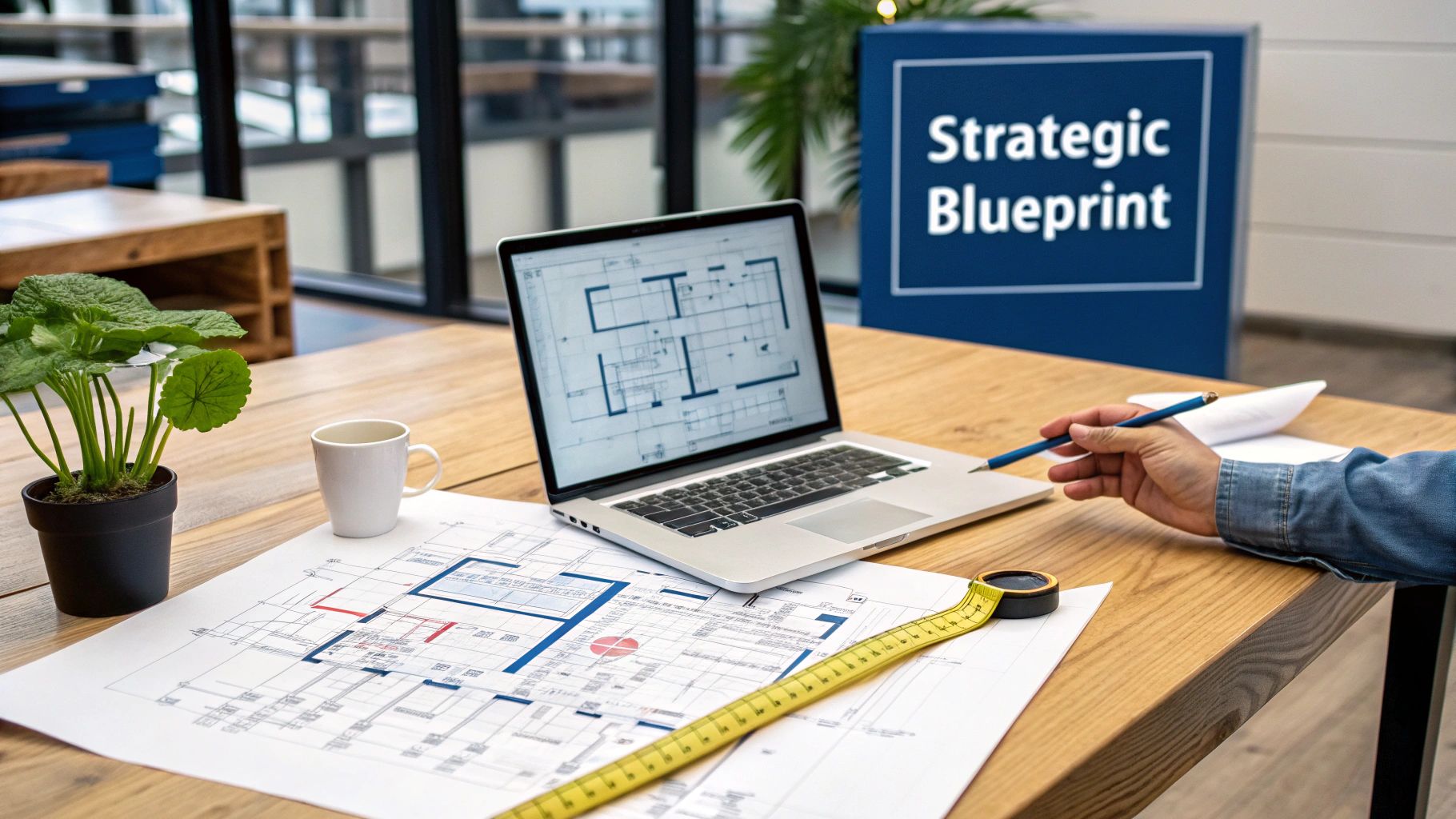
This isn’t just about floor plans. It’s a deep dive into how your organisation works now and, more importantly, how it needs to work in the future. There are two activities here that are completely non-negotiable: comprehensive site surveys and intensive stakeholder workshops. Skip these, and you’re essentially building blind.
Conducting Thorough Site Surveys
Before you can plan anything, you have to understand the canvas you’re working with. A proper site survey goes way beyond just measuring floor space; it's a full-blown technical audit of the building's capabilities and, crucially, its limitations.
Structural and Environmental Checks: You need to identify load-bearing walls, check ceiling voids, and flag potential hazards like asbestos. This information directly impacts where you can run cabling and place heavy equipment like server racks.
Mechanical and Electrical (M&E) Audit: What’s the existing power capacity? Is the HVAC system going to cope with a server room running at full tilt? Answering these questions early prevents eye-wateringly expensive surprises down the line. A commercial electrical installation and certification audit is a mandatory first step.
Connectivity Assessment: This is where we check for fibre optic availability and get to grips with the building's existing comms infrastructure. It’s pointless designing a gigabit-ready network if the building can't support it.
This meticulous groundwork uncovers the hidden issues that could completely derail your project later. It sets the practical boundaries within which your creative and technical vision has to operate.
Aligning Goals Through Stakeholder Workshops
A successful fit out has to work for everyone, from the finance department to the new intern. Stakeholder workshops are the best way to gather requirements, manage expectations, and build a consensus right from the start.
Getting heads of IT, HR, operations, and finance in the same room is vital. The finance team will be focused on the budget, while HR is thinking about employee wellbeing and collaborative spaces. The IT manager’s job is to make sure the physical space can actually support the tech everyone will rely on.
By getting everyone together to define what "done" looks like, you kill ambiguity and prevent the scope creep that destroys timelines and budgets. This collaborative approach is the single most effective way to ensure the final space serves the entire business.
Future-Proofing Your IT Infrastructure
From an IT perspective, this blueprinting stage is where you get granular. It's not just about meeting today's needs; it's about anticipating what's coming next. A healthcare facility, for example, must plan for the bandwidth and security needed for future telehealth services—that’s the level of foresight required.
Your IT blueprint needs to detail a few key things:
User Density Mapping: This means plotting where people will actually work so you can design a Wi-Fi network with flawless coverage and capacity. No more dead zones.
Server Room Specification: Define the exact requirements for power, cooling, and security. Will you need redundant power supplies or a specialised fire suppression system? These decisions have major structural and cost implications.
Scalable Structured Cabling: Plan a system that won’t need a complete overhaul in three years. That means specifying high-grade cabling like Cat6a as a minimum standard and planning routes with plenty of room for future expansion.
This early planning has a direct impact on the project's bottom line. UK office fit-out costs vary dramatically by location and spec. For instance, recent reports show medium-quality projects average £207 per square foot in London versus £171 in Birmingham. Builders' works like partitions and flooring can swallow 20-45% of the total budget, so getting the technical requirements baked in now is vital to avoid expensive rework. You can learn more about how these costs break down and affect UK projects.
Turning Your Design Into a Reality: Procurement and Supply Chains
With your strategic blueprint locked in, it's time to translate that vision into a tangible, working reality. This is where we move from concepts to concrete specifications, turning architectural plans into detailed orders for every piece of tech your new office will need. It's a critical phase where meticulous planning meets the very real-world challenges of procurement and supply chains.
Honestly, this part is about much more than just drawing up a shopping list. It's about designing a robust, high-performance network, laying out a functional and compliant server room, and selecting the right equipment that perfectly balances performance, cost, and longevity. Every single decision you make here will directly impact how your business operates for years to come.
From Blueprint to Bill of Materials
First things first, you need to develop detailed technical specifications for all your IT and network infrastructure. This means getting granular, moving beyond general ideas to define the exact models, quantities, and configurations for everything. A successful procurement strategy is built on this foundation of detail.
Your technical specifications should cover:
Structured Cabling: Specify high-performance options like Cat6a or even fibre optic cabling. It is absolutely crucial to insist on solutions that come with long-term manufacturer warranties, like a 25-year guarantee, which protects your investment and ensures performance.
Network Hardware: List the specific models for your switches, routers, firewalls, and wireless access points. These choices should be directly informed by the user density mapping and performance requirements you defined in the blueprint.
Server Room Equipment: Detail everything from server racks and patch panels to Uninterruptible Power Supplies (UPS) and environmental monitoring systems. Don't overlook specialised cooling or fire suppression if your setup calls for it.
This detailed-obsessed approach minimises ambiguity when you go out to tender. Suppliers can give you accurate quotes, and you can compare their responses on a true like-for-like basis, making sure you get both the right gear and the best value.
Tackling Modern Supply Chain Risks
In today's global market, navigating supply chain risks is a core part of effective office fit out project management. The days of assuming everything will show up within a week are long gone. Lead times for specialised network hardware, in particular, can stretch to several months.
Ignoring this reality is a recipe for disaster. I’ve seen projects grind to a halt for weeks while everyone waits for a single, critical component to arrive.
Your best defence against supply chain disruption is a proactive procurement plan. By identifying and ordering those long-lead-time items the moment the design is signed off, you can build delivery schedules directly into your project timeline. It turns a major risk into just another manageable variable.
Building strong relationships with trusted suppliers is also a game-changer. A good partner will give you realistic lead times, suggest viable alternatives if a specific product is unavailable, and keep you in the loop about any potential delays. This collaborative approach gives you the flexibility you need to keep the project moving forward.
Creating a Unified, Integrated Design
One of the most common pitfalls I see in office fit outs is designing different systems in isolation. When the AV, CCTV, and access control systems are planned separately from the core IT network, you often end up with a messy collection of incompatible technologies that are a nightmare to manage and maintain.
A truly successful design integrates all of these elements from the very beginning. This unified approach ensures that all systems can communicate effectively over the same core network infrastructure.
Think about these integration points:
CCTV: Modern IP-based CCTV systems run on your network. Planning for this means allocating enough bandwidth and Power over Ethernet (PoE) switch ports to support high-resolution cameras without a hitch.
Access Control: Network-connected door access systems require cabling back to your comms room and integration with your IT systems for proper management and logging.
Audio-Visual (AV): Meeting room booking systems, video conferencing gear, and digital signage all rely on a stable network connection. Designing these into the plan ensures the necessary data points and power sockets are in exactly the right places from day one.
By creating a single, cohesive technical design, you prevent the compatibility headaches and expensive rework that plague so many poorly planned projects. This ensures all your building’s smart systems work together seamlessly from the moment you move in. If you're looking for specialists to handle this complex installation work, learn more about choosing network cabling installers you can trust in our detailed guide.
Managing On-Site Coordination and Implementation
This is where the meticulous blueprint meets the high-stakes reality of the construction site. All the planning in the world means nothing if it isn't executed perfectly. Effective office fit out project management truly shines during the implementation phase, which demands a unique blend of technical expertise and logistical precision. It’s the art of turning plans on a screen into a physical, high-performance workspace.
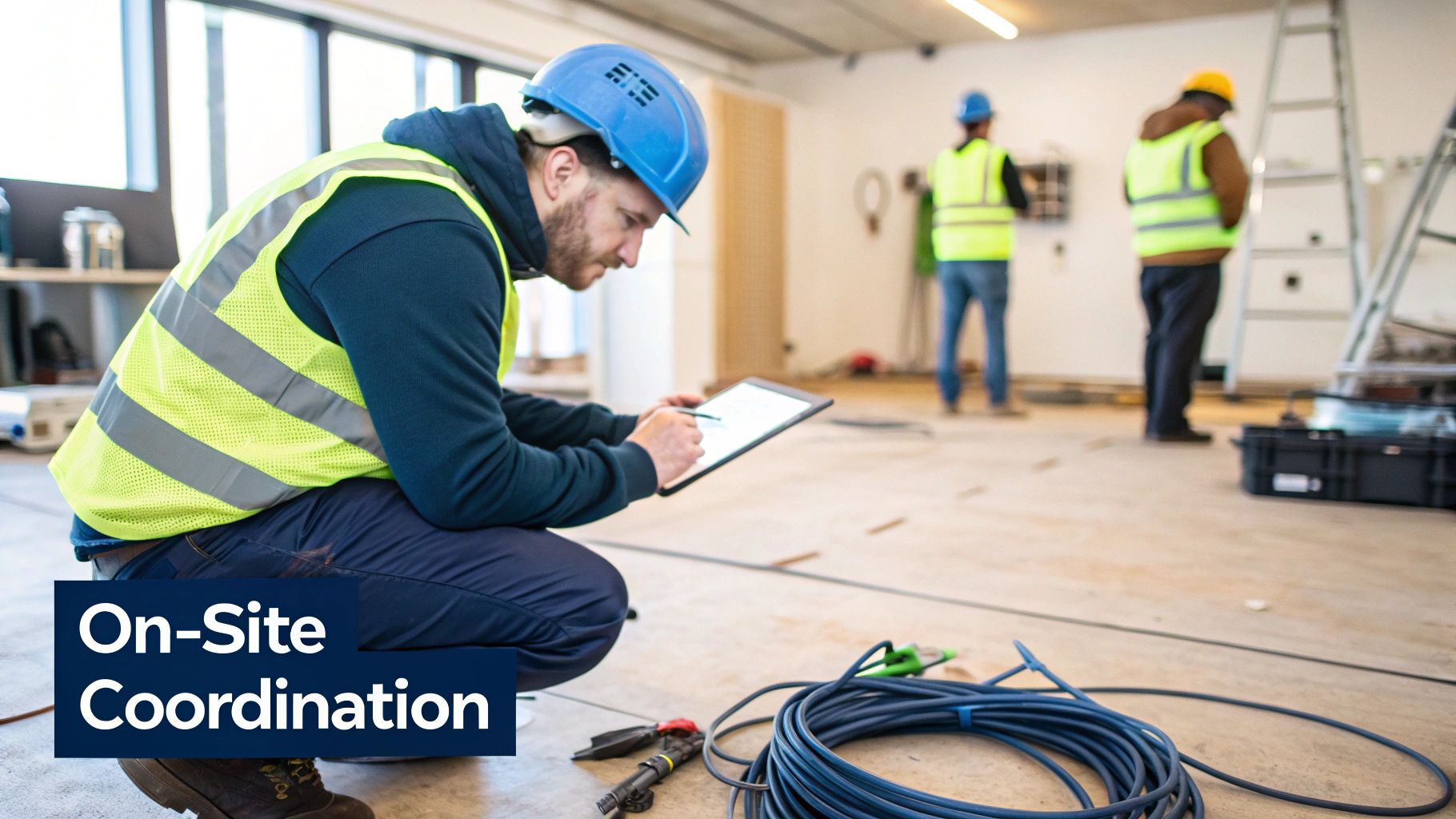
Managing a busy site means coordinating a small army of different trades—builders, electricians, flooring specialists, decorators, and more. The central challenge is ensuring every team completes its work in the correct sequence. Get this wrong, and you’re looking at costly rework and delays that can derail the entire project.
The Art of Coordinating Multiple Trades
Picture this all-too-common scenario: the plasterers have just finished skimming the walls to a perfect finish, but the cabling team hasn't run the network drops yet. The result? A messy, expensive job of chasing out channels in pristine new walls. This is precisely the kind of chaos that structured on-site coordination prevents.
Effective project management establishes a crystal-clear sequence of operations. This ensures foundational work, like running data cables and installing electrical back boxes, happens at the perfect moment—before the ceilings and walls are closed up. During this phase, you also need to think about existing assets; learn the proper steps for decommissioning office equipment to handle it correctly.
Regular site meetings are the lifeblood of this process. These aren't just progress updates; they're tactical sessions to resolve clashes, adjust schedules, and make sure every contractor knows exactly what’s expected of them for the week ahead. Clear, consistent communication is the only way to keep everyone perfectly aligned.
Building Out Unmanned, Autonomous Units
A growing trend in commercial real estate is the development of fully autonomous, unmanned building units. These spaces, common in self-storage, co-working hubs, and private studios, rely on a completely integrated technology stack to operate without daily staff presence. Unmanned building management means every core function—from entry to climate control—is automated and remotely manageable.
This requires a fundamental shift in design philosophy. Instead of being separate disciplines, access, power, and data must be designed together from the outset. Many unmanned projects fail because these systems are treated as afterthoughts. For instance, an access control system is useless if a power cut takes it offline, and remote management is impossible if the data connection is unreliable.
For these environments, battery-less, NFC proximity locks are a game-changer. They draw power from the user's smartphone during the 'tap', eliminating the immense operational headache of replacing hundreds of dead batteries. This significantly cuts down on maintenance and operational considerations, a key factor in the profitability of unmanned units. The entire ecosystem, including CCTV and smart lighting, must be powered and connected via a resilient, centrally managed network, often with backup power and 4G/5G failover.
Phased Implementation to Minimise Business Disruption
For businesses upgrading in a live environment or relocating entirely, minimising disruption is priority number one. A "big bang" approach where everything happens at once is often far too risky. This is where a phased implementation strategy becomes invaluable.
A phased approach breaks the project down into manageable, self-contained stages. For instance:
Weekend Cutovers: This is the most common strategy. The final switch from the old system to the new is executed over a weekend, allowing your team to leave on Friday and walk into a fully operational new office on Monday morning.
Department-by-Department Moves: In larger organisations, it can be less disruptive to move one department at a time over several weeks, containing the impact.
Parallel Running: For a short, critical period, you can run both the old and new systems simultaneously. This allows you to confirm everything is stable before the old infrastructure is fully decommissioned.
This approach requires meticulous planning, but it’s the gold standard for ensuring business continuity throughout the transition.
The goal of a seamless cutover is for your team to experience zero downtime. A well-executed plan means they leave their old desks on Friday and arrive on Monday to a new, faster, and more reliable network without ever noticing the complex technical ballet that happened over the weekend.
Navigating Timelines and Cost Pressures
Modern fit-out projects are under immense pressure. Tight timelines and the complexities of hybrid work are compressing UK office fit-out schedules significantly. This squeeze often leads to cost hikes of 10-20% due to the need for expedited labour and materials. Optimised management that focuses on detailed preparation, clear phasing, and open communication is the only way to slash these delays and control costs.
A skilled project manager acts as the buffer against these pressures, making strategic decisions to keep the project on track without compromising quality. This might involve re-sequencing works to accommodate a delayed delivery or bringing in additional resources to hit a critical milestone. For more practical insights, check out our detailed guide on data cabling installations for UK office fit-outs.
Ensuring a Smooth Handover and Post-Launch Success
You'd be forgiven for thinking the project is finished once the last cable is plugged in, but you'd be wrong. The final phase—the handover—is arguably the most critical part of the entire fit-out. This is where we shift from building to proving, transforming a meticulously planned installation into a fully tested, documented, and operational asset for your team.
This is all about giving your people total confidence in their powerful new infrastructure from the moment they walk through the door.
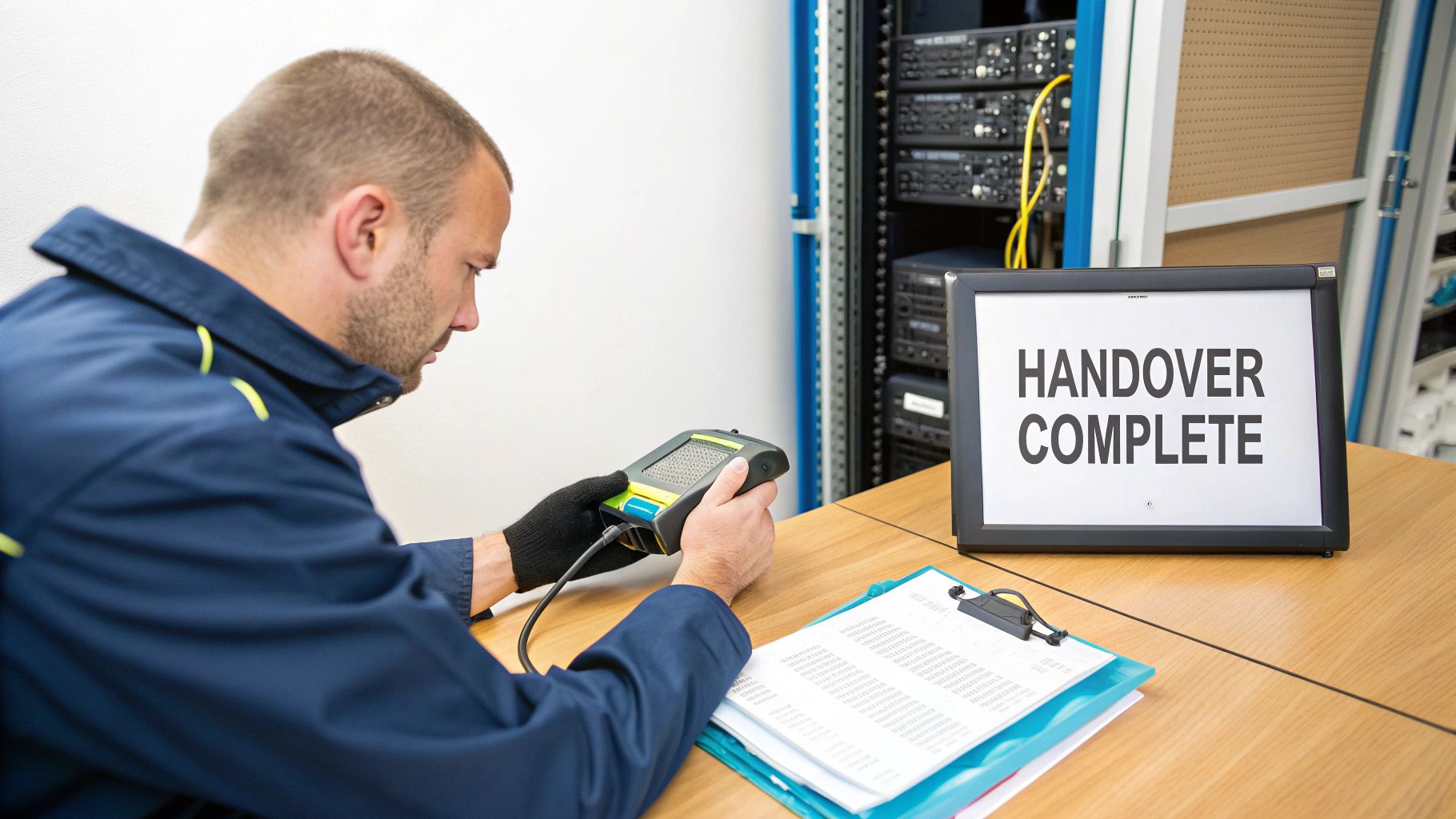
This stage moves beyond the physical build and deep into performance validation. It’s about proving that every single component works exactly as specified in the design brief. Rushing this step is a false economy that always comes back to bite you with frustrating performance issues and troubleshooting headaches down the line.
Rigorous Testing and Performance Certification
Before any system goes live, it has to get through a series of stringent, evidence-based tests. This isn't a simple "does it turn on?" check; it's a deep dive that guarantees the quality of the work and, crucially, unlocks valuable long-term protection for your investment.
A non-negotiable part of this is Fluke testing for all structured cabling. This is the industry gold standard. We use specialised equipment to test every copper and fibre optic cable against a huge range of performance parameters, generating a detailed report that confirms each one meets or exceeds its required standard, like Cat6a, for speed and reliability.
This certification is far more than just a piece of paper. It is the absolute requirement for securing the manufacturer's 25-year system warranty. Without these certified test results, your warranty is void, leaving you exposed to future costs.
Beyond the cables, we move on to commissioning the entire network. This involves configuring all your new switches, firewalls, and access points. It’s followed by a comprehensive Wi-Fi survey of the completed space to confirm that coverage and capacity are exactly as designed, leaving no room for dead zones or frustrating dropouts.
The Handover Checklist: Your Operational Bible
A smooth handover is built on clear, comprehensive documentation. When the project team leaves, your in-house IT staff or support partner must have everything they need to manage, maintain, and troubleshoot the new environment effectively.
Your handover package should be treated like the operational bible for your new office. It must include:
As-Built Drawings: Detailed floor plans showing the final, precise locations of every data outlet, cabinet, and major piece of hardware. No guesswork.
Network Diagrams: Logical and physical diagrams that clearly illustrate how the entire network is connected, from the main comms room right down to individual switches.
Patching Schedules: A simple, clear spreadsheet detailing which desk outlet connects to which switch port. This is absolutely essential for day-to-day management and future changes.
Full Test Results: The complete, certified Fluke test reports for every single installed cable. This is your proof of performance.
Warranty Certificates: The official documentation from manufacturers for all cabling and hardware, confirming your long-term system protection is active.
On-Site Support and Planning for Day One
The first week in a new office is a critical time. Even with the most thorough testing, small, user-specific issues can pop up as hundreds of staff connect their devices for the first time. This is exactly why having dedicated on-site support during the initial go-live period is non-negotiable.
Having engineers on-site means any teething problems—a laptop that won't connect to the Wi-Fi, a printer that needs reconfiguring, or a simple patching query—are resolved instantly. This stops minor issues from escalating and builds immediate confidence in the new system. It ensures the first impression of the new workspace is one of seamless, high-performance technology.
Finally, a structured post-deployment plan should be agreed upon. This will outline the process for ongoing support, define service level agreements (SLAs), and ensure a smooth transition to business-as-usual. It's about looking beyond the launch day to provide long-term peace of mind, knowing that expert support is always on hand.
For a dependable partnership that sees your project through from planning to post-launch success, explore how our dedicated IT and network infrastructure services can make all the difference.
Your Office Fit Out Questions, Answered
Over the years, we've guided countless businesses through the technical minefield of an office move. It’s a complex process, and the same questions always come up. Here are straight answers to the most common queries, based on decades of hands-on experience.
When Should We Bring In An IT Project Manager?
As early as humanly possible. Seriously. Your IT project manager shouldn't just be a late-stage addition; they need a seat at the table right when you're first looking at potential properties.
Getting them involved from day one means critical IT needs are woven into the architectural plans from the very beginning. Think about the fundamentals: the ideal location for your server room, ensuring enough power is available, and mapping out the most logical pathways for all your cabling. Nailing these details at the start saves a world of pain and avoids horrendously expensive changes down the line.
What's The Biggest IT Infrastructure Mistake You See?
Without a doubt, it's underestimating future needs. So many companies design their new infrastructure for the business they are today, not the one they’ll be in five years. It's a short-sighted approach that always proves costly.
We see this manifest in a few common ways:
Not enough data ports: Skimping on outlets to save a little cash now almost guarantees you'll be paying a premium for messy, disruptive retrofitting later.
Lower-grade cabling: Opting for cheaper cable specs might feel like a win, but it quickly creates performance bottlenecks as your data demands inevitably grow.
Inadequate Wi-Fi design: A wireless network built for today’s device count will buckle under the strain of tomorrow’s, leading to slow speeds and frustrated staff.
Proper office fit out project management is all about building a scalable foundation that’s ready for growth, not just one that scrapes by on day one.
How Can We Minimise Downtime During The Move?
Meticulous planning and a phased migration are the two pillars of a zero-downtime move. An experienced project manager will build a detailed cutover plan that revolves around a weekend transition – the industry standard for a reason.
The process is surgical. We pre-configure and rigorously test the entire new network well ahead of moving day. Then, over a single weekend, all your services are migrated. We also place a dedicated support team on-site for the first few days in the new office. This on-the-ground presence means any small teething issues are squashed instantly, before they can impact anyone's work.
The goal is simple: your team leaves the old office on Friday and walks into the new one on Monday. They connect to a faster, more reliable network without noticing a single blip. That’s a successful move.
What Documentation Should We Expect At Handover?
You must insist on a comprehensive handover package. This isn't just a folder of papers; it's the operational bible for your new IT environment and is absolutely critical for future maintenance, troubleshooting, and expansion.
Your handover pack should always include:
‘As-built’ drawings showing the exact final locations of every cable, outlet, and cabinet.
Detailed network diagrams that map out the physical and logical layout of your new setup.
Patching schedules which clearly link each desk outlet back to its specific port on the network switch.
Full test results and certifications for all the structured cabling – this is essential for activating manufacturer warranties.
All official warranty information for the hardware and cabling systems that have been installed.
Trying to manage your new space without this complete set of documents is a recipe for difficulty and unnecessary expense.
Ensuring your next office move is a seamless success requires more than just good intentions; it demands expert planning and execution. The team at Constructive-IT has over 20 years of experience in end-to-end project management for office fit outs, from initial design to post-launch support. Let's plan your project together.
Comments