


Boosting WiFi Signal A Practical Guide for UK Offices
- Craig Marston
- Dec 6, 2025
- 17 min read

When your office WiFi starts acting up, the first instinct is often to throw money at the problem—buy a new router, maybe a signal booster. But more often than not, the real issue isn't about the hardware itself. It's about what's getting in its way.
Simple tweaks, like moving a router to a more central, elevated spot or just switching the WiFi channel it's using, can make a surprisingly big difference without costing a penny. Before you open the company wallet, it’s always better to figure out what’s actually going wrong.
Pinpointing Your Office WiFi Problems
To get to the bottom of poor WiFi, you need to put on your detective hat. Kicking off with a quick speed test is fine, but that number only tells a tiny part of the story. The real culprits behind those dreaded connection drops and painful loading times are usually invisible, lurking in the building’s structure or floating in the airwaves. A methodical approach is the only way to ensure you're fixing the right problem.
Think of it as a simple, three-step process: analyse the symptoms, identify the cause, and then apply the right solution.

This logical flow stops you from just guessing and helps you laser-focus on what’s actually slowing everyone down.
Beyond Speed Tests: Identifying the Real Culprits
Imagine your WiFi signal is like a sound wave. The further it has to travel and the more stuff it has to pass through, the weaker it gets. In a busy office, those obstacles are everywhere.
Physical Barriers: Concrete walls are notorious signal killers. So are metal filing cabinets, lift shafts, and even large glass panels or aquariums. They all absorb or reflect WiFi signals, creating "dead zones" where you can't get a connection for love nor money.
Interference: Your office is a noisy place, electronically speaking. Microwaves heating up lunch, cordless DECT phones on the sales desk, and even everyone's Bluetooth headphones can operate on the same 2.4GHz frequency. It’s like a digital traffic jam.
Neighbouring Networks: If you’re in a multi-tenanted building, you’re not alone. Your network is competing with dozens of others from the offices next door, above, and below. This channel congestion is a huge cause of slowdowns, especially at peak times.
This isn’t just theory; it's a reality for businesses across the country. In the UK, you're lucky to get 60–70% of your broadband's advertised speed over WiFi. Performance drops off a cliff the further you move from the router. For a typical office floor, speeds in a meeting room at the far end can easily be 50–70% lower than right next to the access point, all thanks to walls and interference.
Sometimes, the answer to your WiFi woes lies in how your team is using the network. A thorough approach to network performance monitoring can reveal patterns you'd never spot otherwise.
Creating a Signal Map of Your Workspace
To really understand what your WiFi is doing, you need to see it. A basic WiFi survey, or "heat map," is the best way to do this. You can use an app on a laptop or smartphone to walk around the office and measure the signal strength in different areas.
The app then builds a visual floor plan, colouring different zones based on signal quality—strong areas show up in green, weaker spots in yellow, and total dead zones in red. This map is your single most powerful diagnostic tool. It instantly shows you where coverage is failing and helps you connect the dots between a weak signal and a physical barrier like a concrete pillar or the server room. The goal isn't just finding the weak spots, but understanding why they're weak.
It's a classic mistake: blaming the internet provider for slow WiFi. I've seen it countless times. In reality, the problem is almost always internal to the office—badly placed access points, ancient hardware, or just overwhelming interference. Checking your own environment first will save you hours of frustrating phone calls and pointless expense.
You need to figure out if you have a coverage problem or a congestion problem. They’re two very different things. If someone sitting right next to an access point has slow speeds, that points to congestion—too many devices are fighting over the same slice of bandwidth. But if their signal vanishes the moment they walk into the boardroom, that’s a textbook coverage issue. Once you know which one you're dealing with, you can start looking at real, targeted solutions.
To help you get started, here's a quick cheat sheet for translating common office complaints into likely technical causes.
Common WiFi Symptoms and What They Really Mean
Symptom | Potential Cause | First Diagnostic Step |
|---|---|---|
"The WiFi is slow everywhere, even next to the router." | Channel Congestion or Bandwidth Saturation | Use a WiFi analyser app to check for crowded channels. Run a speed test connected directly to the router with an Ethernet cable. |
"My connection drops when I walk to the meeting room." | Poor Coverage / Physical Obstructions | Create a WiFi heat map to visually identify dead zones and correlate them with walls, lifts, or large metal objects. |
"The video call keeps freezing, but emails work fine." | High Latency or Jitter | Run a ping test to a reliable server (like google.com) to check for inconsistent response times or packet loss. |
"The WiFi is great in the morning but terrible after lunch." | High Device Density / Co-Channel Interference | Check the number of connected devices during peak hours. See if a neighbouring business is firing up a powerful network at that time. |
By using this table to match symptoms with causes, you can stop guessing and start making informed decisions to improve your office network.
Quick Wins for a Stronger Wi-Fi Signal Today
You don't always need a massive budget or a complex IT project to get your office Wi-Fi back on track. In fact, some of the most effective fixes are simple, strategic adjustments that cost you nothing more than a few minutes. These high-impact changes can sort out many of the most common connectivity headaches without ever touching your budget.

Before you even think about buying new hardware, the first port of call should always be optimising what you've already got. It's a foundational step that many businesses skip, leading them to spend money on equipment they simply don't need. A few thoughtful tweaks are often all it takes.
Master Your Router and Access Point Placement
The single biggest factor affecting your Wi-Fi signal is location. Full stop. Wi-Fi signals radiate outwards from their source, getting weaker as they pass through walls, furniture, and people. Putting your router or access points (APs) in a poor spot is the number one cause of bad performance.
Think central and think high. The goal is to give the signal the clearest possible path to every device. Tucking the router away in a server room at the far end of the office or hiding it in a metal cabinet is a guaranteed recipe for dead zones and dropped connections.
Instead, find a central point in your office and get the hardware as high up as you can—on top of a tall bookshelf or mounted on a wall. This simple move helps the signal travel over and around common office clutter like desks and partitions. Be sure to keep it well away from dense materials like concrete walls, lift shafts, and even large fish tanks; they're notorious signal killers.
A simple repositioning can sometimes feel like you’ve had a major upgrade. I've seen offices go from having constant complaints to a stable connection just by moving an access point from under a desk to the top of a filing cabinet. Never underestimate the power of a clear line of sight.
Escape the Noise by Changing Your Wi-Fi Channel
Picture your office Wi-Fi trying to hold a conversation in a room where dozens of other people are shouting. That’s essentially what happens when your network is fighting for airspace on the same frequency as your neighbours, a problem known as co-channel interference. It's especially common in multi-tenanted office buildings.
Most routers are set to "Auto" by default, but this isn't always smart enough to pick the quietest channel. Thankfully, you can take manual control and find a clearer spot for your network to operate.
Using a free Wi-Fi analyser app on a laptop or smartphone, you can scan the airwaves to see which channels are clogged up by nearby networks.
For 2.4GHz Wi-Fi: This older frequency is more limited. Only channels 1, 6, and 11 don't overlap with each other, so your best bet is to pick whichever of these three is the least crowded.
For 5GHz Wi-Fi: This band is your friend. It offers many more non-overlapping channels, giving you a much better chance of finding a completely clear frequency.
Just switching to a less congested channel can slash interference and lead to a more stable, faster connection for everyone in the office. It's a powerful, zero-cost fix.
Fine-Tune Your Network Configuration
Beyond physical placement and channel selection, a few small configuration changes can make a massive difference. First, make sure your router's firmware is up to date. Manufacturers regularly release updates that don't just patch security holes but also include performance improvements that can directly boost signal strength and stability.
Another great trick is to split your Wi-Fi bands. Most modern routers broadcast on both 2.4GHz and 5GHz frequencies. By giving them different network names (SSIDs)—for instance, "OfficeWi-Fi_2.4" and "OfficeWi-Fi_5"—you can manually steer devices to the best band. This stops slower, older devices on the 2.4GHz band from dragging down the performance for newer devices that can use the faster, less crowded 5GHz band.
The frustration with poor coverage is real. A 2023 uSwitch survey revealed that over 40% of UK broadband users had bought or considered a Wi-Fi booster, with this figure climbing to nearly 60% for those in older properties with thick walls. You can dig deeper into this by exploring insights on UK data usage trends. These simple configuration changes are your first line of defence before you spend a penny on extra hardware.
Choosing the Right Hardware: Extenders vs. Mesh Networks
When you've exhausted all the quick fixes and your office Wi-Fi is still underperforming, it's time to look at the hardware. This can feel a bit daunting, with a lot of marketing jargon muddying the waters. But making the right choice here is absolutely critical to boosting your Wi-Fi signal without accidentally creating a whole new set of problems.
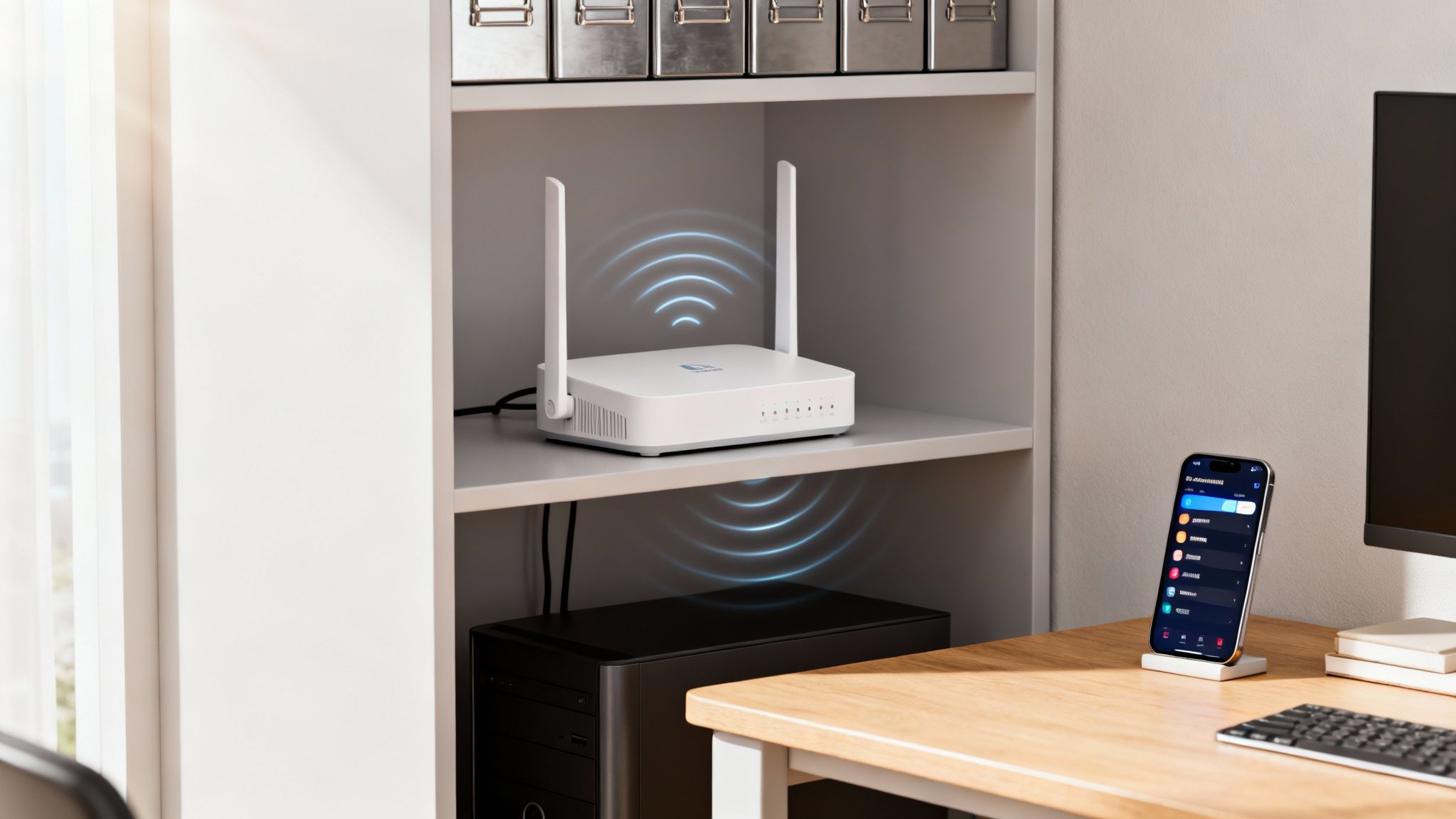
The two most common options you'll come across are traditional Wi-Fi extenders and modern mesh network systems. They both aim to solve the same problem—patchy coverage—but they go about it in vastly different ways. For a professional setting, one is almost always the superior choice.
Why Traditional Wi-Fi Extenders Fall Short in an Office
Wi-Fi extenders, often called repeaters, are usually the first port of call for many. They're cheap, easy to find, and seem like a simple plug-and-play solution. An extender works by grabbing the signal from your main router, amplifying it, and then rebroadcasting it to fill a dead zone.
The core issue is how it does this. Most basic extenders use the same radio to both receive and transmit the signal, which effectively cuts your available bandwidth in half. In a busy office with people on video calls or accessing cloud files, that performance hit is a deal-breaker.
Worse still, an extender creates a separate network with its own name (e.g., "OfficeWiFi_EXT"). This forces a device to completely disconnect from the main network and reconnect to the extender as someone moves around. That clumsy handoff is precisely what causes those infuriating connection drops when you're walking to a meeting room with your laptop.
For someone just checking emails in their back garden at home, an extender might be fine. But in a business where productivity depends on a stable, seamless connection, they often introduce more frustration than they fix. The initial cost saving is quickly cancelled out by lost time and efficiency.
The Superior Choice for Business: Mesh Wi-Fi Systems
This is where mesh Wi-Fi systems completely change the game. Instead of one box trying to boost a weak signal, a mesh system uses multiple nodes or satellites placed strategically around the office. These nodes all work together as a single, intelligent team to create one unified Wi-Fi network.
The advantages for an office are immediate and obvious:
Seamless Roaming: All nodes broadcast a single network name (SSID). As you move through the building, your device automatically and seamlessly connects to the nearest node with the strongest signal—no disconnections, no manual switching.
Intelligent Traffic Routing: Mesh systems are smart. They dynamically route your data through the most efficient path back to the router, avoiding bottlenecks and maintaining speed far more effectively than a simple extender.
Dedicated Backhaul: Many modern mesh systems use a dedicated wireless channel (a "backhaul") purely for the nodes to communicate with each other. This frees up the main channels for your devices, preventing the 50% bandwidth loss you get with basic extenders.
The choice is a critical one. For a more detailed breakdown, have a look at our guide comparing mesh Wi-Fi vs Wi-Fi extenders for business networks.
A Niche Solution: Powerline Adapters
There's one more tool worth knowing about: Powerline adapters. These are a clever workaround for tricky situations where running new network cables is impossible, like in a listed building or across a workshop with solid concrete floors.
Powerline adapters use your building's existing electrical wiring to transmit network data. You plug one adapter into a socket near your router and connect it via an Ethernet cable, then plug the second one into a socket in the room with the poor signal. It essentially turns your electrical circuit into a makeshift network cable.
While they can be surprisingly effective, their performance is often inconsistent. It all depends on the quality, age, and layout of your electrical wiring.
Hardware Solutions: A Head-to-Head Comparison
To help you decide which hardware is the best fit for your specific office environment and budget, here’s a quick feature breakdown.
Feature | Wi-Fi Extender | Mesh Wi-Fi System | Powerline Adapter |
|---|---|---|---|
Best For | Small, simple spaces with 1-2 specific dead spots. | Medium to large offices with complex layouts. | Locations where running Ethernet isn't possible. |
Network Name | Creates a separate network (e.g., "Network_EXT"). | Creates a single, unified network (one SSID). | Provides a wired or new wireless access point. |
Performance | Halves bandwidth; can introduce latency. | High performance with intelligent traffic routing. | Variable; depends on electrical wiring quality. |
Roaming | Manual; devices must disconnect and reconnect. | Seamless; devices switch nodes automatically. | Not applicable for roaming in the same way. |
Setup & Mgmt | Simple plug-and-play, but limited options. | User-friendly app for setup and network management. | Simple plug-and-play; minimal configuration. |
Cost | Low (£20 - £60). | Higher initial investment (£150 - £500+). | Moderate (£40 - £100 per pair). |
Ultimately, while extenders and Powerline adapters have their uses, a mesh system is almost always the right long-term investment for a professional office that needs reliable, seamless coverage for the whole team.
The Ultimate Fix: Structured Cabling and Access Points
When you've exhausted the quick fixes, shifted the router around, and even tried a mesh system but are still getting nowhere, it’s time for a different approach. You have to stop patching a weak foundation and instead, build a stronger one. For any business where patchy Wi-Fi directly hits productivity and revenue, the most robust solution is to go wired.
This is the gold standard for office connectivity: structured network cabling.
The idea is simple but powerful. A professional installer runs dedicated, high-speed cables—like modern Cat6a Ethernet—from a central hub directly to strategically placed wireless access points (APs). This includes cutting-edge options like Fibre cable installation for maximum bandwidth and future-proofing. This is a world away from consumer-grade solutions that just re-broadcast an already struggling wireless signal.
Instead of passing a weak signal from one box to another, each access point gets its own direct, full-speed, and incredibly stable connection to the core network. This completely sidesteps the wireless bottlenecks that plague extenders and even some mesh systems, guaranteeing every AP can perform at its absolute peak.
The Power of a Wired Backbone
The real magic of a structured cabling system lies in its sheer reliability. Wireless signals are notoriously fickle, easily disrupted by everything from microwaves to neighbouring office networks. A physical cable? It’s immune to all that noise. This gives you a rock-solid backbone that your entire Wi-Fi network can depend on.
A key technology that makes this so effective is Power over Ethernet (PoE). PoE is a genuine game-changer, allowing a single Ethernet cable to carry both data and electrical power. This means you can mount access points in the most optimal locations for coverage—think high up on a ceiling or wall—without having to worry about finding a nearby power socket.
That freedom is crucial for designing a network that actually works. It lets you place APs precisely where your office needs them to kill dead zones, rather than being stuck with spots near an available plug. This professional mindset is central to any serious conversation about office network wiring, a topic we dive into in our complete UK office network wiring installation guide.
Investing in structured cabling is like replacing the winding country lanes of your network with a multi-lane motorway. Everything just flows faster and more reliably. It’s the single most effective step a growing business can take to permanently solve its Wi-Fi problems.
This kind of infrastructure isn't just about coping with today's demands; it's about future-proofing your business for whatever comes next.
Why Professional Installation Matters
Let's be clear: implementing a structured cabling system isn't a weekend DIY job. It demands precision, careful planning, and real expertise to deliver the performance and reliability you're paying for. This is where working with certified professionals makes all the difference, especially when you need a guaranteed result for something as critical as an office relocation.
For example, choosing an Excel network accredited partner brings a significant layer of assurance. This accreditation confirms the installers are trained to the highest standards and that the entire job will be a certified, tested network delivery.
The benefits of going pro are tangible:
A 25-Year Equipment Warranty: When installed by an accredited partner, the cabling system is typically backed by a comprehensive quarter-century warranty. That’s long-term peace of mind.
Certified Performance: Your new network is rigorously tested with specialised equipment to certify that it meets or exceeds industry performance standards. This ensures every single cable and connection works flawlessly from day one.
Professional Cable Management: Experts ensure all wiring is neat, organised, and properly documented. This doesn't just result in a tidy desk environment and a clean server room; it also makes future troubleshooting and upgrades infinitely simpler.
Underlying infrastructure issues are more common than you might think. In the UK, around 1.5 million premises still can't get a minimum download speed of 10 Mbps on their fixed broadband. It’s a stark reminder of how foundational connectivity impacts everything else. A professionally installed wired backbone ensures you're squeezing every last drop of performance out of the internet connection you pay for.
Ultimately, for any business where connectivity is mission-critical, moving to a professionally installed, structured cabling system isn't just another fix—it's the permanent solution. It's the definitive step to take your Wi-Fi from a daily frustration to a real competitive advantage.
Knowing When to Call a Network Professional
While a bit of DIY troubleshooting and some consumer-grade kit can sort out minor Wi-Fi niggles, there comes a point where you’re just papering over the cracks. Trying to run a growing business on a flaky connection is a recipe for lost productivity and immense frustration, which eventually hits your bottom line. Recognising the signs that it's time to bring in an expert isn't just an IT decision; it's a crucial business one.
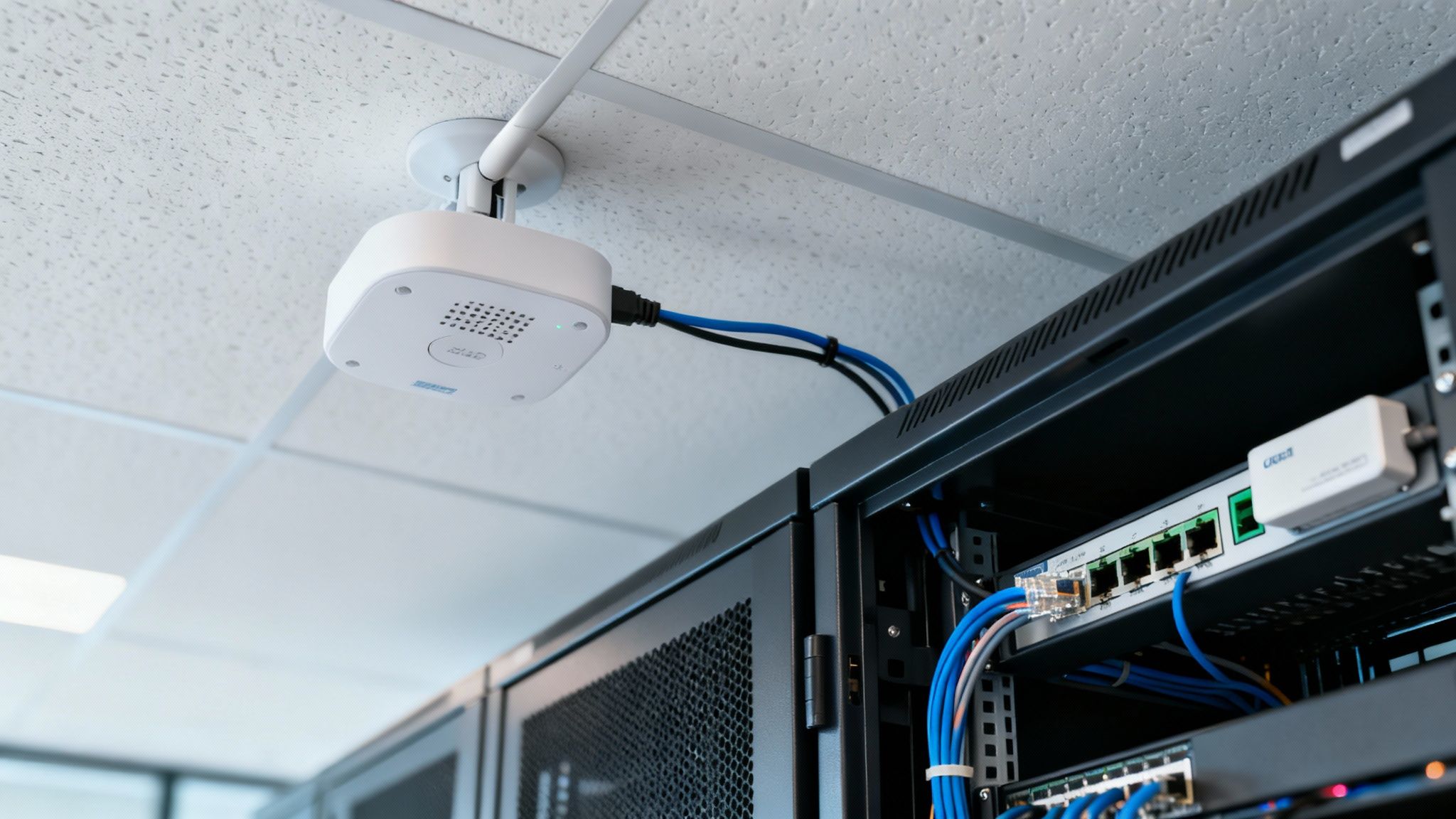
Often, this realisation dawns when the business hits a critical milestone. Maybe you're planning an office relocation, dealing with connectivity drops that just won't go away, or you've simply outgrown what your current setup can handle. If your team is constantly complaining about unreliable Wi-Fi, that’s the clearest sign that the ad-hoc approach has run its course.
The Value of Professional Network Design
A professional network installer doesn’t just show up with a better router; they bring specialised tools and a depth of expertise that’s impossible to replicate with off-the-shelf solutions. Their process kicks off with a detailed site survey, using dedicated hardware to analyse your physical space for everything from radio frequency interference to signal-blocking materials and existing network congestion.
This data is then crunched to create detailed heat maps – think of them as a blueprint for your wireless coverage. These maps visually pinpoint the absolute best place for each access point, ensuring seamless coverage everywhere, from the boardroom to the breakout area. This scientific approach takes all the guesswork out of the equation, guaranteeing a certified, tested network delivery.
A professional site survey is the difference between guessing and knowing. It’s the single most valuable step in designing a network that just works, preventing costly mistakes and ensuring you invest in the right hardware for your actual needs, not just what's on sale.
Bringing in an expert isn't just about fixing today's problems; it’s about laying a reliable and scalable foundation for your business's future.
Beyond Wireless: The Power of Structured Cabling
For any business that simply cannot afford downtime, the ultimate solution often means looking beyond the airwaves and back to the wires. A professional can design and implement a full structured cabling infrastructure, running high-performance Fibre cable or Ethernet directly to each and every access point.
This wired backbone gives every part of your network a stable, full-speed connection, killing the bottlenecks that so often plague wireless-only systems. When this work is carried out by an Excel network accredited partner, you also get an invaluable layer of assurance. This accreditation means the installation meets strict industry standards and is usually backed by a comprehensive 25-year equipment warranty.
The benefits of a professionally cabled office are crystal clear:
Unmatched Reliability: A physical connection is immune to the wireless interference that causes random dropouts and slowdowns.
Peak Performance: Each access point gets its own dedicated, high-speed link back to your core network, letting it perform at its absolute best.
Future-Proof Scalability: A structured cabling system is built to handle tomorrow's demands, making it far easier to add more devices, users, and services as you grow.
This kind of project also places a huge emphasis on professional cable management, which results in a tidy desk environment and an organised server room. And that’s not just about looking good; it makes future maintenance, troubleshooting, and upgrades vastly simpler and faster.
Critical Support for Office Relocations
An office move is perhaps the single most compelling reason to call in a network professional. The sheer complexity of decommissioning, moving, and recommissioning an entire IT infrastructure is immense. One mistake can lead to a disastrous first day in your new space.
During an office relocation with equipment testing, a professional team ensures every single network point, access point, and server connection is fully tested and working before your staff even walk through the door. This meticulous process guarantees a smooth, day-one transition, making it one of the most cost-effective decisions you can make in the long run.
Got Office Wi-Fi Questions? We've Got Answers.
Even after you've tried all the usual fixes, some nagging questions about office Wi-Fi always seem to pop up. We hear them all the time from businesses across the UK. Let's cut through the tech-speak and tackle the most common ones with some straightforward, practical advice.
These are the kinds of questions that often highlight the big difference between a quick, cheap fix and a genuinely robust, long-term solution for your office Wi-Fi.
Will a Wi-Fi Extender Really Slow Down My Internet?
In a word, yes. It almost certainly will. While a Wi-Fi extender might seem like a clever way to push a signal into a dead spot, it does so at a serious cost to your network's performance. Most of these devices use the same radio to both talk to your router and then rebroadcast the signal to your devices.
This process essentially cuts your available bandwidth in half.
For checking emails at home, that might be a trade-off you can live with. But in a busy office? It's a recipe for disaster. For staff who depend on smooth video calls or need to access hefty files from the cloud, the lag and instability an extender introduces is often more maddening than the original dead zone. You've solved one problem only to create a much bigger one.
How Many Access Points Does My Office Need?
This is the classic "how long is a piece of string?" question. You might see a rough guideline online suggesting one access point (AP) for every 1,000 to 2,000 square feet, but honestly, you should ignore that. It's wildly misleading and never holds up in the real world.
The right number depends entirely on your specific environment.
Office Layout: An open-plan space is a completely different beast from an office filled with individual rooms, concrete walls, and glass-walled meeting rooms. The more walls, the more APs you'll need.
Building Materials: Glass, concrete, and metal are Wi-Fi killers. They either absorb or reflect the signal, meaning you need a higher density of APs to get consistent coverage.
Device Density: It’s not just about square footage; it’s about how many people and devices are connecting. An AP can only juggle so many connections at once before performance drops for everyone. A packed call centre needs a much denser AP layout than a sparsely populated warehouse.
There's only one way to know for sure: a professional wireless site survey. This isn't guesswork. It involves using specialised tools to map out your office's signal strength, identify interference, and plan the perfect placement and number of APs. It’s the only way to guarantee flawless coverage.
Is Professional Network Cabling Really Worth the Investment?
Without a doubt, yes. It might look like a bigger upfront cost compared to grabbing a few wireless gadgets off the shelf, but professional structured cabling is the single best investment you can make in your network's long-term health. Think of it as the difference between constantly patching problems and solving them for good.
A professionally installed system, especially one using modern Cat6a Ethernet or even Fibre cable installation, creates an unshakable foundation for your entire IT setup. Every access point gets its own dedicated, high-speed lane back to the network, eliminating the bottlenecks and interference you always get with purely wireless systems.
Better yet, when you work with an Excel network accredited partner, that investment is properly protected. You get a certified, tested network delivery that often comes with a 25-year equipment warranty. This doesn't just ensure perfect performance from day one; it guarantees your network can handle whatever your business throws at it for decades to come.
This professional approach also includes meticulous cable management, which means a tidy desk environment for your team and an organised, easy-to-manage server room. And if you're planning a major project like an office relocation with equipment testing, a structured, cabled approach is absolutely essential for a smooth, pain-free move. It's not an expense—it's a core business asset.
If unreliable Wi-Fi is holding your business back, it’s time for a professional solution. At Constructive-IT, we design and install robust, future-proof network infrastructure, from structured cabling to optimised wireless access points, ensuring your team stays connected and productive. Plan your office network upgrade with us today.
Comments