


Unlocking Unmanned Building Management with the Right WiFi Access Point
- Craig Marston
- Feb 7
- 13 min read

Building a truly unmanned, autonomous building unit—whether for self-storage, co-working spaces, or residential blocks—hinges on a rock-solid digital foundation. A professional wifi access point system is the central nervous system for this operation, connecting everything from door locks and CCTV to payment terminals and environmental sensors. It plugs into your wired network via an Ethernet cable and broadcasts a reliable Wi--Fi signal, creating the essential connectivity that allows a building to manage itself.
The Reality of Unmanned Building Management
Let's cut through the jargon. What does unmanned building management really mean in practice? It’s about creating a fully autonomous environment where customers can book, pay, access, and use a space without any staff being present on-site. This is achieved by integrating several key technologies that all rely on a stable network connection.
A network of access points is like placing multiple, perfectly synchronised communication hubs all around the venue. Each wifi access point is carefully positioned to make sure every corner of the building gets a strong, consistent signal. This creates one big, unified network, allowing door locks, cameras, and payment systems to communicate seamlessly with a central management platform.
Why Many Unmanned Building Projects Fail
The number one reason unmanned building projects fail is a disjointed approach to technology. Many projects fail because access, power, and data are treated as separate, unrelated systems. An access control specialist installs the locks, an electrician runs the power, and an IT firm sets up the Wi-Fi. The result? A fragmented system where the locks can’t reliably get data, the power solution doesn’t support the network hardware, and the entire operation is plagued by constant downtime.
To succeed, these three pillars must be designed together from day one:
Access: Smart locks and entry systems.
Power: Reliable commercial electrical installation, often including backup systems.
Data: A robust Wi-Fi network that guarantees connectivity for every device.
When these elements are planned in concert, the building operates as a single, cohesive unit. This holistic approach is the foundation for a successful, truly autonomous unmanned building.
Supporting a Fully Autonomous Operation
Having reliable wireless has become as fundamental as having electricity. In the UK, internet penetration is near-universal. By 2024, an impressive 97% of UK households had internet access, a figure that's expected to climb to 99% by 2029. Customers expect the same seamless digital experience from an unmanned facility as they get everywhere else. You can explore these connectivity trends and what they mean over on Statista.com.
Ultimately, a professionally designed wifi access point system delivers three core benefits that are essential for any unmanned building project:
Scalability: You can easily add more access points and connected devices as your facility expands.
Reliability: Because they connect directly to the wired network, WAPs offer a much more stable and faster connection than consumer-grade extenders, which is critical for security and operational systems.
Centralised Management: Proper enterprise systems let you monitor, manage, and secure the entire wireless network and all connected devices from a single remote dashboard.
Comparing WAP Types and Core Specifications
Picking the right hardware isn't about grabbing the newest model off the shelf. It’s about matching the technology to the physical space and the specific demands of an unmanned facility. A wireless access point designed for a small office would fail spectacularly in a multi-story self-storage unit or a sprawling co-working campus.
Getting to grips with the different types of WAPs and their core specs is the first real step toward building a network that just works. The whole idea is to use strategically placed access points to extend a single router's signal, creating one unified, high-performance network that is the backbone of your autonomous operation.
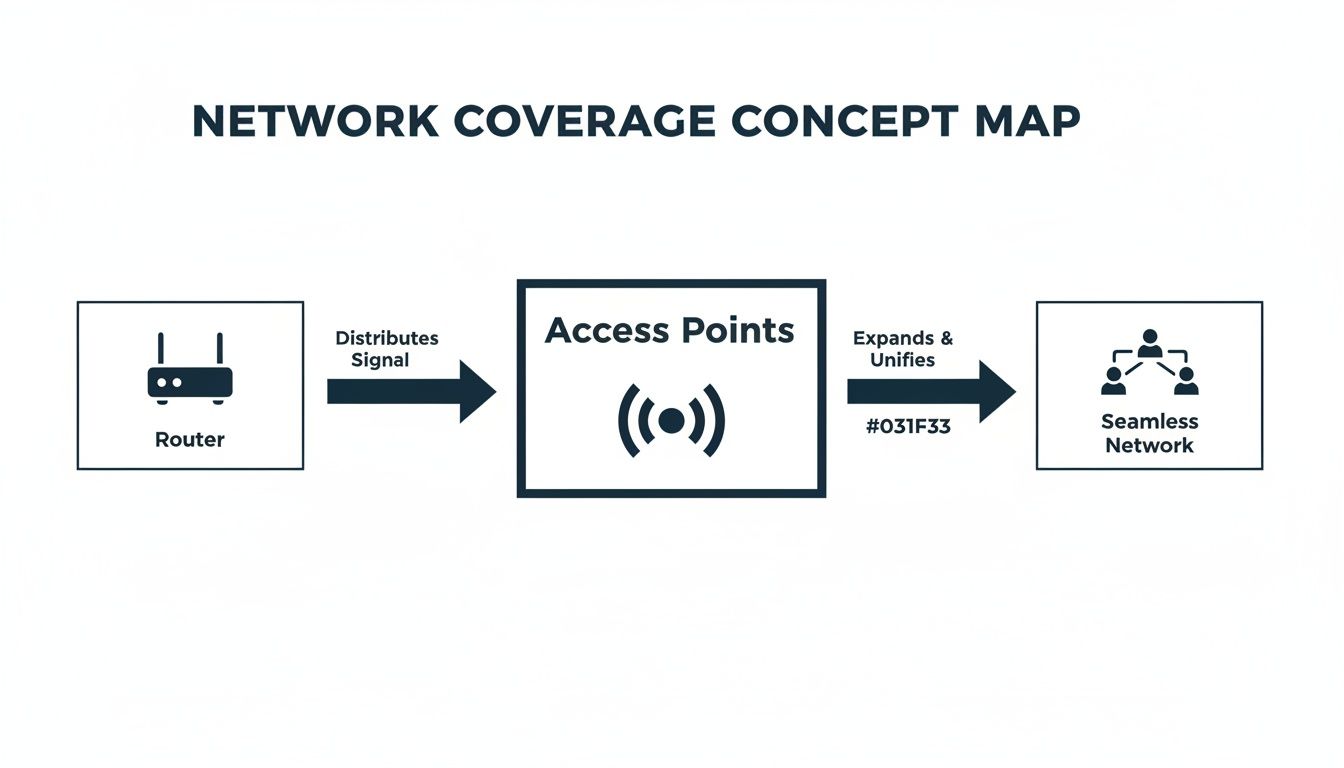
This diagram shows it perfectly: all the access points connect back to a central point, working as a team to deliver solid Wi-Fi coverage for every lock, camera, and sensor, no matter where it is in the building.
Real-World Choices for Access Control
In an unmanned building, the choice of lock is critical. While battery-powered smart locks are common, they introduce significant maintenance overhead—namely, changing batteries. This is why many successful projects choose battery-less, NFC proximity locks. These locks are powered for a brief moment by the user's smartphone via Near Field Communication (NFC) when they tap to unlock.
The real-world benefits are clear:
Zero Maintenance: No batteries to die, ever. This eliminates the primary point of failure and the need for regular staff intervention.
Enhanced Security: Access credentials can be issued and revoked digitally in real-time.
Operational Simplicity: The user's phone is the key and the power source, streamlining the entire access process.
Decoding Key Technical Specifications
When you start comparing models, you’ll be hit with a wall of technical jargon. While it can look intimidating, there are really only a few key specs that have a direct impact on real-world performance.
WiFi Standards (e.g., WiFi 6, WiFi 6E)
This is probably the most important spec to look at. Each new generation of Wi-Fi brings massive improvements in speed, efficiency, and how many devices it can handle at once. WiFi 6 (802.11ax) was a huge leap forward, specifically designed to cope with crowded environments packed with IoT devices like locks and sensors. WiFi 6E takes it a step further by opening up the brand new 6GHz frequency band, which is like adding a massive, empty motorway next to the congested M25.
Frequency Bands (2.4GHz, 5GHz, 6GHz)
Think of these as different lanes on that motorway.
2.4GHz: This is the oldest and most crowded lane. It has the best range, making it ideal for low-bandwidth IoT devices like smart locks that need to penetrate concrete walls.
5GHz: This is a much faster, less congested set of lanes, perfect for high-definition CCTV cameras.
6GHz: Exclusive to WiFi 6E devices, this is a brand new superhighway that delivers the best possible performance for data-heavy tasks.
Power over Ethernet (PoE)
PoE is a game-changer for installations. It’s a clever bit of tech that lets a single Ethernet cable deliver both data and the electricity needed to power the wifi access point and other devices like CCTV cameras. This means you don't need a certified electrician to run a separate power socket to every device location, which dramatically simplifies the commercial electrical installation process, saving time and money. For a deeper look at different network setups, you can learn more about how mesh wifi works in our guide to seamless office connectivity.
Essential Features for Enterprise-Grade WiFi
When we talk about enterprise-grade WiFi, we’re moving way beyond just a strong signal. For an unmanned building, a professional wifi access point system is defined by its intelligence, security, and remote management capabilities.
It’s the clever software and management features ticking away behind the scenes that truly set these systems apart. This is what turns a simple wireless network into a powerful, reliable business tool that can support hundreds of IoT devices, lock down sensitive operational data, and be managed from anywhere in the world.
Controller vs Controllerless Management
One of the first big decisions you’ll face is how to manage the network. Do you want a central brain controlling everything, or should each access point think for itself?
Controller-Based: Think of this as the network’s command centre. A single piece of hardware or cloud-based software—the controller—acts as the brain for the entire system. Every setting, update, and security policy is pushed out from this one place to all your access points. This is the go-to model for larger facilities or multi-site operations, as it makes managing hundreds of APs and connected devices incredibly simple and keeps everything consistent.
Controllerless (Standalone): In this setup, each access point is configured one by one. Modern systems have a neat trick where one AP can elect itself as a "virtual controller" to coordinate with a small group of others. It’s a smart, cost-effective choice for smaller facilities with just a handful of access points to look after.
The choice really boils down to scale. Five APs in a small facility? A controllerless system is perfect. Five hundred across multiple sites? A centralised, cloud-based controller is absolutely non-negotiable.
Critical Security and Segmentation Tools
In an unmanned building, you must keep the network traffic for operational systems (locks, CCTV) completely separate from any public or guest Wi-Fi you might offer. This is where network segmentation becomes your best friend.
VLANs, or Virtual Local Area Networks, are a cornerstone of enterprise security. They work by creating separate, isolated lanes on your network highway. CCTV traffic stays in its lane, access control data in another, and guest traffic in its own—and they can never cross over.
This separation is vital for security and operational stability. It guarantees that a guest using your public Wi-Fi has zero chance of accidentally or maliciously interfering with your core building management systems like CCTV or access control.
Another key feature is the captive portal. If you offer guest Wi-Fi, this is the branded login page that pops up when a user connects. It’s much more than just a welcome screen:
Authentication: It forces users to accept your terms and conditions before they get online.
Branding: It gives visitors a professional, branded experience from the moment they connect.
Security: It acts as a gatekeeper, controlling who gets on the network and logging connections for security audits.
The global Wi-Fi access point market is forecast to hit USD 12.5 billion by 2024 and grow to USD 24.8 billion by 2031. This trend is driven by projects like unmanned facilities that rely on robust, secure connectivity. For managers building out fully autonomous unmanned building units, getting these enterprise features right is critical for success. You can see more data on global wifi market trends here.
Planning Your Network for Peak Performance
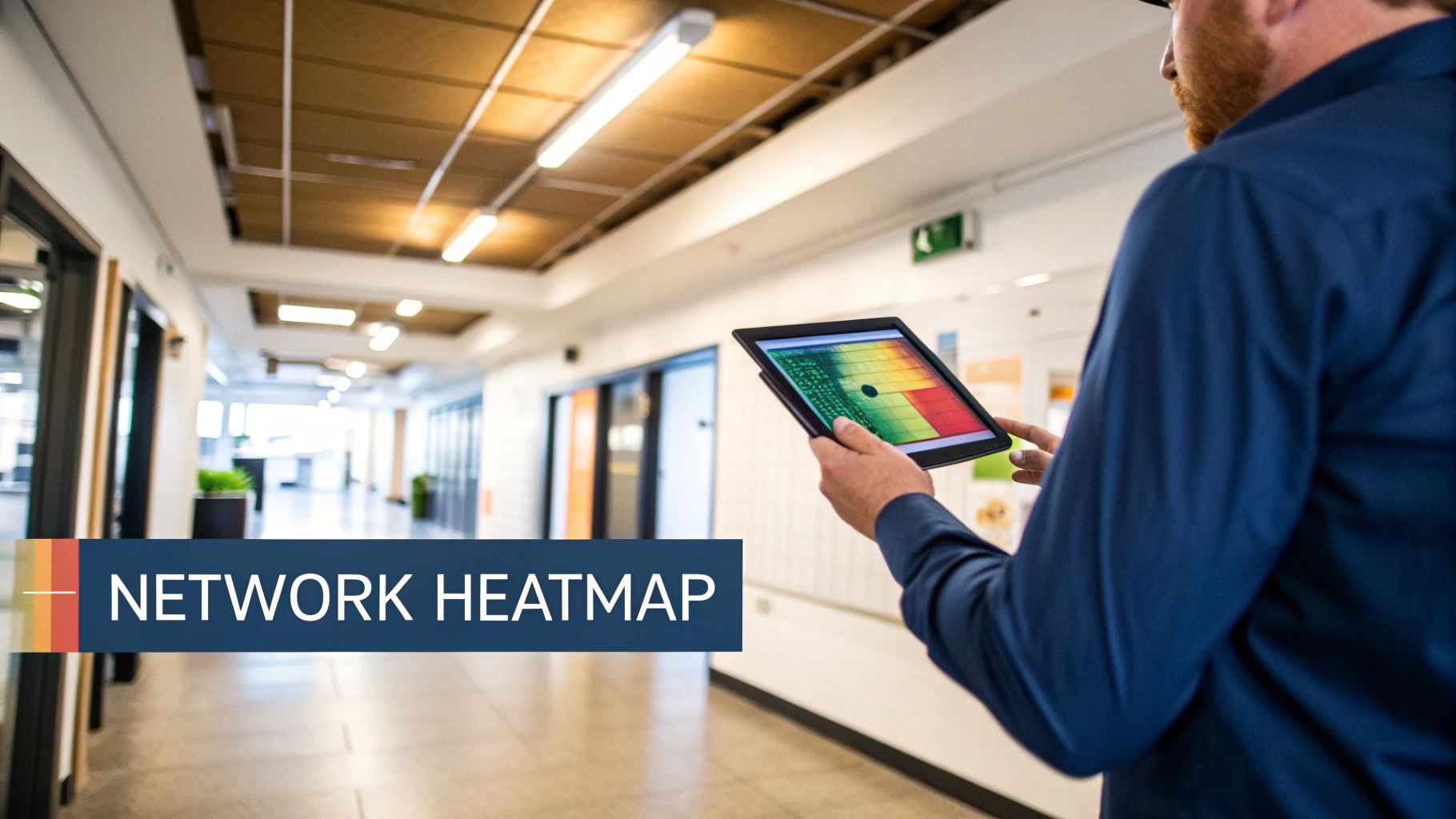
Here’s a truth we’ve learned from years in the field: a successful Wi-Fi deployment is 90% planning and 10% installation. Just buying a powerful wifi access point and hoping for the best is a surefire recipe for offline locks, patchy CCTV feeds, and operational chaos. Proper planning is about engineering a network that just works, flawlessly, from day one.
This is where the real work happens, long before a single cable is pulled. It’s about ditching the guesswork and using professional tools to understand exactly how radio frequency (RF) signals will behave in your specific space, navigating concrete walls and metal shelving. This methodical approach guarantees you get the performance you paid for and avoids the nightmare of costly post-installation fixes.
The Role of a Professional Wi-Fi Site Survey
A professional Wi-Fi site survey is the single most important step in planning your network. Think of it as an X-ray for your building’s wireless environment. An engineer uses specialised hardware and software to map out the entire RF landscape of your space before anything is installed.
The whole point is to see what your devices will see. This process reveals the invisible obstacles that can kill a Wi-Fi signal—things like dense concrete walls in a self-storage facility or metal fixtures that cause interference. Without this data, placing an access point is just a shot in the dark.
A site survey isn't just about finding dead zones. It's about proactive design—identifying sources of RF interference, testing signal strength through different building materials, and creating a precise blueprint for optimal access point placement.
This process ensures every corner of your facility, from the entrance to the furthest unit, gets a strong, stable signal. This is non-negotiable for systems where a lost connection means a customer can't get into their unit or a security camera goes offline.
Moving Beyond Coverage to Capacity Planning
Getting a strong signal everywhere—known as coverage planning—is vital, but it’s only half the story. The other, equally critical part is capacity planning. This is all about designing a network that can handle the demands of all your connected devices—locks, cameras, sensors, payment terminals—at the same time, without slowing to a crawl.
Imagine a storage facility with 200 smart locks and 50 HD CCTV cameras all trying to communicate at once. Even with a strong signal, a network planned only for coverage will buckle under that strain. Capacity planning calculates the total number of devices and the types of data they’ll be sending to make sure there's enough bandwidth for everything.
This involves:
Device Density Mapping: Pinpointing areas with a high concentration of devices.
Application Profiling: Understanding the data needs of each system (e.g., low-bandwidth for locks, high-bandwidth for CCTV).
Future-Proofing: Planning for future expansion and the addition of more connected devices.
By looking at these factors, you can figure out not just where to place each wifi access point, but also how many you actually need to avoid bottlenecks. To ensure your network stays secure and performs optimally after it's deployed, it's wise to lean on professional network support services. For a deeper dive into boosting performance, check out our guide on how to find the best channels for WiFi in your office.
From Cabling to Go-Live and Beyond
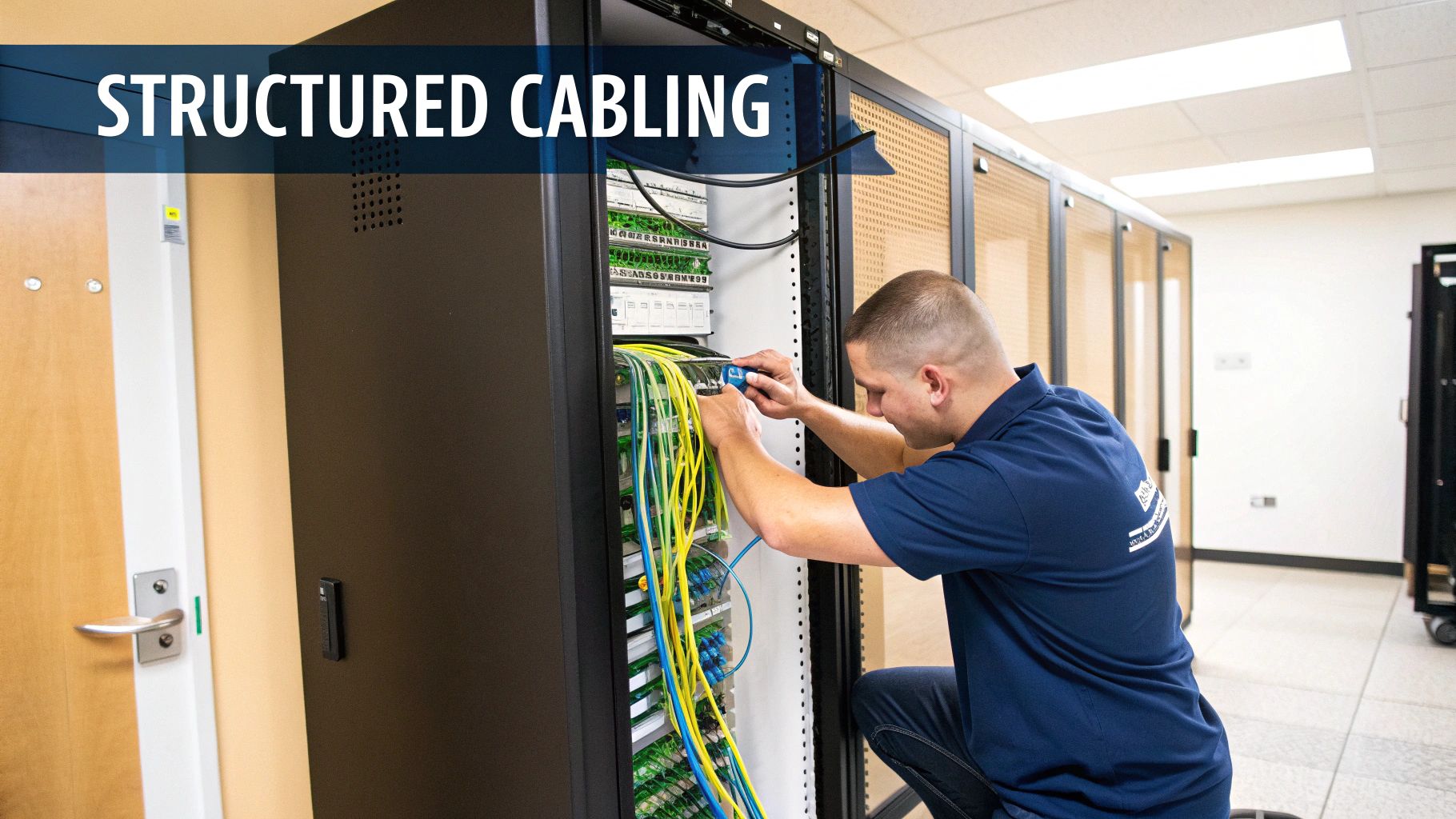
A world-class wireless network is built on a rock-solid wired foundation. It’s easy to get caught up in the advanced features of a new Wi-Fi access point, but its performance is completely at the mercy of the cable connecting it to your network.
Think of it like putting a high-performance engine in a car with worn-out tyres—you’ll never actually get that power onto the road. This is where professional, structured cabling and a certified commercial electrical installation become so vital.
For modern access points, especially those running on WiFi 6 or supporting high-power PoE devices, high-grade cabling like Cat6A isn't a luxury; it's a basic requirement. Using old, substandard cables creates a data bottleneck that will throttle your entire wireless network, no matter how powerful your new APs are.
Maintenance and Operational Considerations
The physical installation of each access point is a blend of technical precision and long-term planning. For an unmanned facility, maintenance and operational reliability are paramount.
Proper installation means paying close attention to these details:
Optimal Mounting: We follow the site survey blueprint to the letter. APs must be mounted correctly—usually horizontally on ceilings for that omnidirectional coverage—to maximize signal propagation through challenging materials.
Accessibility for Maintenance: While devices should be secure, they must be accessible for maintenance without causing major disruption. Placement should consider future access needs.
Clearance and Obstructions: Every Wi-Fi access point needs clear space around it to broadcast effectively. Installing them too close to metal air ducts, lighting fixtures, or other dense materials will cause signal reflection and interference.
This attention to detail during the physical rollout is what separates a professional, reliable network from one that's plagued with annoying performance issues and costly downtime.
A clean, methodical installation does more than just look professional. It ensures the access point operates within its optimal parameters, free from the physical interference that can degrade signal quality and undermine the entire network design.
Post-Deployment Monitoring and Optimisation
Getting your new wireless network up and running is a huge milestone, but the job isn't finished at go-live. An unmanned facility must be monitored remotely and proactively. The number of devices will inevitably increase, and new sources of interference can pop up unexpectedly.
Ongoing network monitoring and optimisation are essential to keep things running at peak performance for the long haul. This is an active process, managed through a cloud dashboard. It involves using management software to keep an eye on key performance indicators and making proactive tweaks. For a deeper dive into the structured cabling that underpins all of this, our essential guide to data cabling installation has you covered.
This continuous improvement cycle involves several key activities:
Analysing Device Health: We remotely monitor the status of every access point, lock, and camera to spot issues before they cause an outage.
Identifying New Interference: Regular scans of the RF environment are crucial to detect new wireless networks from neighbouring buildings that could be causing channel congestion.
Applying Firmware Updates: We make sure all access points and connected devices are running the latest firmware. This is vital for both security patches and any performance enhancements.
This end-to-end approach, from pulling the first cable to providing long-term remote monitoring, is how we guarantee your unmanned building remains a powerful and reliable asset.
Examples of Where These Systems Are Used
The principles of integrated access, power, and data are being applied across a growing range of sectors to create efficient, staff-free environments. Common examples include:
Self-Storage Facilities: Customers can rent, access, and manage their units 24/7 via a smartphone app, with NFC locks and CCTV providing security.
Co-working Spaces: Members can book desks or meeting rooms online and gain access using their phone, with Wi-Fi and power integrated at each workstation.
Unmanned Gyms: Members get 24-hour access via a secure portal, with the network managing everything from entry systems to lighting and climate control.
Student Accommodation & Aparthotels: Provides secure, keyless entry for residents and allows managers to handle check-ins and maintenance remotely.
Logistics and Last-Mile Delivery Hubs: Automated lockers and access points for couriers to drop off and collect parcels without on-site staff.
In all these cases, a robust wifi access point network is the critical enabler, tying all the autonomous systems together into a single, manageable whole.
Your Wi-Fi Questions, Answered
Planning a wireless network for your business always brings up a few key questions. Getting straight answers is vital for making the right call. Here, we tackle the most common queries we hear from business owners and IT managers, so you can move forward with confidence.
How Many Wi-Fi Access Points Do I Need for My Office?
This is usually the first question on everyone's mind, but the honest answer is: it depends on much more than just the square footage. The real drivers are your office layout (think walls, pillars, and glass partitions), the building materials used, how many people will be connecting, and what they'll be doing – video conferencing places a much heavier load on the network than just sending emails.
The only way to know for sure is to have a professional WiFi site survey done. It's a non-negotiable step that maps out the exact number and perfect placement for your APs. This guarantees you get flawless coverage and enough capacity without the access points interfering with each other and slowing everything down.
What Is the Difference Between a WiFi Extender and an Access Point?
It’s easy to get these two confused, but they do fundamentally different jobs. A WiFi extender, sometimes called a repeater, just listens for an existing wireless signal and shouts it out again. While that sounds simple enough, this process effectively cuts your available bandwidth in half and can create huge reliability headaches in a busy office.
A wifi access point, on the other hand, is the professional-grade solution. It connects directly into your main network with a dedicated data cable. This creates a brand new, full-strength wireless signal without sacrificing any performance, which is why it's the standard for any business that needs stable, high-speed connectivity that just works.
Can I Mix and Match WiFi Access Points from Different Brands?
While you technically can in some very limited scenarios, it's a terrible idea in a business environment and something we strongly advise against. When you mix brands, you completely lose the ability to manage the network from a single place, turning simple updates into a massive headache.
Even more importantly, it breaks one of the most critical features for a modern office: seamless roaming. This is the clever tech that lets your laptop or phone smoothly switch from one AP to another as you walk around the building without dropping your connection. For a reliable, secure, and easy-to-manage network, you should always stick to access points from a single, unified manufacturer.
Ready to build a robust digital backbone for your unmanned building project? The experts at Constructive-IT specialise in the integrated design and deployment of high-performance Wi-Fi, access control, and power systems for UK businesses. Get in touch today to discuss your project.
Comments